


October 11, 2025, 6:20 am | Read time: 2 minutes
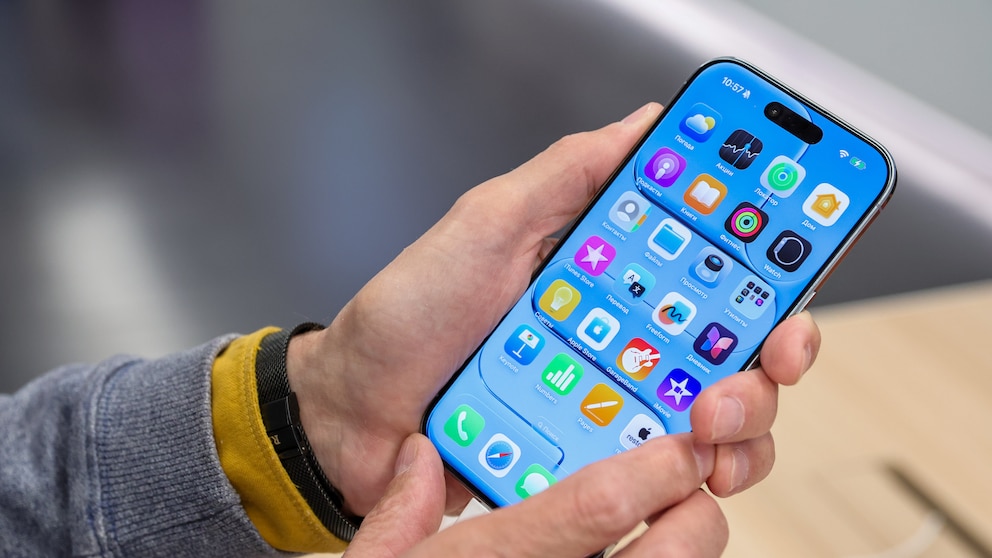
Apple significantly expands the iPhone’s phone functions with iOS 26. The update introduces two new smart features: a call filter against spam calls and a hold assistant that spares users from annoying wait times. Both innovations are directly integrated into the phone app and are designed to noticeably ease everyday phone use.
Automatic Detection and Filtering of Calls
The new call assistant intervenes as soon as an unknown number calls. In this case, the iPhone no longer rings but automatically answers the call. A Siri-like voice asks the caller for their name and the reason for the call. Only then is the user informed. The information captured by the system appears on the screen in text form, allowing the user to decide whether to accept the call.
In tests, the filtering already works very reliably. Unknown callers were correctly identified, and the automatic transcription usually provided a comprehensible summary of the call content. This allows users to assess whether it is a legitimate or unwanted call before answering.
My colleague Christian Just from COMPUTER BILD demonstrates the feature in the video:

How to Easily Silence Annoying Unknown Calls on Your iPhone

WhatsApp Introduces Noise Canceling for Calls
Activation via iPhone Settings
The call filter options are not found directly in the phone app but are hidden in the iPhone settings. You can access them either in the phone app via the filter icon and then “Manage Filters.” Or through the iPhone settings under “Apps” and “Phone.” Both paths lead to the “Check Unknown Numbers” option, where you can activate “Ask for Call Reason.”
New Help with Hold Times
In addition to the call assistant, Apple introduces a second feature with Hold Assist. It takes over calls that are on hold if desired–for example, with service hotlines. The iPhone stays on the line and notifies the user as soon as an employee answers the call. The user then receives a notification and can continue the conversation.
Unlike the call assistant, Hold Assist does not require prior activation. The iPhone automatically detects during an ongoing call if a hold starts. A small notification window allows the feature to be activated with a button press during a call.