


June 10, 2025, 12:58 pm | Read time: 6 minutes
iOS 26 is a reboot for the iPhone operating system. Not only is Apple saying goodbye to the previous numbering (ending with iOS 18), but a new interface aims to make the OS future-ready. At the iPhone event in Cupertino, California, Apple announced the launch date.
At the WWDC25 developer conference in June, Apple unveiled the latest versions of its operating systems, including iOS 26. The final version of the operating system will be released on September 15. The year number (for the upcoming year) is now meant to emphasize currency and is consistent across all systems. Also consistent is the unified design language that runs through all of them–Apple calls it Liquid Glass. TECHBOOK got a sneak peek at what this entails and what else is new in iOS 26.
Liquid Glass Turns the iPhone into a Pane of Glass
Although many quickly dismiss the new user interface as a clone of the 18-year-old Windows Vista UI “Aero Glass,” a closer look reveals how much more complex Apple’s Liquid Glass really is. The glass effect with transparent controls is not just superficial. Liquid Glass is designed to behave like real glass. This means that light refracts realistically on elements beneath the “glass.” When scrolling through a list overlaid by a glass surface, the elements appear distorted as they pass the glass curvature. It’s similar to holding the edge of a drinking glass in front of the smartphone screen (try it!).
When using it, you notice how much more dynamic iOS 26 feels. Buttons can not only be clicked but often dragged with a finger. This is particularly noticeable when switching between tabs. Elements also change their shape and position when navigating through the operating system, depending on what the user is doing. The whole thing is reminiscent of the behavior of Dynamic Island. This gives the operating system a new fluidity that was previously lacking.
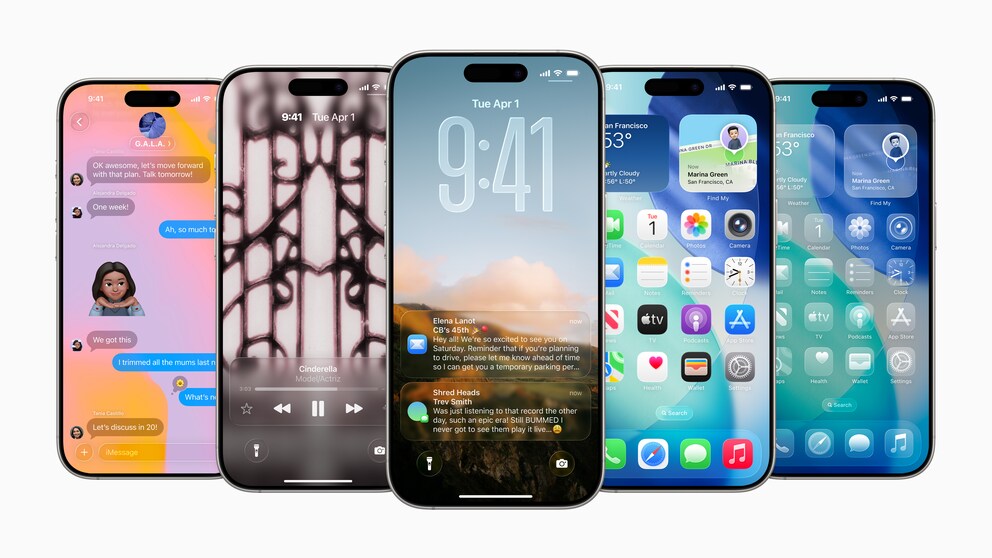
All surfaces–windows, dialog boxes, buttons–are also larger and therefore easier to use. The free-standing text buttons (text without borders) from previous iOS versions are finally a thing of the past. So far, clickable text is often only recognizable by color (such as blue or red). Options like “Edit” in settings now have their own small glass surface to visually stand out and clearly indicate they are clickable.
Apple has even dared to tackle app icons. The standard apps have had practically unchanged looks since iOS 7. The icons have been generally revamped and are more three-dimensional, with a more playful design featuring multiple layers. This is a clear departure from the flat iOS design Apple has used since iOS 7. However, the camera app stands out the most, returning to the original app icon with the camera lens.

Fresh, but also functional?
Before the WWDC keynote, I was very skeptical about whether the new glass interface was the right path for Apple’s operating systems. I have to admit that I like the new look and fluid operation in iOS 26. In contrast, iOS 18 seems almost old-fashioned and rigid.
A problem Apple still needs to solve before the fall release is readability. The playful, transparent look often makes text nearly unreadable during use. Transparent buttons are chic, but if the content merges with the background, you suddenly can’t see anything. At least Apple still has time and options. For me, more translucency instead of transparency is conceivable–although that would literally cloud the look of Liquid Glass. It’s also possible that the text could automatically stand out from the background with a contrasting color. However, this brings new problems, such as for colorblind people.
New Camera App
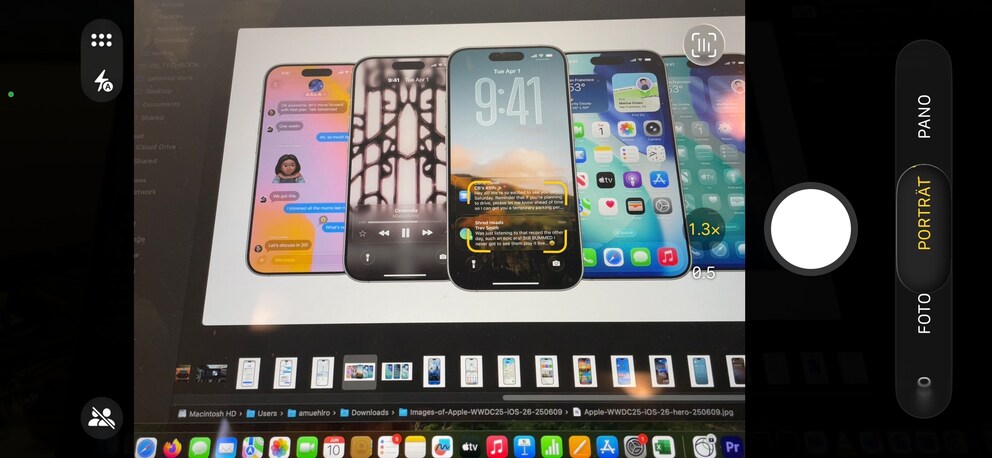
Not only is the icon brand new in iOS 26, but the camera app itself has been fundamentally redesigned. In the main view, only “Video” and “Photo” appear as recording options. The rest (slow-motion, time-lapse, panorama, etc.) is only accessible by swiping on the options bar. Settings like exposure, filters, and timer can be accessed either by holding and swiping up on the options bar or through a small menu on the side.
Read more: These iPhones will no longer receive the iOS 26 update

Transparent Surface in iOS 26 Can Be Disabled Again

iOS 26.1 Is Here! Should You Install the Update Right Away?
Phone App and iMessage with New Features
Not only has the phone app received a new, unified view, but it’s also packed with new features that were previously only available from other smartphone manufacturers. The app can screen incoming calls, recognizing unknown numbers, answering, transcribing the call content, and only then ringing. This way, users already have information about the reason for the call before they pick up.
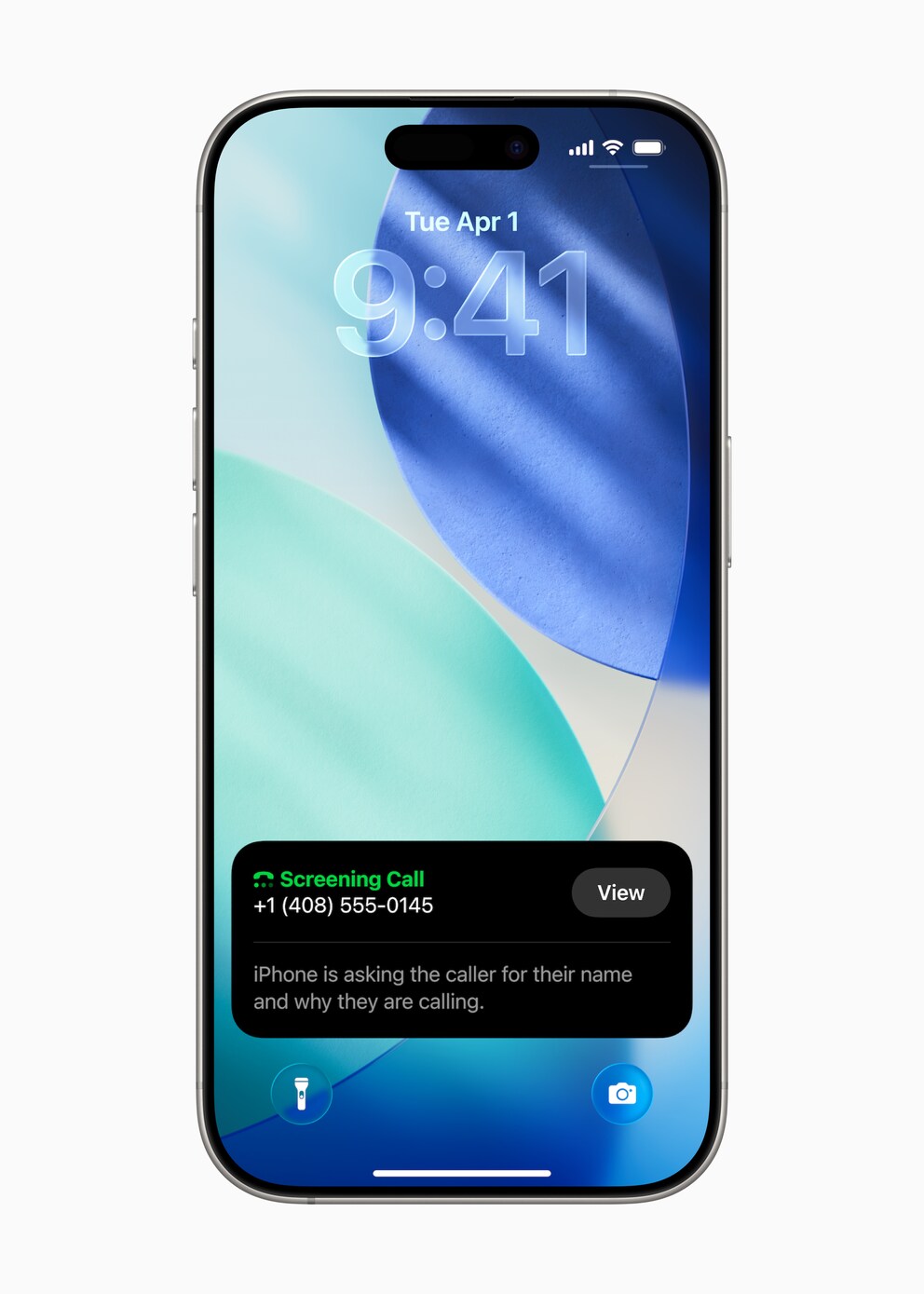
Also new is the option to hold calls. If you’re in a service call queue, the iPhone with iOS 26 can take over for you. The option appears automatically in the phone app. When the call resumes, the user receives a notification to pick up again.
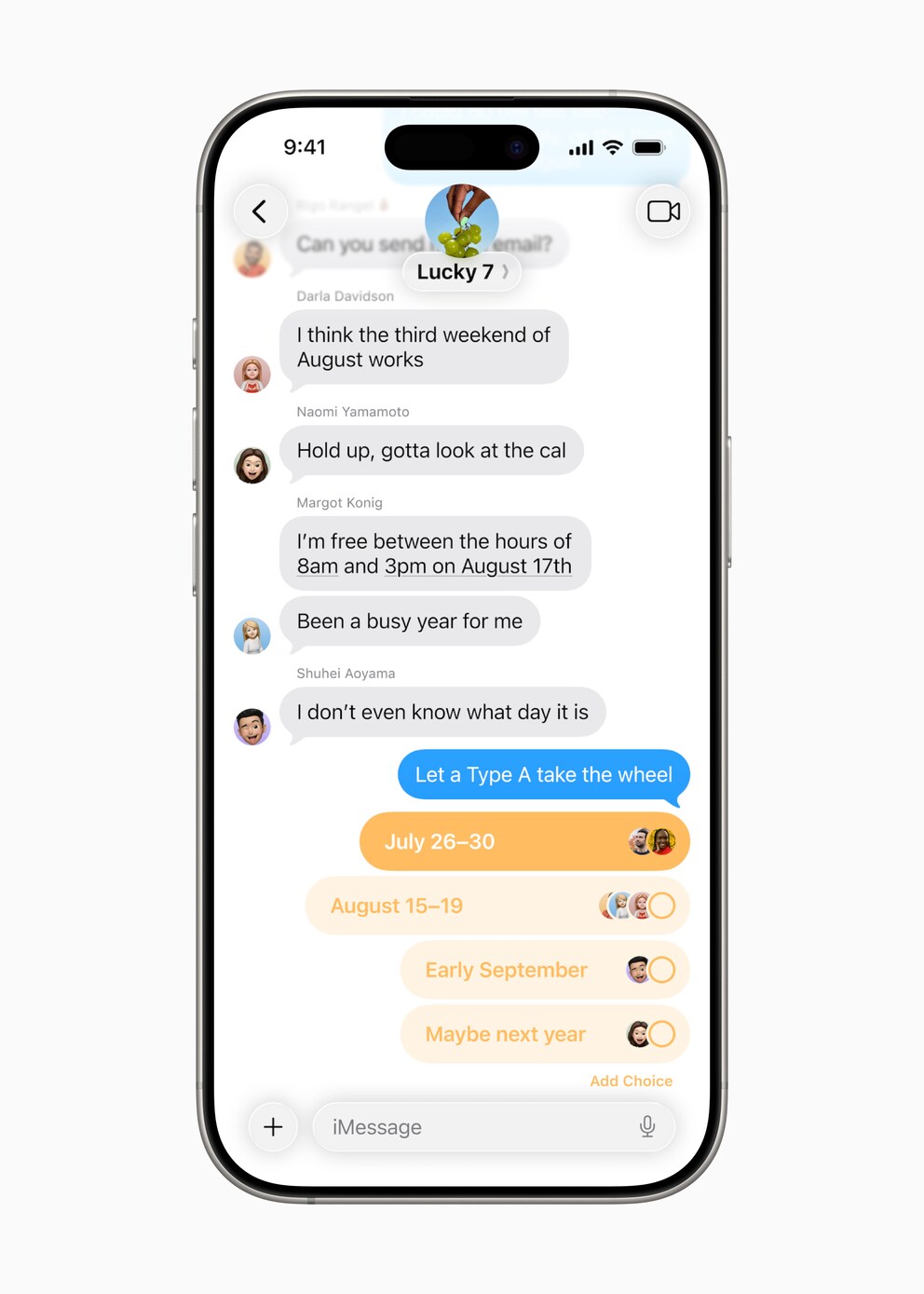
iMessage is getting a handy feature that’s been available on WhatsApp for a long time: polls. Simply click the “+” symbol, select “Polls,” and set the options–done. Additionally, group chats now show indicators of who is currently typing. For a bit more personalization, individual images can be set as backgrounds for chat windows.
Further Innovations in the iOS 26 Beta
The iPhone now supports live translation in FaceTime, the phone app, and iMessage. The option appears automatically and translates content from the other person’s language into your own–and vice versa.
A similar feature appears in Apple Music, which can not only translate lyrics but also help with pronunciation. Speaking of music: AutoMix can blend songs together–of course, AI-supported.
Visual Intelligence can now access content on the screen and extract details like date and location for an event.
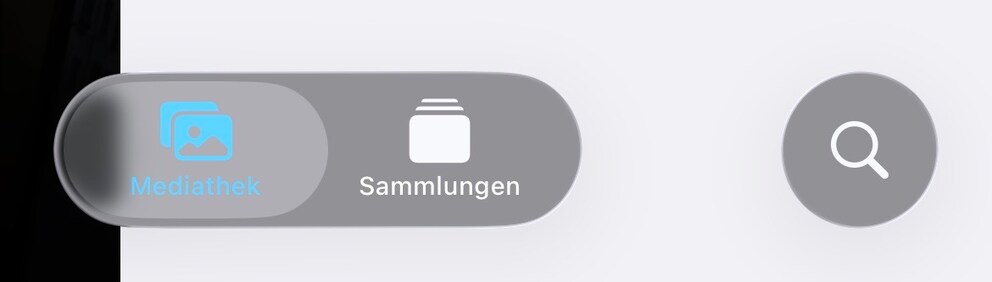
Tabs (for library and collections) are back in the Photos app, after Apple removed them with iOS 18. Many users had complained about the app’s new layout. It seems to be one of the rare cases where the company responded to user criticism.
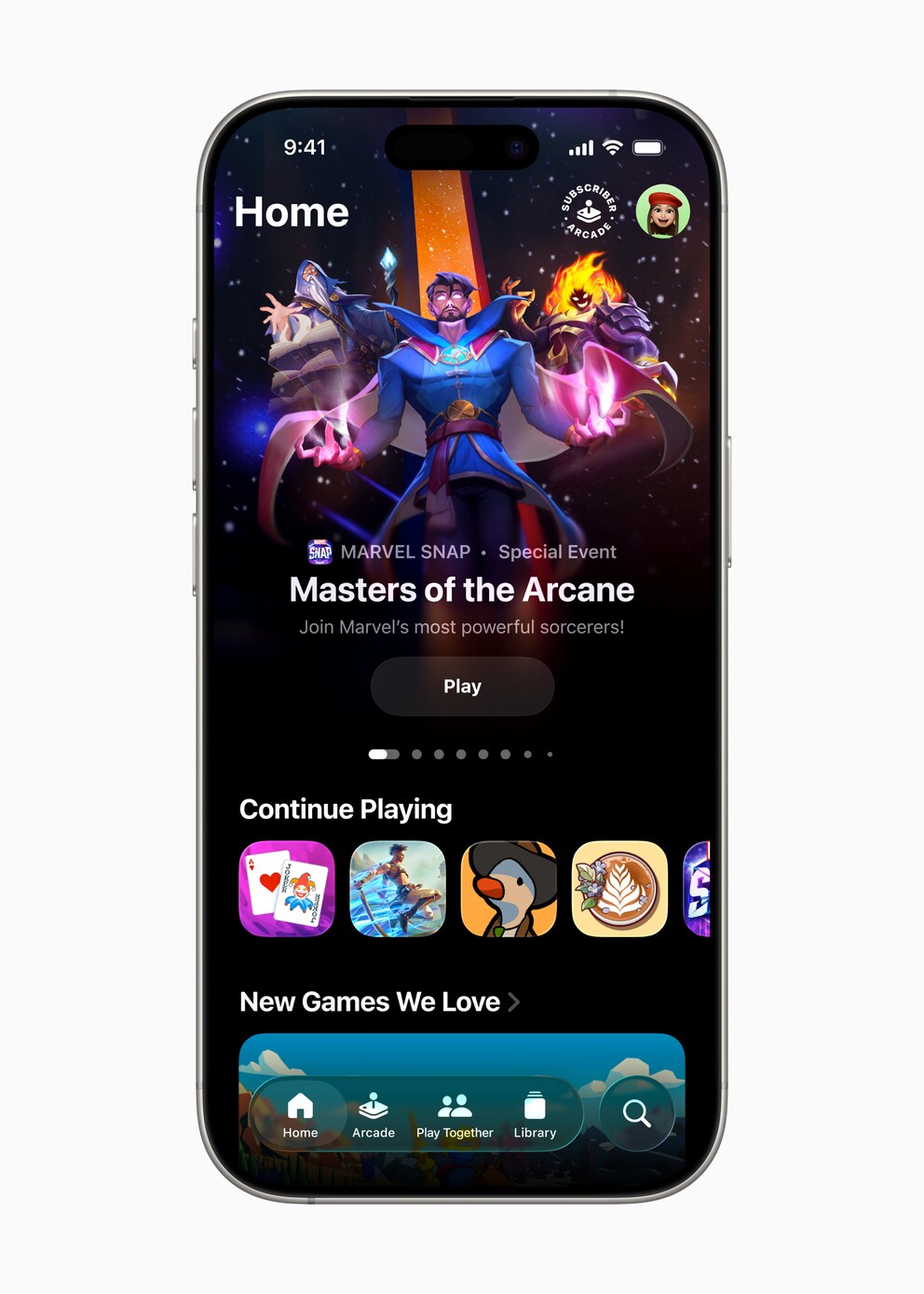
A new app also comes to the iPhone with iOS 26. Games consolidates all games installed on the iPhone into one interface, shows game charts and achievements, and allows playing with friends.
Image Playground now offers the ability to generate realistic images of people, rather than just in cartoon style as before.