

October 15, 2025, 5:34 am | Read time: 2 minutes
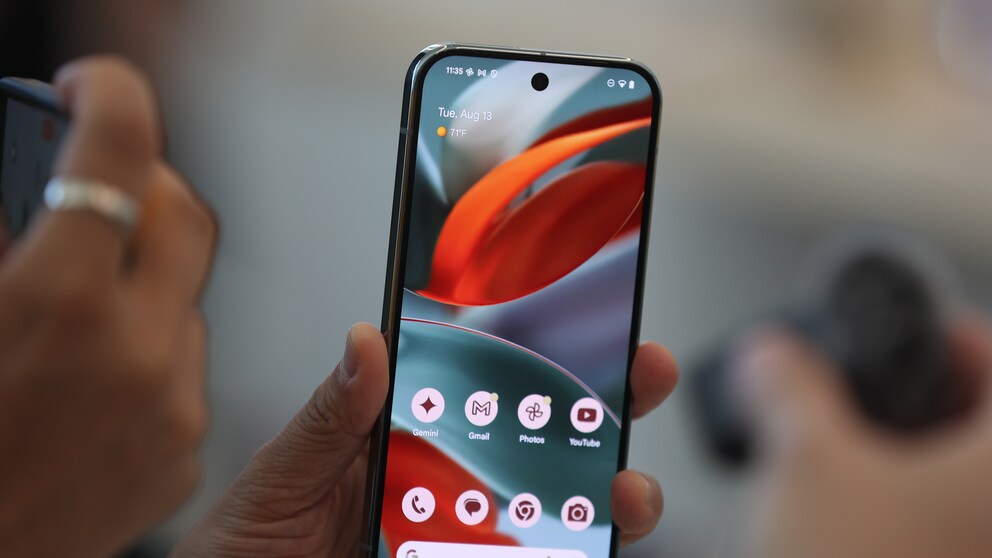
More and more Google Pixel smartphone owners are reporting an annoying phenomenon: Numerous apps suddenly crash or freeze. Why these problems occur is still unclear—and an official solution is yet to be provided.
Unexpected App Crashes on Pixel Devices
Since last weekend, reports have been increasing from Pixel users whose apps freeze or close without apparent reason, as reported by “Android Police.” The familiar error message “(App) is not responding” then appears on the screen. The new Pixel 10 models are primarily affected, but some Pixel 9 owners are also reporting similar issues. Other Android smartphones do not seem to be affected.
Suspected Issues with Google Play Services
Neither restarting the device nor reinstalling the affected applications has provided relief for users so far. Google has not yet commented on the crashes. Since various apps are apparently affected, a lot points to a problem with Google Play Services—the central software package that controls numerous Android functions and app services.
Also interesting: Hands-on with Pixel 10 Models—What Google is Doing Differently
YouTube Video Causes Google Smartphones to Crash–Company Responds

Error with Google Pixel Causes Missed Calls
Possible Workaround from the Community
On Reddit, users report a possible, albeit only temporary solution. Affected users should first check if the October update for Android is installed. Then, it may help to uninstall and reinstall Google Play Services and the Google Play Store. Those who have not yet experienced crashes should, according to community tips, avoid updating Google Services for now. Alternatively, clearing the cache of the two Google services might help.
Caution When Uninstalling
There is no definitive solution from Google yet. However, Reddit users warn against uninstalling Google services lightly. Doing so will automatically log users out of their Google account, which can lead to some apps not functioning as usual afterward.
It remains to be seen when Google will officially confirm the problem and provide a permanent fix. Until then, affected Pixel users will have to make do with provisional solutions.