


March 9, 2023, 10:20 am | Read time: 4 minutes
A new update is available for the PlayStation 5, and it’s quite substantial. After a month-long beta test, Sony is rolling out several new features for the gaming console. TECHBOOK reveals what they are.
The current update for the PlayStation 5 upgrades the software to version 7.0.0. Highlights include features such as support for a popular messenger and new graphics functionality. However, there are also numerous smaller updates.
Overview
Update brings Discord to the PlayStation 5
Sony has already tested the integration with the messaging service Discord. Until now, it was only available to beta testers. With the update to version 7.0.0, the Japanese manufacturer is now rolling out the feature to all PlayStation 5 owners. The Discord messenger is popular in the gaming industry. Many players use it to communicate and take advantage of the integrated voice chat feature. With the latter, players can now chat cross-platform with other Discord users during games.
To link their Discord account with the PlayStation, users should follow these steps:
- Open the menu on the PlayStation 5 and go to settings.
- Then, under “Users and Accounts,” select “Linked Services.”
- Here, you can now link the Discord account with the console. Simply scan the displayed QR code with your smartphone or use the browser login function.
However, there is a limitation: The voice chat on Discord can only be started via the app on a smartphone or PC, despite the update for the PlayStation 5.
Wireless updates for PS5 controllers and smoother display
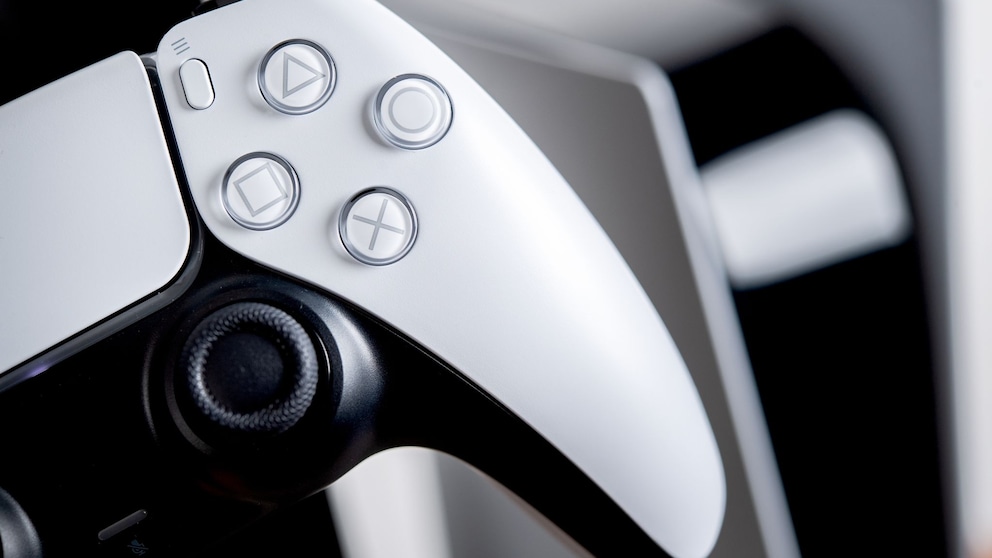
In addition to the Discord integration, the update brings more new features for the PlayStation 5. These include, for example, the ability to update the Dualsense wireless controller wirelessly from now on. If it doesn’t work immediately, Sony advises in its blog to first update the controller via USB cable to enable the wireless update option.
Another new feature is support for variable refresh rates (VRR) at 1440p resolution (2560 by 1440 pixels), often referred to as WQHD (Wide Quad High Definition). Until now, VRR was only available at Full HD and 4K resolutions. To use the smoother display, players need a compatible monitor or TV with an HDMI 2.1 connection.
Also read: PlayStation, Xbox, Switch, or Steam Deck–which console is worth it for whom?
New PS5 Update Seems Unremarkable but Packs a Punch

Sony Unveils First Official PlayStation Monitor
Other new features of the PS5 update
Other new features of the PlayStation 5 update include the following:
- Request screen sharing directly from a friend’s profile or share your screen with a friend.
- Join a game directly in party chats. There is a symbol for group members on the voice chat card.
- Better overview of friends who are currently playing. The PlayStation update brings a display to the game hubs, allowing players to see which of their friends own the game, who is currently online, and who is playing the game. By selecting the tile, you can also see what your friends are doing.
- Upload screenshots and clips directly from the PlayStation 5 to the app.
- Games can now also be sorted and filtered when added to the game list.
- Detailed presets for multiplayer sessions, allowing you to specify in advance who can join multiplayer sessions and invite other players. The setting can be found in the menu under “Saved Data and Game/App Settings” and “Game Presets.” Select “Online Multiplayer Sessions” and set your preferences.
- Transferring saved data from the PS4 to the PS5 is made easier.
- Easier data transfer from PS5 to PS5 via a local Wi-Fi network or LAN cable. The data can be transferred either during the initial setup of the PS5 console or later via the settings menu.
- Improvement of the screen reader with detailed navigation instructions on the console.
Also read: Is Sony skipping the PlayStation 5 Pro and going straight to the PS6?
How the update comes to the PlayStation 5
The update to version 7.0.0 is now available for download for the PlayStation 5. The console downloads it automatically, which can take a few minutes due to its size of 1.1 GB. Users can also manually search for the new software in the settings under “System” and “System Software.” Since Sony is making the update available worldwide, it may take a few days for it to reach every PlayStation 5.
With material from dpa.