

September 22, 2026, 3:15 pm | Read time: 3 minutes
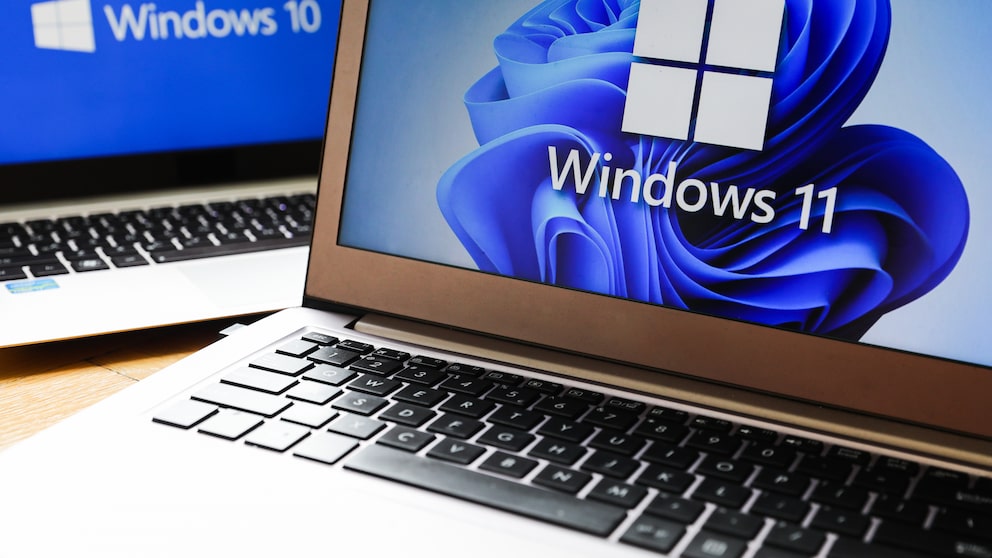
Microsoft has released an unscheduled update for Windows 10 and Windows 11. The background is issues that arose after a security update on September 8, 2026. The new patch is intended to fix several errors and is available for various Windows versions.
Issues with Linux Systems and File Sharing
One of the errors affects virtual Linux computers operated via the Windows Hyper-V function. After the security update, shared folders on the Windows computer could no longer be used in some cases. This restricted access to shared files.
Microsoft explains in the Windows Message Center that the disruption occurs in connection with the shared folders. As a result, users could not access content shared between Windows and the virtual Linux system as usual.

Microsoft Releases Urgent Update for Windows 11

Microsoft Closes Record Number of Security Vulnerabilities
Remote Access and Audio Devices Affected
A more severe issue was with remote access. The service responsible for this could no longer respond in some cases. As a result, new connections could not be established. According to Microsoft, the disruption could even prevent users from logging in to the affected computer or remotely. This error led to significant restrictions, especially for systems regularly used via a remote connection.
Also of interest: Microsoft closes a record number of security vulnerabilities
In addition to the issues with Hyper-V and remote access, Microsoft mentions another error. Some USB audio devices using the older USB Audio 1.0 standard are affected. The audio devices can fail when multiple audio channels are played simultaneously. Microsoft does not specify which models are affected.
Emergency Patch Available
On September 14, Microsoft provided the fix in the form of an out-of-band update. This is a special update outside the regular monthly update cycle.
On devices with Windows 11 in versions 26H1, 25H2, and 24H2, the update is automatically downloaded and installed. The patch is intended to correct the reported errors and also includes additional security fixes. For Windows 11 23H2 and Windows 10 22H2 in the ESU program, Microsoft classifies the update as optional and not security-relevant. ESU stands for “Extended Security Updates” and refers to additional security updates for Windows 10 after the regular support ends.
To manually install the update, open “Settings” and then “Windows Update.” A click on “Check for updates” followed by “Download and install” is sufficient. Under Windows 11, the update carries the identification number KB5129242. For Windows 10, the corresponding ID is KB5129236.
Both packages are also available for download in the Microsoft Update Catalog. For most supported Windows versions, the emergency patch already includes all improvements from the September 8 security update. Therefore, prior installation of the original update is not required.