

October 16, 2025, 12:29 pm | Read time: 2 minutes
QR codes can be scanned directly on the same smartphone without a second device. We’ll show you how it’s done.
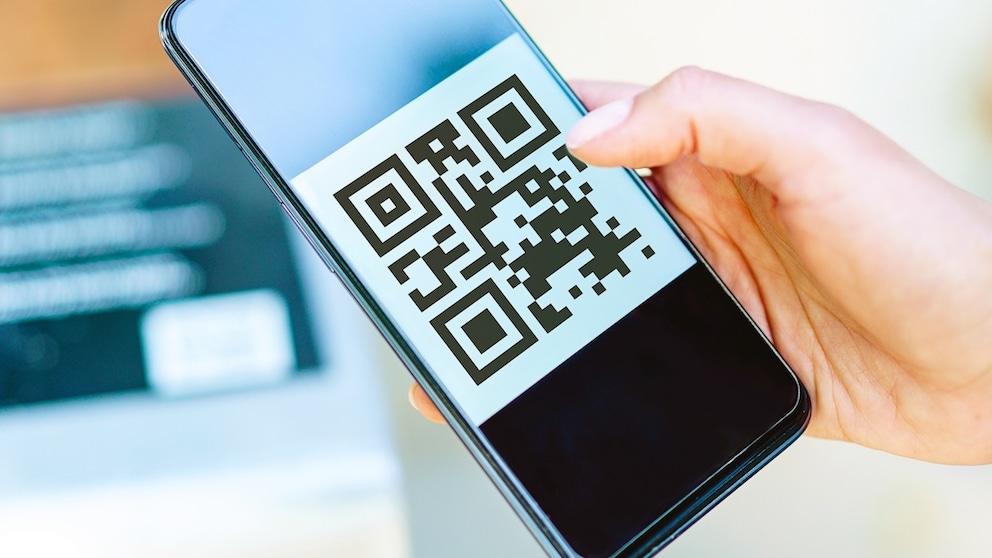
Scanning QR codes is common in everyday life–whether for Wi-Fi access, opening a website, or displaying tickets. Usually, a quick tap on the camera app is enough. But when the code is on your own smartphone, it initially seems like a problem. However, there are simple ways to scan a QR code without a second device.
Scan QR Code Without a Second Device on Android
If you want to scan a QR code without a second device, you can easily do this on Android smartphones using the Google Photos app. The requirement is that the QR code is saved as an image on the device. A screenshot of the website or app displaying the code is usually sufficient.
Users then open the “Google Photos” app and select the corresponding image. The “Lens” option appears at the bottom. After tapping it, the app automatically recognizes the QR code and offers the appropriate action–such as opening a page or starting an app link.
Alternatively, the QR code can also be read directly via the Google Lens app. To do this, simply open the saved image in Lens. The application identifies the code and displays the associated content.

DKB Introduces Important Update for Faster Transfers

Google Photos Introduces New Sharing Feature
Read QR Code from iPhone Display
It’s also possible to scan a QR code without a second device on iPhones. The integrated Photos app is sufficient; no additional software is required. The code must first be available as a screenshot on the device. Users then open the Photos app and select the corresponding image.
An icon with three framed lines appears in the toolbar. After tapping it, the system recognizes the QR code and displays suitable options, such as “Open in Safari” or “Open in Chrome.”
Alternatively, the QR code can also be activated directly by long-pressing. The image is highlighted, and iOS automatically shows the available actions.
Practical Use in Everyday Life
The ability to scan a QR code without a second device simplifies many everyday tasks. Whether saving digital tickets, sharing Wi-Fi access, or opening websites–with the integrated tools in Android and iOS, QR codes can be read directly from the screen. This eliminates the need for a second smartphone or another device.