

April 16, 2026, 2:31 pm | Read time: 2 minutes
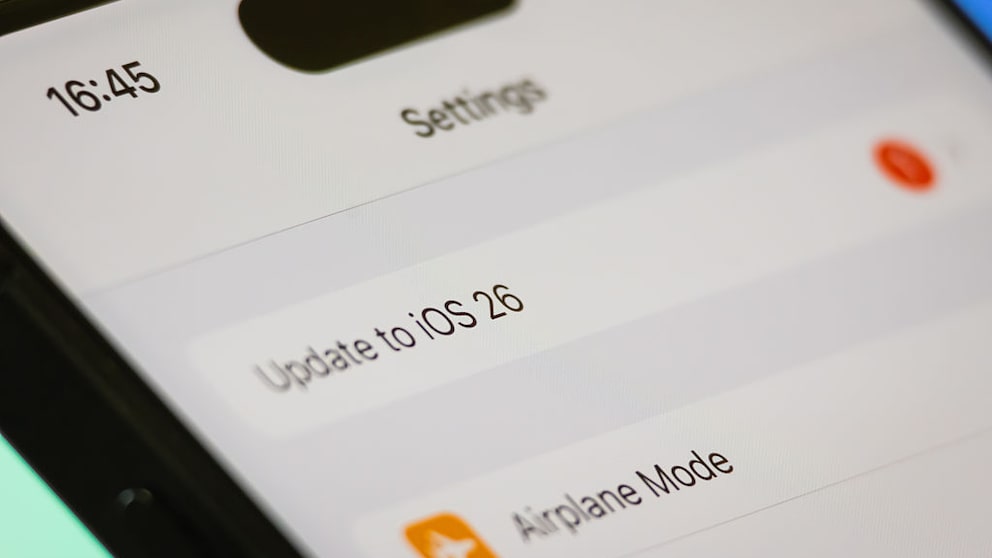
An iPhone user from the U.S. was locked out of his device. The cause is an update to iOS 26.4, after which a specific character is no longer available on the keyboard. This character, however, was part of his passcode. The affected individual now faces an unsolvable problem.
Complex Passcode with Special Characters
The 21-year-old U.S. student Conner Byrne used an alphanumeric passcode for his iPhone 13. In addition to numbers and letters, he also used the so-called háček. This is a diacritical mark primarily found in Slavic languages and used in Czech to indicate pronunciation. This combination made the code particularly complex.
Update Removes Important Character
On April 5, 2026, Byrne updated his device from iOS 18 to iOS 26.4. What he didn’t know: After the update, the special character is no longer available on the standard keyboard for password entry. According to “The Register,” the student can no longer enter his own passcode and cannot unlock the iPhone. According to Byrne, the device contains many locally stored photos with high emotional value. The smartphone itself is heavily worn and has a cracked screen.
How Easily Unauthorized Users Can Access Data and Passwords on the iPhone

iOS 26.4.1 Is Here! Should You Install the Update Right Away?
No Help from Apple
Byrne reportedly tried various methods to regain access. These included trying all keys, scanning a handwritten password, an iOS downgrade, and a password change. Even an appointment at the Genius Bar in the Apple Store was unsuccessful. The problem could not be solved there. An employee even attempted to reset the device without the owner’s consent. However, Byrne was able to prevent the data from being erased.
Also of interest: It’s getting serious! iPhone Fold already in test phase
Switch to Android and Open Questions
The student now uses an inexpensive Android smartphone and hopes for a fix from Apple. But even on Reddit, no one could help him. Apple has not yet responded to inquiries from The Register.
The háček is still available on the Czech iPhone keyboard. However, it cannot be selected during password entry. Users with iOS 18 and such a character in their code should change it before updating to iOS 26.