


March 1, 2023, 5:08 pm | Read time: 5 minutes
Criminals are constantly finding new ways to access passwords and banking data from iPhone users. A particularly insidious scheme is currently widespread in the U.S.
According to a comprehensive report by The Wall Street Journal, hundreds of people have fallen victim to a surprisingly simple identity theft scheme. To take over Apple ID, passwords, and banking data, all it takes is access to the iPhone and its passcode.
Unauthorized Access to Passwords and Data on the iPhone
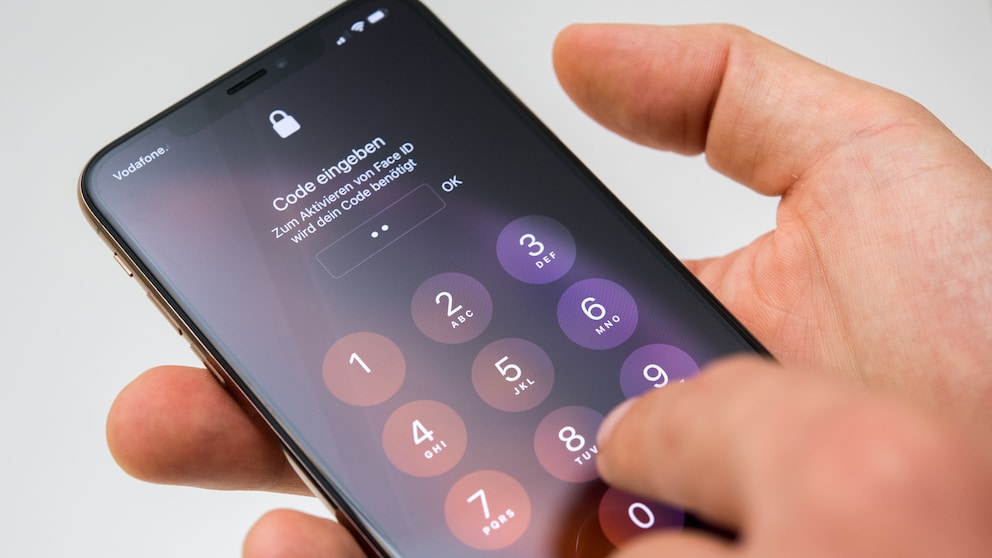
In the U.S., there are increasing cases where individuals have their iPhones stolen and are shortly thereafter locked out of their own Apple ID. The process is usually the same: Strangers observe someone entering their passcode (also known as an unlock PIN)–only to steal the iPhone and use the code to reset the Apple ID password. Typically, this requires only entering a code sent via SMS directly to the stolen iPhone. The criminals can bypass locks like Face ID and Touch ID and lock the owners out of their own account with a new password. This also allows them to disable the “Find My” feature, preventing owners from locking or resetting the iPhone remotely. Additionally, they can disconnect other Apple devices from the Apple ID that would otherwise have access to the account. In the worst-case scenario, the criminals set a one-time recovery key, without which resetting the Apple ID password is no longer possible.
Read also: The Most Secure Password Managers for Smartphones and Browsers
Access to Apple Pay and Banking Apps
If owners no longer have control over their iPhone and Apple ID, criminals have free rein. With the passcode, they can access Apple Pay and even view passwords stored in iOS or a browser–thereby finding login data for banking apps. In the cases reported by The Wall Street Journal, criminals were able to transfer several thousand to tens of thousands of dollars within a few hours, send money via Venmo (a subsidiary of PayPal), or spend it on purchases. But that’s not all: with passwords from the iCloud Keychain, they also have access to email accounts, social media, and more. In some cases, they even found sensitive documents like the Social Security Number and passport in the Photos app. In the U.S., the Social Security Number can be used to open an Apple Card, allowing criminals to empty the account.
TECHBOOK has asked Apple whether the company plans further security measures to put an end to identity theft and what users can do in the meantime to protect themselves. As soon as we receive a response, we will update this article accordingly.

What to Do if You Forget Your Apple Keychain Password

iOS Update Locks Owners Out of Their Own iPhones
How You Can Protect Yourself
There are ways to prevent criminals from using the iPhone and its passcode to lock users out of their Apple ID and access passwords.
Read also: How Google Wants to Replace Passwords with Its “Passkeys”
Use an Alphanumeric Passcode and Password Manager
Normally, the iPhone only requires a six-digit numeric code to set up a device lock. However, criminals can relatively easily track this by simply observing the entry–or even filming it. The Wall Street Journal reports that in some cases, strangers try to befriend users to take a photo together. They then turn off the iPhone–which requires passcode entry when turned back on.
Primarily, you should use Face ID or Touch ID to unlock whenever possible. If the iPhone requires manual entry, such as after a restart, enter the passcode discreetly under your hand–like at an ATM. To make it harder for unauthorized persons to obtain the combination, you can also set an alphanumeric passcode. This includes letters as well as numbers, making it significantly harder to decipher. This option can be found in the settings under Face ID & Passcode>Change Passcode>Passcode Options>Custom Alphanumeric Code.
Additionally, do not save passwords in the iOS Keychain, but set up your own password manager. This ensures that no one can access your other passwords with the passcode.
Create a Recovery Key
Criminals exploit a gap in Apple’s security structure to reset the Apple ID with a new password. This is because resetting only requires a trusted phone number, which in most cases is the number used on the iPhone itself. The code to complete the process is then simply sent via SMS. Unfortunately, setting up an authenticator app for this process is not provided by Apple.
However, iPhone owners have another way to prevent unauthorized resetting of their Apple ID. They can create a recovery key, without which changing the password is not possible. This also prevents someone from setting a new trusted number or creating a new recovery key to lock you out of your own Apple ID.
Read further: Apple Introduces Security Keys and End-to-End Encryption for iCloud
Do Not Save Photos of Sensitive Documents
While it’s convenient to have your passport number readily available in the Photos app, it gives criminals a larger attack surface to cause harm. Although it’s more difficult in Germany than in the U.S. to open an account with simple photos of a document, it doesn’t hurt to play it safe. If absolutely necessary, you can store photos in the Notes app and protect them with a password.
Source
Wall Street Journal: “A Basic iPhone Feature Helps Criminals Steal Your Entire Digital Life” (accessed March 1, 2022)