


July 21, 2026, 4:21 pm | Read time: 3 minutes
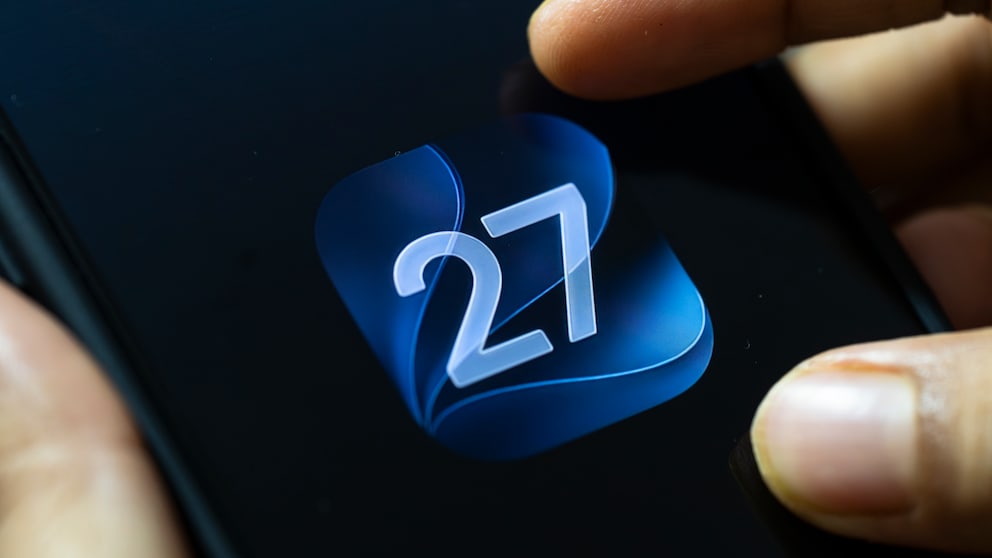
The iPhone event in September is approaching—development of iOS 27 is therefore in full swing. Since its initial unveiling at WWDC 26 in early June, the fourth beta version is now available for developers to download. TECHBOOK reveals what’s in the update.
Hints of iPhone Ultra in the Code of iOS 27 Beta 4
Apple often hides small hints about upcoming devices in the program code of its operating systems. Recently, entries like “foldState” and “angleDegrees” were found by a developer, which clearly suggest a folding mechanism.
The iPhone Ultra, set to launch in September alongside the iPhone 18 Pro and 18 Pro Max, is expected to be Apple’s first smartphone with a foldable display. In iOS 27 Beta 4, new code sections appear that are specifically written for the new device. “Macworld” discovered the following entry: “These iPhone batteries deliver the expected performance.”
Some may already be familiar with this wording from the battery status display in iOS. The difference, however, is that Apple explicitly mentions multiple batteries—as is common in foldable smartphones. Typically, each half of the device has a battery. The code even provides another hint that the iPhone Ultra can detect when only “one of the batteries” is not an original Apple component.
Code in iOS 27 Announces 6 New iPhone Models

Apple Announces iPhone Event–Here’s What to Expect
New Siri Settings
One of the biggest innovations coming with iOS 27 is the AI-powered Siri. In preparation for its introduction, Apple is making changes in many areas, as “MacRumors” reports. The selection screen for Siri voices now has the same, more streamlined look on all compatible iPhones. Previously, the new design was limited to iPhone 17 Pro, 17 Pro Max, and iPhone Air.
In the Siri settings, you can also set the length of previews in the Siri app that comes with iOS 27. Options include up to five lines or no display. In the Siri options under accessibility, a new switch appears that allows a transcription of each spoken Siri request to be displayed on the screen.
Further Innovations
- In the Apple TV app, a new “Automatic Downloads” option appears, allowing the next two episodes of an actively watched series to be downloaded.
- The Photos app slightly enlarges images in iOS 27 to fit the screen format. This setting can be disabled.
- In the Camera settings, the new video encoding format ProRes Log 2 can be selected, which stores more image information than the previous Log format.
- For individual WiFi networks, Connection Support can now be turned on or off separately, regardless of whether the feature is generally active.
- The AirPods settings in the Control Center have received a new design.