


December 16, 2025, 12:07 pm | Read time: 3 minutes
Apple has just released iOS 26.2, but the follow-up update is already available for developers to test. The current beta of iOS 26.3 may have a limited scope so far, but the new features significantly enhance iPhone usage. Among other things, Apple is meeting EU requirements that demand seamless interaction with devices from other manufacturers.
iOS 26.3 Simplifies Switch to Android
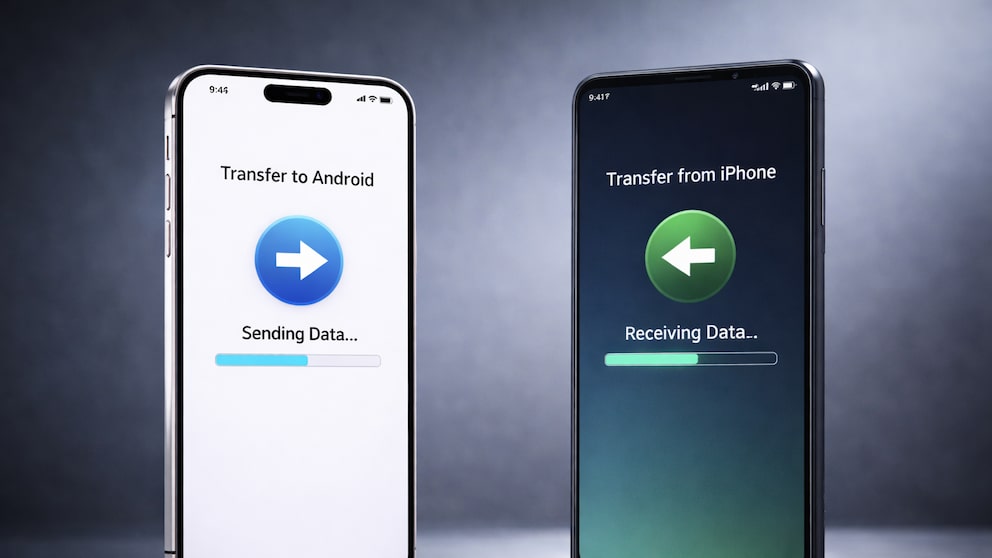
As TECHBOOK has already reported, Google is currently working on an easy way to switch to an iPhone in the Canary version of Android. With iOS 26.3, Apple introduces a similar tool that facilitates data transfer from an iPhone to an Android smartphone.
In the settings under “Transfer/Reset iPhone,” the new option “Transfer to Android” appears. In the future, it will be possible to place the Android device and iPhone next to each other “to establish a connection and start the transfer,” as Apple states in the description of the instructions.
Users can then transfer photos, messages, notes, apps, passwords, and the phone number. However, not all data will be transferred to the Android device. The iPhone does not share health data, protected items like locked notes, or the list of connected Bluetooth devices.
An additional app is not required, as the entire process runs directly within the system. Until now, the transfer was only possible with Google’s separate Android Switch app, which users had to install on the iPhone.
The seamless switch between iPhone and Android devices is one of the requirements set by the European Commission with the Digital Markets Act (DMA). The commission has already praised Google’s solution as a significant improvement for users and sees it as proof of the effectiveness of the DMA requirements.
iOS 26.3 Is Here! Should You Install the Update Right Away?

iOS 26.3 Opens AirPods Pairing to Third Parties
Forwarding Notifications to Wearables
With the so-called notification forwarding in iOS 26.3, Apple meets another particularly strict requirement of the European Commission for connectivity. As we reported in March, a beta version of iOS must enable iPhone notifications to be equally available for third-party devices by the end of 2025. Until now, Apple has prioritized its own Apple Watch; this is now changing in the EU.
Notification forwarding is active by default in the beta version of iOS 26.3 and cannot be turned off at this time. According to Apple, forwarding is “only possible to one device at a time.” However, this means that turning on the option will stop messages from being received on the Apple Watch: “Notifications will not be displayed on the Apple Watch as long as notification forwarding is active.”
Also interesting: New Siri Is Expected to Finally Appear in 2026 with iOS 26.4
Dedicated Section for Weather Backgrounds
In the lock screen customization, there is now a dedicated section for weather backgrounds. Previously, weather and astronomy were combined. The separation provides users with a clearer selection.
Apple adds three prepared weather backgrounds. They differ in fonts for the time and in customized weather widgets. The templates are intended to illustrate how the weather display can be used on the lock screen.