


February 12, 2026, 11:48 am | Read time: 4 minutes
Apple has released iOS 26.3 after weeks of testing. The update brings a range of new features and security improvements.
Simplified Switch to Android
With iOS 26.3, Apple introduces a data transfer integrated directly into the system from an iPhone to an Android smartphone. Until now, the transfer was only possible with Google’s separate Android Switch app, which users had to install on the iPhone.
In the settings under “Transfer/Reset iPhone,” the new option “Transfer to Android” appears. To start the transfer, simply place the Android device and iPhone next to each other.
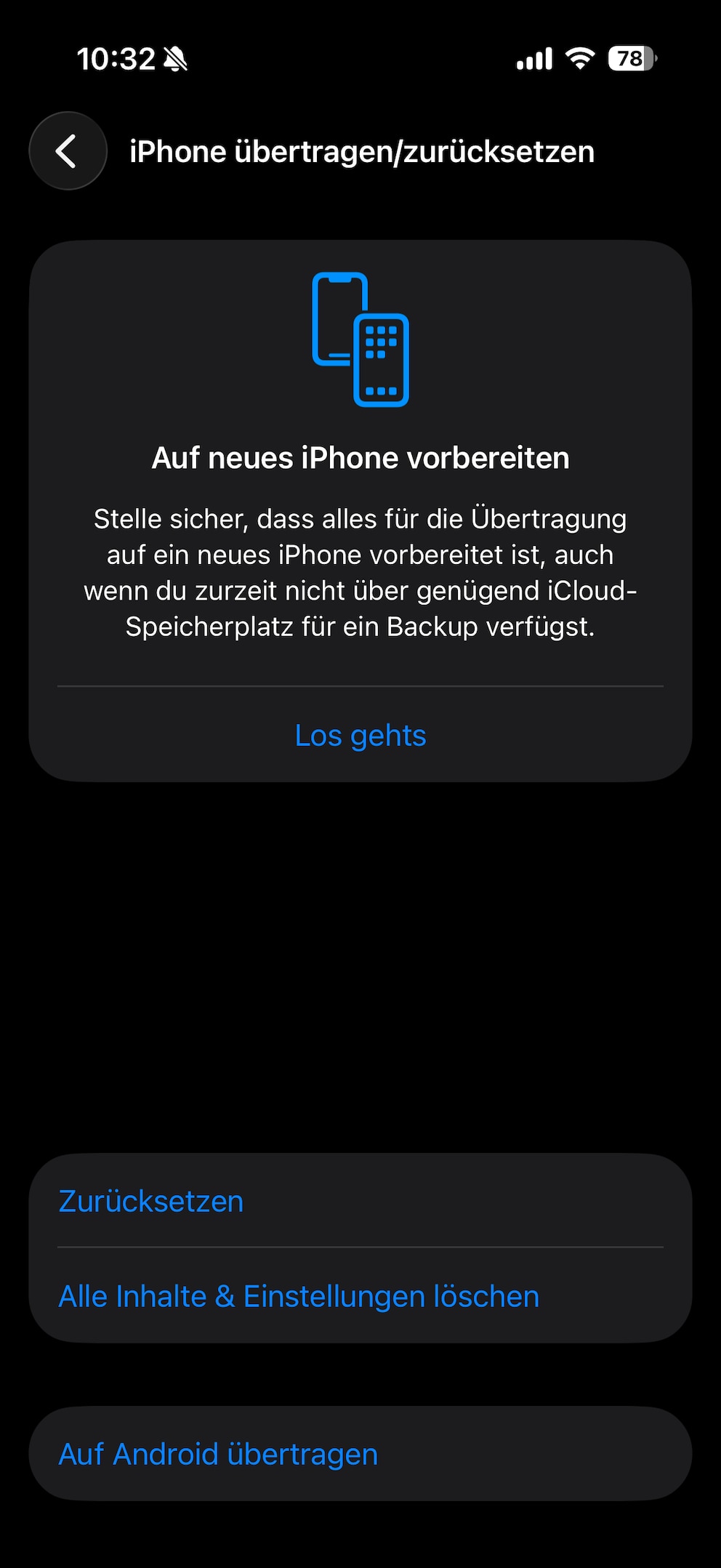
The tool transfers photos, messages, notes, apps, passwords, and the phone number. However, health data, protected items like locked notes, and the list of connected Bluetooth devices are not transferred.
Notification Forwarding for Wearables
An EU mandate requires Apple to make iPhone notifications equally available for third-party devices – until now, Apple prioritized its own Apple Watch. With notification forwarding in iOS 26.3, this changes.
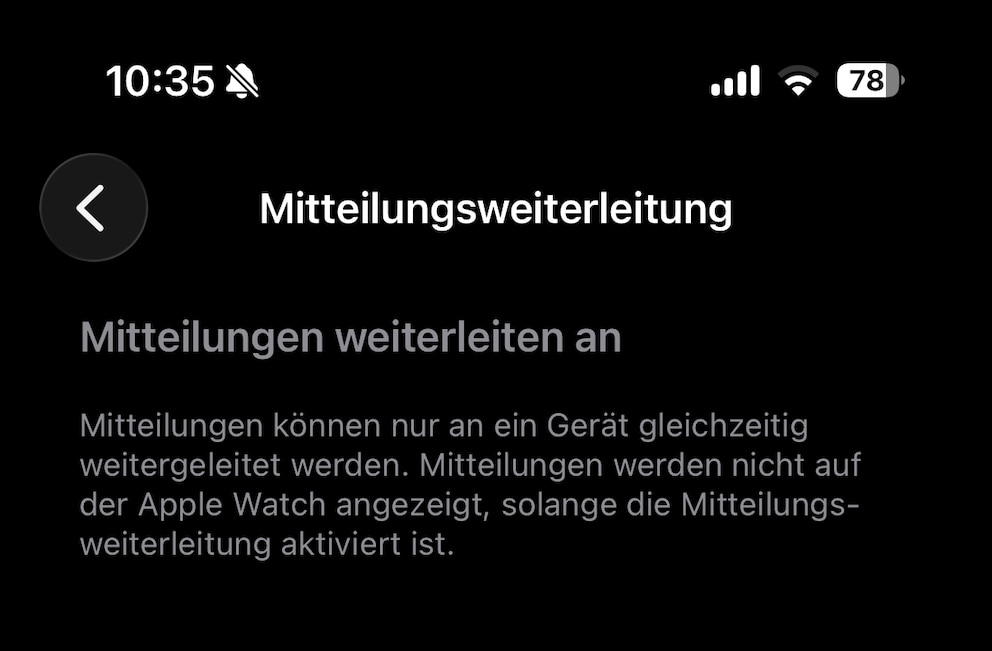
According to Apple, forwarding is “only possible to one device at a time.” This means users must choose between receiving notifications on the Apple Watch or another device.
Also interesting: New Siri is expected to debut in 2026 with iOS 26.4
AirPods-like Pairing for All Bluetooth Headphones
Open the lid, confirm, done – pairing AirPods with the iPhone is extremely simple. Now, Apple is opening the so-called Proximity Pairing to other devices. This eliminates the multiple steps previously necessary to set up a Bluetooth connection.
Dedicated Section for Weather Backgrounds
In lock screen settings, a dedicated section for weather backgrounds appears under iOS 26.3. Apple provides a selection of templates to show how the backgrounds will appear on the lock screen.
Hint at New M5 Chips
The release candidate of iOS 26.3 contains references to two yet-to-be-released chips, as reported by “MacRumors.” These are model numbers T6051 and T6052, corresponding to platform names H17C and H17D, respectively. The standard M5 carries the platform name H17G. This suggests that the two mentioned chips also belong to the M5 series. Typically, the “C” in the name stands for the Max variant and the “D” for the Ultra variant.
Therefore, the two chips are likely the M5 Max and M5 Ultra. The mention at this time is no coincidence, as the launch of new MacBook Pro models with more powerful M5 chips is reportedly imminent. Curiously, the M5 Pro – model number T6050 – does not appear in the iOS 26.3 beta.
Restrict Location Tracking
When smartphones connect to a mobile network, operators can read the exact location. iOS 26.3 gives users the option to only share the approximate location. In Germany, this is currently only possible with Telekom. The feature is also initially limited to Apple’s own C1 and C1X modems, used in the iPhone Air and iPhone 16e.
Also interesting: What is Tim Cook planning for Apple’s 50th anniversary?

Critical Chip Security Flaws Threaten Numerous Smartphones

10-Year-Old iPhone Receives iOS Update
iOS 26.3 Patches Critical Security Flaw
On its support page, Apple summarizes all the vulnerabilities that the iOS 26.3 update addresses. Among the dozens of entries is a zero-day security flaw in the dyld system component, which Apple says may have been actively exploited by hackers for attacks.
dyld (the Dynamic Linker) is a central system component of macOS and iOS. It is responsible for loading and linking shared libraries and frameworks into memory when an app or system process starts. The vulnerability was a memory corruption error in dyld. If an attacker already had the ability to write to memory, they could potentially exploit this vulnerability to execute arbitrary code. According to Apple, the flaw may have been used in a targeted attack against certain individuals on iOS versions prior to iOS 26.
Apple fixed the issue through improved state management, preventing the faulty memory handling that led to memory corruption. The Google Threat Analysis Group reported the vulnerability.
Should You Install the Update Immediately?
Users should install iOS 26.3 promptly, as the update closes a critical zero-day security flaw that may have already been actively exploited. This security aspect alone makes the update highly recommended. Additionally, the update offers more privacy in location tracking and some convenience features like simplified Bluetooth pairing and new notification forwarding for wearables.
The update is available for iPhone 11 and newer. To also be protected, owners of iPhone XS, XS Max, and XR can install the iOS 18.7.5 update, which includes many of the security improvements from iOS 26.3.