


December 15, 2025, 8:05 am | Read time: 6 minutes
Apple has been working on iOS 26.2 for more than a month–now the update is ready. It is available for all owners of compatible iPhones. It includes a number of significant new features and improvements, with which Apple is responding to user criticism.
Update: iOS 26.2 Closes Critical Security Gaps
Apple describes on its support page two WebKit bugs that can have critical consequences when loading maliciously crafted web content. Processing such content can lead to the execution of arbitrary code. According to the company, the vulnerability was exploited in “an extremely sophisticated attack against specific targeted individuals on iOS versions before iOS 26.”
Another bug leads to memory errors under certain circumstances. This is also a zero-day vulnerability that hackers have used for attacks. Both vulnerabilities have been eliminated through improved memory management and stricter verification mechanisms.
Other Fixed Vulnerabilities
In addition to WebKit, the updates affect other areas of the systems. A bug in the App Store could have allowed users to access sensitive payment tokens. This was corrected through internal adjustments. Additionally, processing maliciously crafted image files could cause memory errors, which is now prevented.
The handling of private photos has also been improved. Content from the hidden album could be viewed without re-authentication. This access is now correctly blocked by the updates. Furthermore, when remotely controlling a device via FaceTime, stored passwords could be unintentionally removed. Apple addresses this behavior with the new versions.
More Control Over the Liquid Glass Look
With iOS 26, Apple introduced the new Liquid Glass design language, which has since sparked discussions. Some users find the strong transparency hard to read, while others desire a more uniform look. iOS 26.2 significantly expands the options.
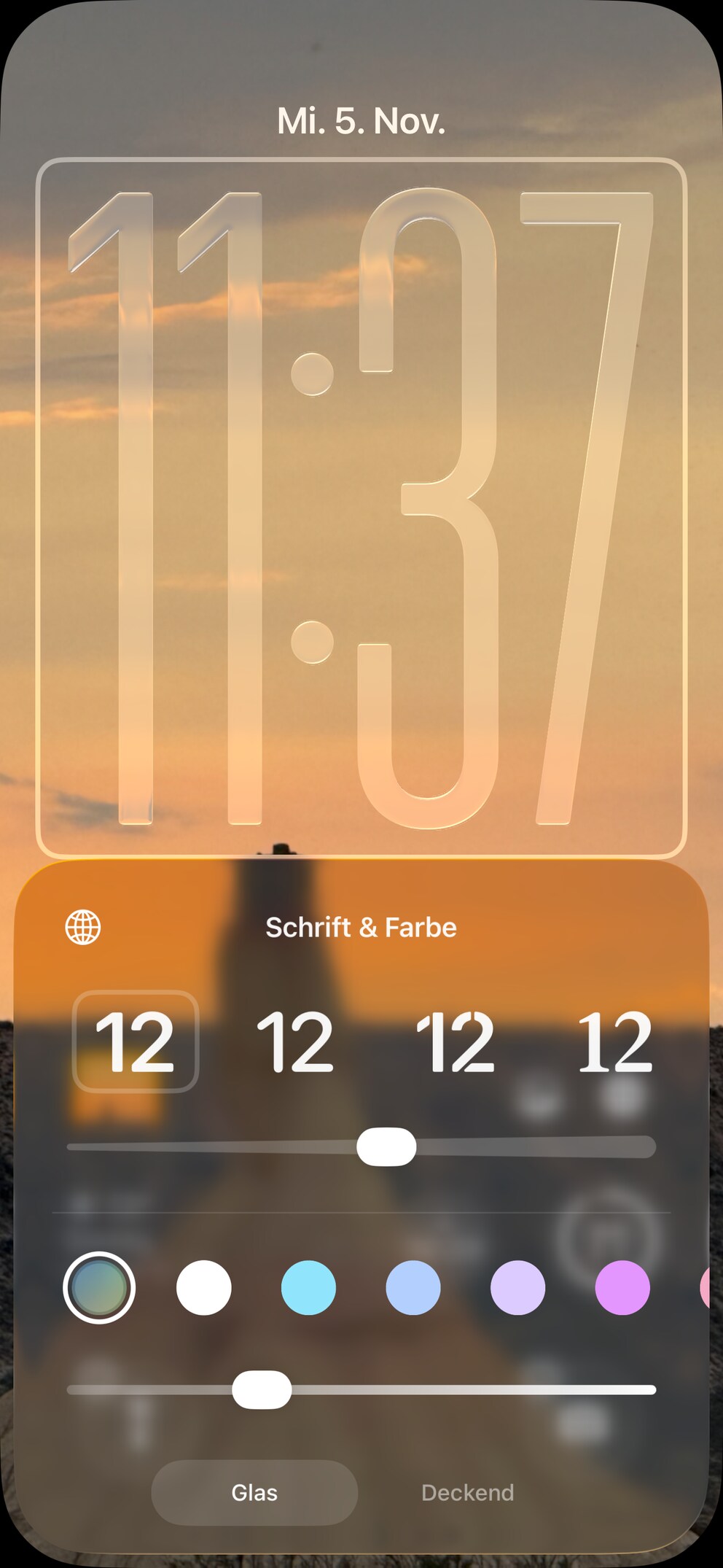
On the lock screen, the transparency of the time can now be adjusted seamlessly via a slider–from almost invisible to completely opaque. Additionally, a notice appears if the options “Tinted” and “Reduce Transparency” exclude each other, allowing users to clearly choose between the two.
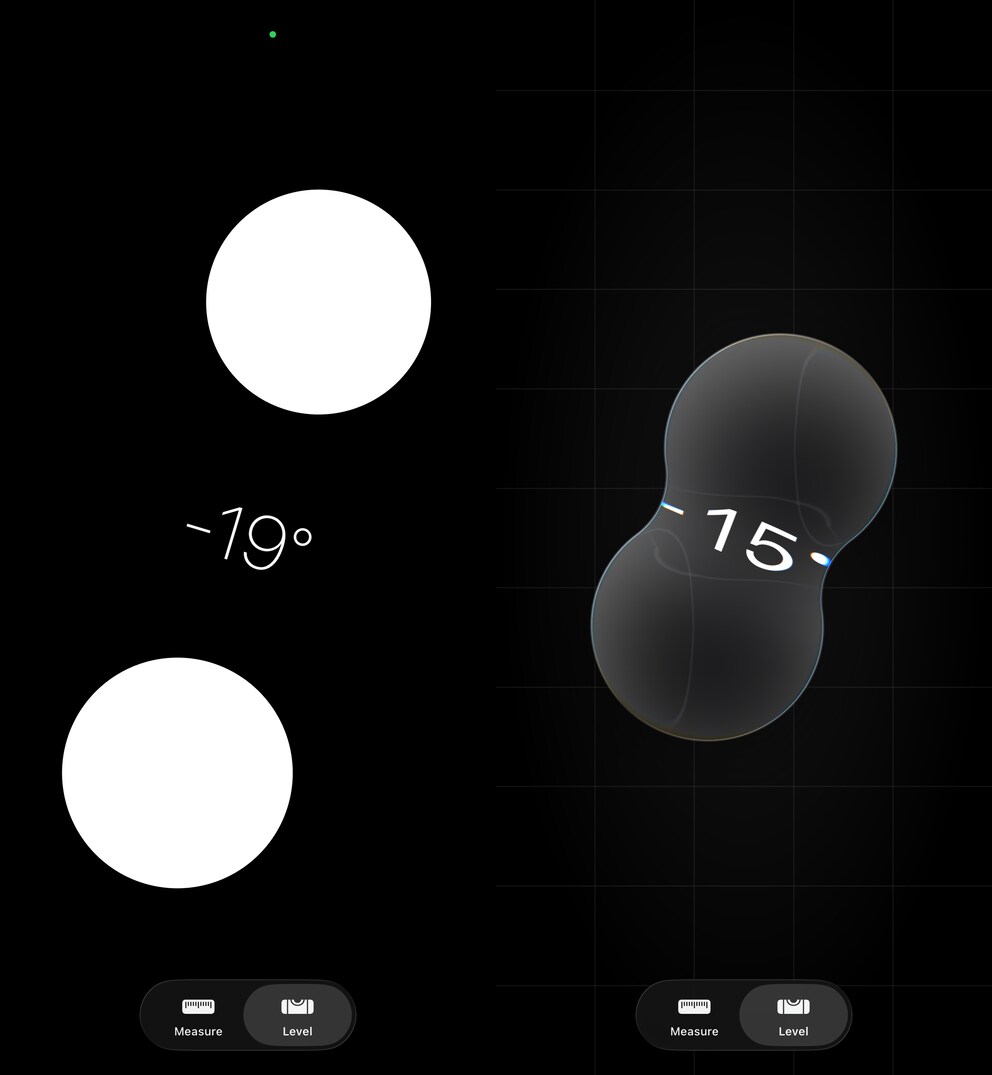
At the same time, Apple has revised the animations. Elements like drop-down menus now move as smoothly as in the WWDC25 demo, while the Measure and Level apps receive new fluid bubble animations.
Reminders Get a Real Alarm Function
One of the most requested features is finally available. In iOS 26.2, reminders can trigger an alarm that remains audible even when focus mode is on and the iPhone is muted.
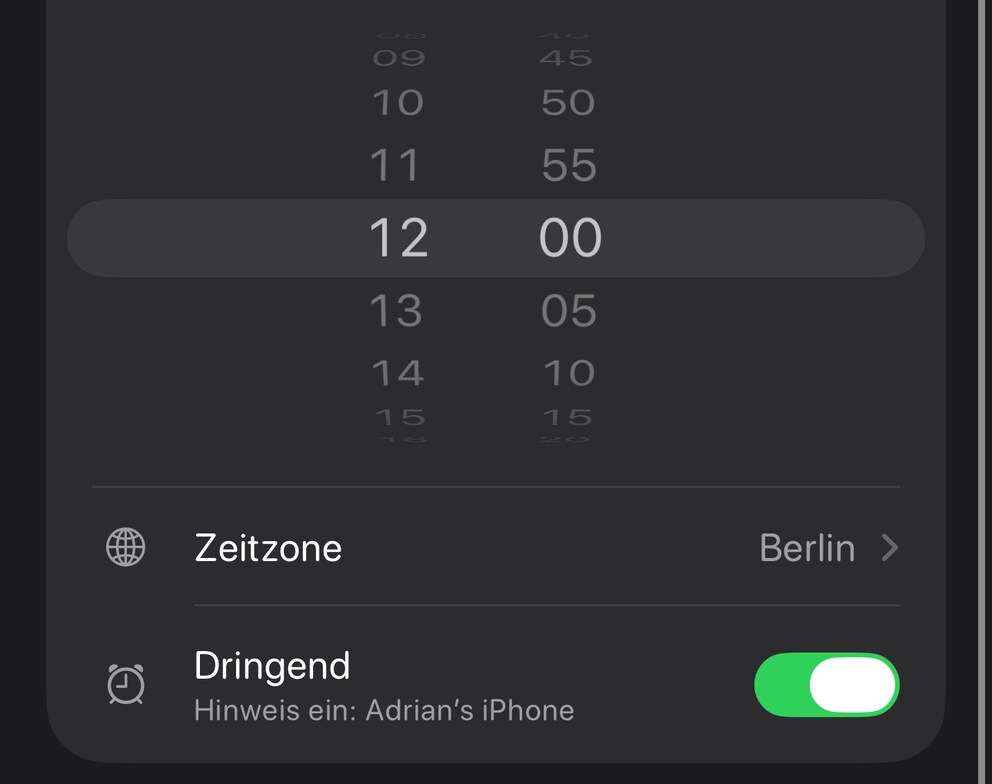
The alarm appears as a notification banner or on the lock screen and is marked in blue to clearly distinguish it from alarms and timers. Like all alarms, reminder notifications can only be paused by snoozing or stopped with a swipe gesture.
Also interesting: The best hidden features in iOS 26
Podcast App Brings Automatically Generated Chapters
The Podcast app receives several convenience features. Chapters are now automatically generated, allowing users to jump to specific sections more quickly.
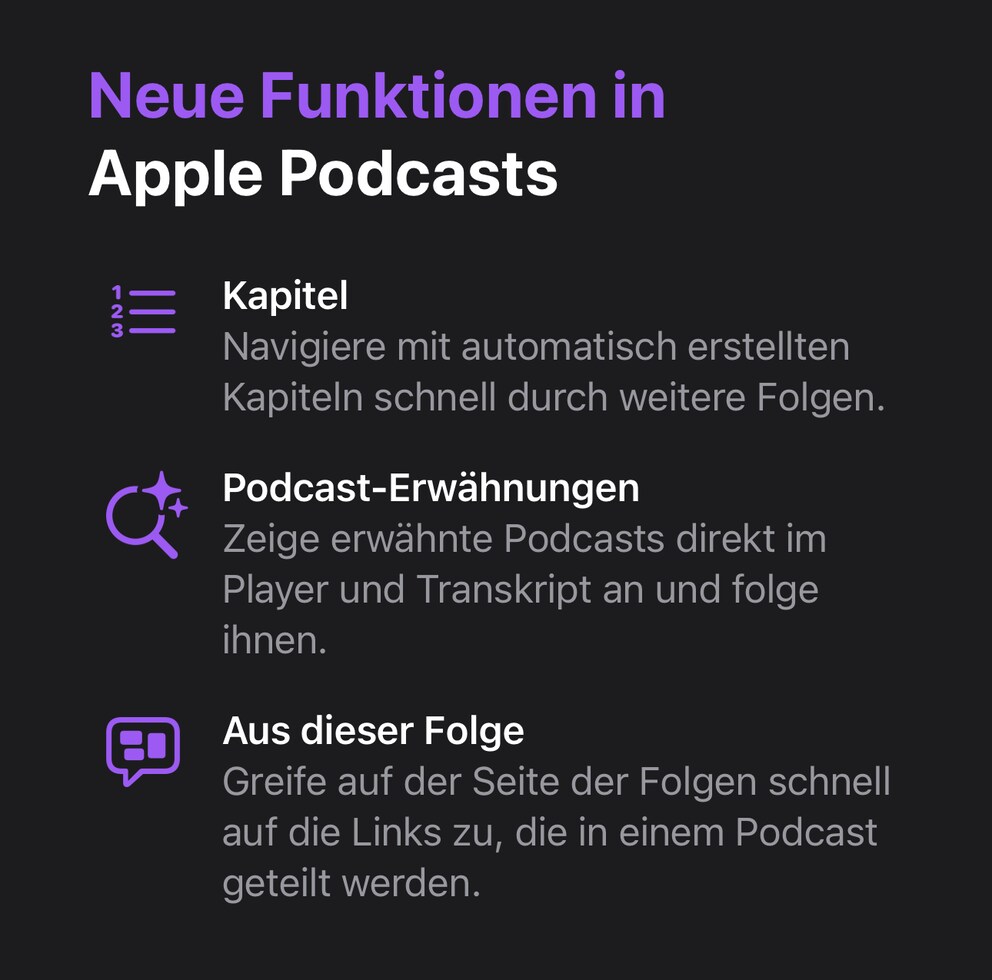
References to other podcasts appear both in the player and in the transcript and can be opened or subscribed to directly from there. Additionally, the app recognizes links in episodes and displays them automatically, making them accessible without detours.
Apple Watch Sleep Index Adjusted
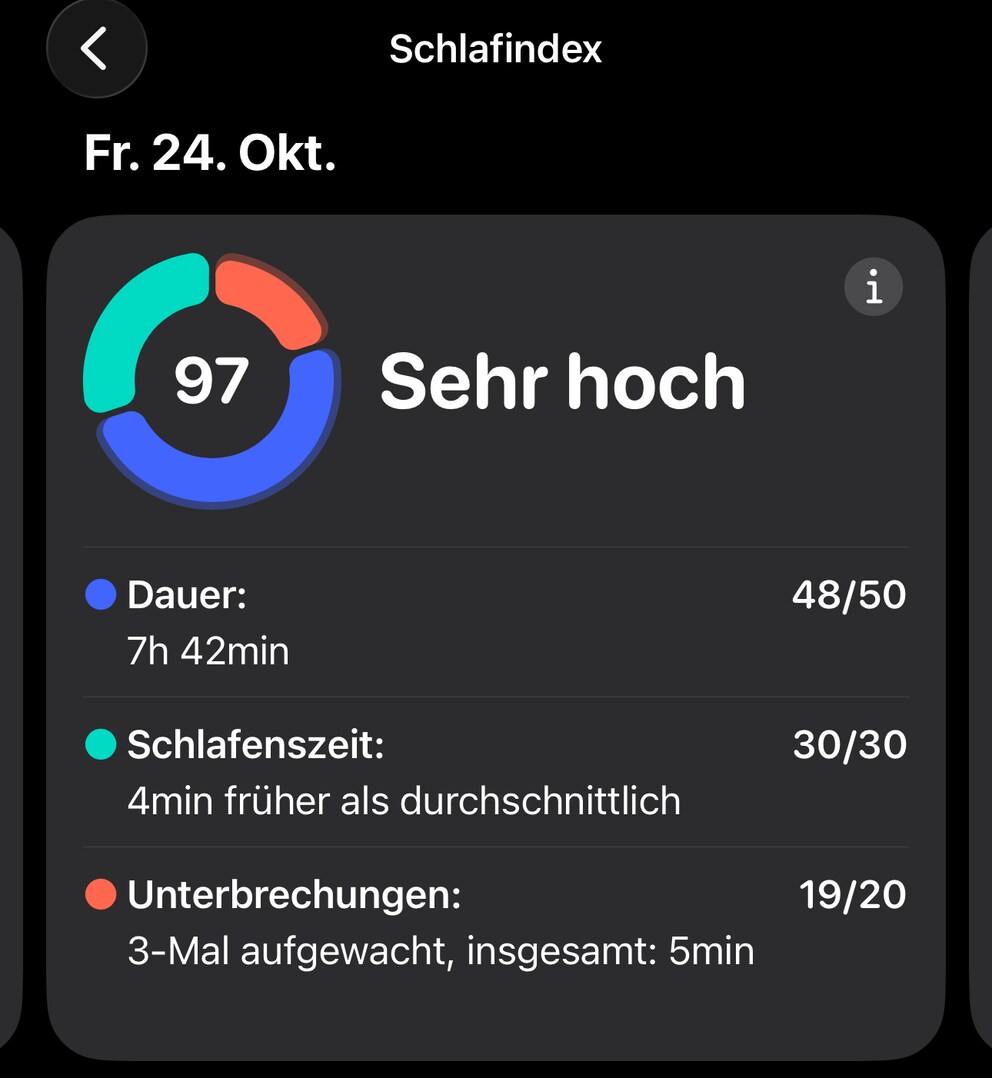
The sleep index introduced with iOS 26 is also being revised. The scale will now align more closely with the actual perception of many users:
- Very low: 0-40 (previously 0-29)
- Low: 41-60 (previously 30-49)
- OK: 61-80 (previously 50-69)
- High: 81-95 (previously 70-89)
- Very high: 96-100 (previously 90-100)
Using it still requires at least an Apple Watch Series 6.
New Safety Alerts for Disasters
With iOS 26.2, Apple further expands the enhanced safety alerts. The notifications can appear during events such as earthquakes or floods and can be delivered via Wi-Fi, Bluetooth, or mobile data, depending on availability. They are issued for affected regions or country groups, such as the entire EU. In Germany, the feature is not yet available.
Games App Grows Significantly
The Games app also receives several updates. The library can now be sorted more precisely, including by category or size.
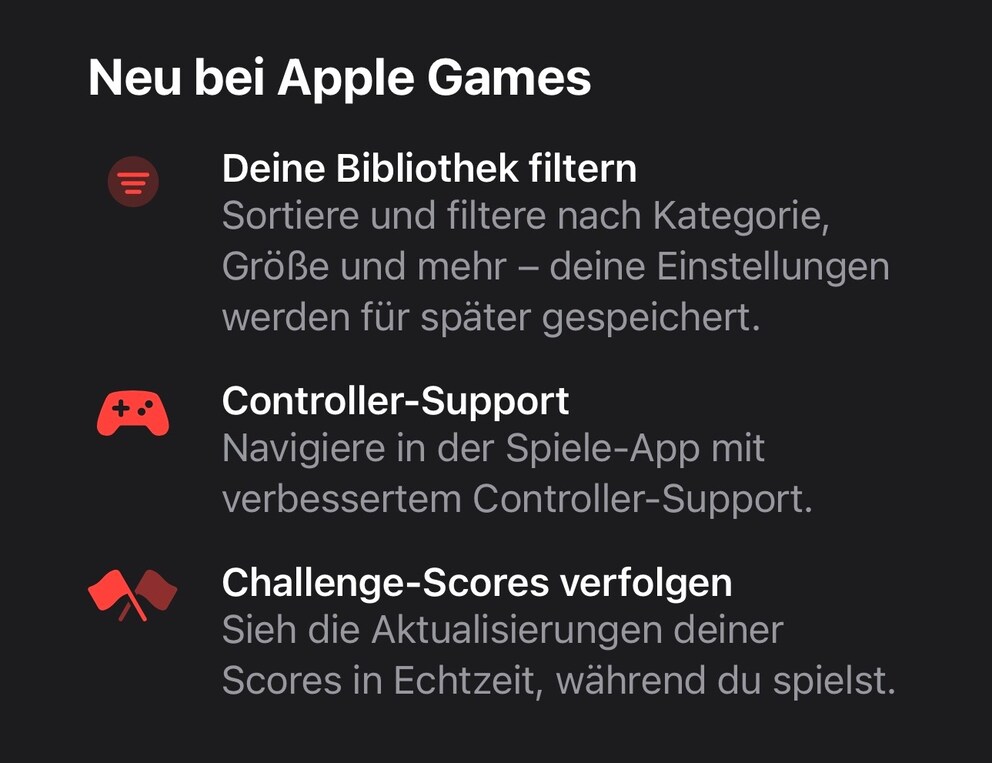
At the same time, Apple improves controller support, so users need to switch less frequently between gamepad and touchscreen. New score displays also provide real-time updates on challenges and now appear during ongoing gaming sessions.
AirDrop Becomes Safer and More Flexible
One of the most exciting features in iOS 26.2 is the new AirDrop pairing via one-time code. Users can generate a code and share it with people not in their contact list. Files can then be exchanged for 30 days without needing to activate the “For Everyone” mode. There is also a new section in the settings where all contacts shared via code can be viewed.
Also interesting: AirDrop now works with Android smartphones
Siri Faces Competition on the Side Button
Apple is preparing for legal changes in Japan that will require the opening of the iPhone side button for alternative voice assistants starting in December 2025. The company is already releasing documentation for developers on how systems like ChatGPT, Alexa, or Google Gemini can be launched by holding down the side button.
For now, the feature is only available to users with a Japanese Apple account. However, this step could be a preview of a similar adjustment in the EU. The Digital Markets Act (DMA) requires Apple to allow other voice assistants alongside Siri at the system level.
iOS 26.2 Introduces New Lock Screen Customization

Apple Finally Makes AirDrop More Secure with Update
Other Innovations
- The Password app now offers management for websites where passwords are intentionally not saved.
- Freeform receives a table function
- Alarms can make the entire screen flash, not just the LED flash.
- The News app shows practical quick access to categories like sports or politics.
- In CarPlay, pinned messages can be disabled.
- Third-party apps gain access to blood pressure notifications from the Apple Watch.
Should You Install the Update Right Away?
Since iOS 26.2 closes security gaps that hackers have actively exploited, TECHBOOK recommends installing the update as soon as possible. Otherwise, the installation is especially worthwhile for those annoyed by Liquid Glass and seeking more customization options. The update also brings practical innovations for users of the sleep index, the Podcast app, and reminders. As soon as we learn more about security patches, we will adjust the recommendation accordingly.
Apple provides iOS 26.2 for all iPhones that already support iOS 26. So at least an iPhone 11, 11 Pro, or iPhone SE 2020 is required.