


November 19, 2025, 7:33 am | Read time: 4 minutes
iOS 26.2 appears to be a rather extensive iPhone update. Apple is currently rolling out the third beta to developers. Although the first two versions already introduced some new features, the software includes more exciting innovations.
AirDrop with One-Time Code
Already in iOS 26.2 Beta 1, there were hints of a new AirDrop feature that allows pairing between two devices for 30 days. So far, the settings offer only three options: “Receiving Off,” “Contacts Only,” and “10 Minutes for Everyone.” In Beta 3, the expansion of AirDrop connection options is now available.
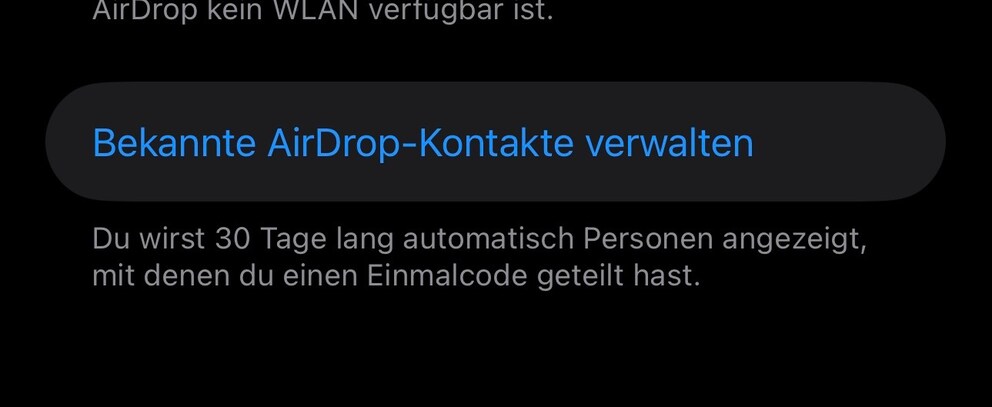
Users can generate a one-time code and share it with people not in their contact list. This allows files to be shared via AirDrop for 30 days. Additionally, a new option “Manage Known AirDrop Contacts” appears in the settings, allowing users to view all contacts with whom a one-time code has been shared.
The new feature makes using AirDrop more secure, as users no longer have to make their devices visible to everyone to receive files from unsaved contacts.
Apple Opens Side Button for More Voice Assistants
After the Siri debacle, Apple is looking for new ways to equip the iPhone with a viable AI voice assistant. The company is even considering integrating OpenAI’s ChatGPT and Google’s Gemini. Additionally, the Digital Markets Act (DMA) requires Apple to open certain software interfaces to third parties. It may soon have to allow other voice assistants alongside Siri at the system level in the EU.
However, we now see concrete steps for the Japanese market. In December 2025, a new law will come into effect, forcing Apple to open up to other voice assistants there. The company has already published a guide on its developer site for integrating Gemini, Alexa, ChatGPT, and others into the iPhone’s side button. This will allow users to call up the voice assistant of their choice directly by holding down the side button–a function previously exclusive to Siri.
According to the documentation, the free assignment of the side button remains exclusively available to users with a Japanese Apple account for now.
New Features in Games App
After updating to iOS 26.2 Beta 3, a new window appears when opening the Games app, informing users about new features. These include additional options to filter the library by category and size, among others.
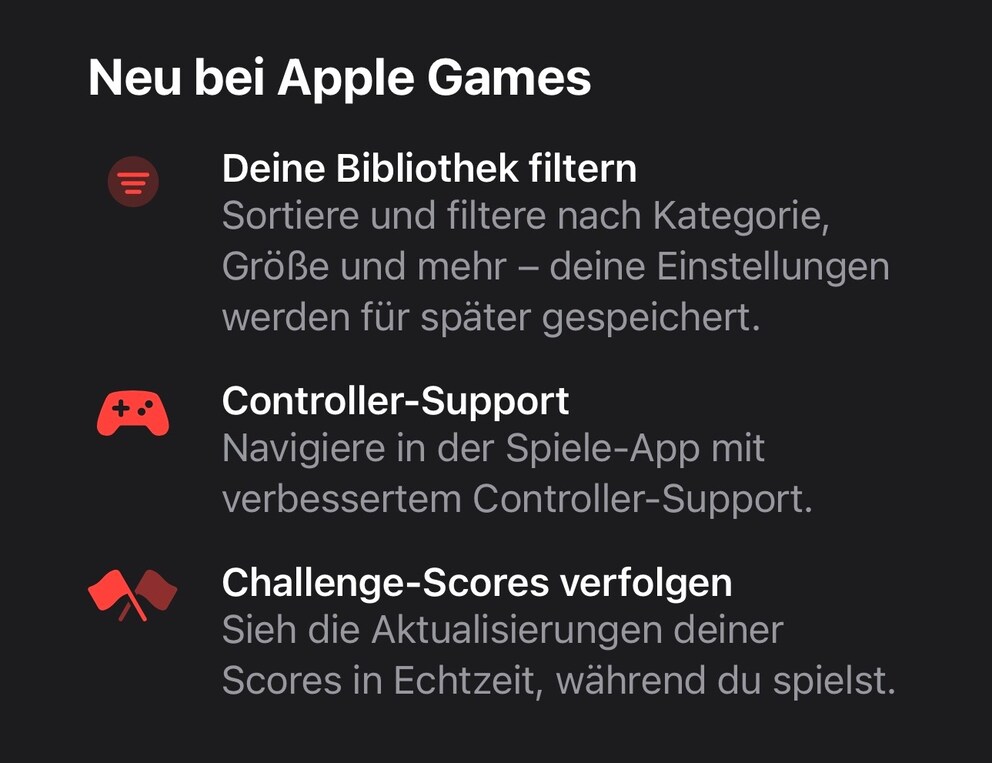
Additionally, the app can now be better controlled with a controller–eliminating the need to switch between gamepad and touchscreen while gaming. Also new: New scores for game challenges now appear in real-time on the screen–even during a gaming session.
Further Optimizations Around Liquid Glass
Since iOS 26.1, users have been able to tone down the Liquid Glass look through a new “Tinted” option in the settings. Previously, transparency could only be reduced via accessibility settings.
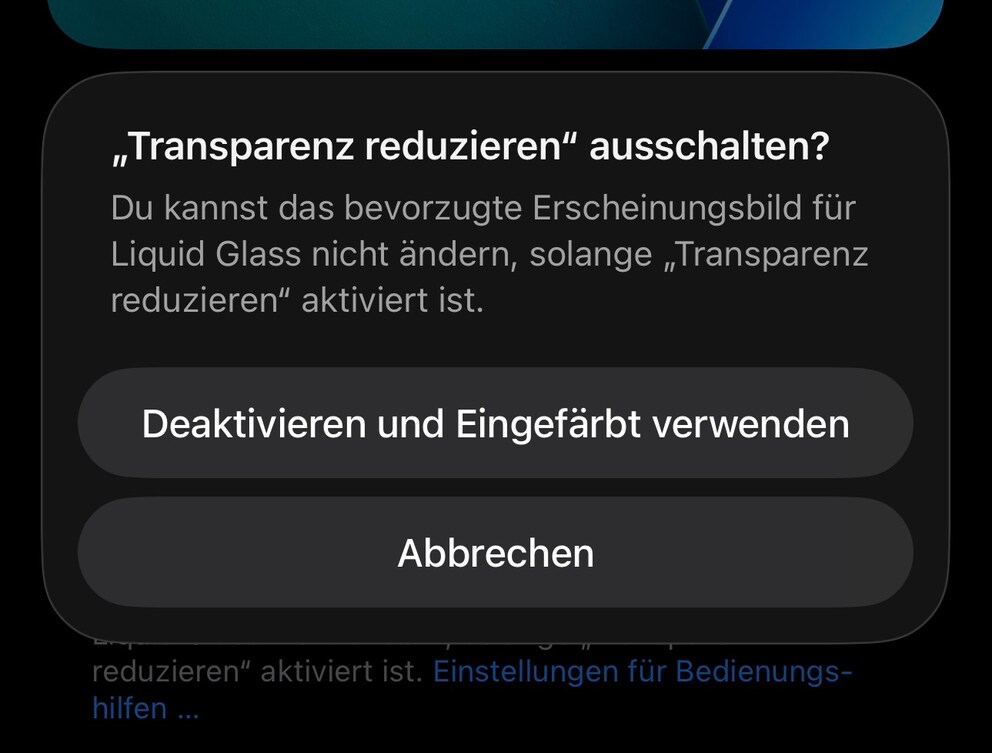
However, the two options are mutually exclusive. Therefore, in iOS 26.2 Beta 3, a new dialog box appears under “Display & Brightness” > “Liquid Glass,” asking users if they want to turn off “Reduce Transparency” to enable the “Tinted” option.

Critical Security Flaws Found on iPhone–Update Now!

iOS 26.2 Introduces New Lock Screen Customization
Further Innovations
- According to developer information, high blood pressure notifications from the Apple Watch are now available for third-party apps, as reported by “MacRumors“.
- iOS 26.2 Beta 1 offers an alert function for reminders for the first time, which Beta 3 now highlights with a notice.
Availability and Release Date
The development of iOS 26.2 is progressing rapidly, but the release of the update is not expected before December. All iPhones compatible with iOS 26 will support it.