


November 5, 2025, 2:19 pm | Read time: 4 minutes
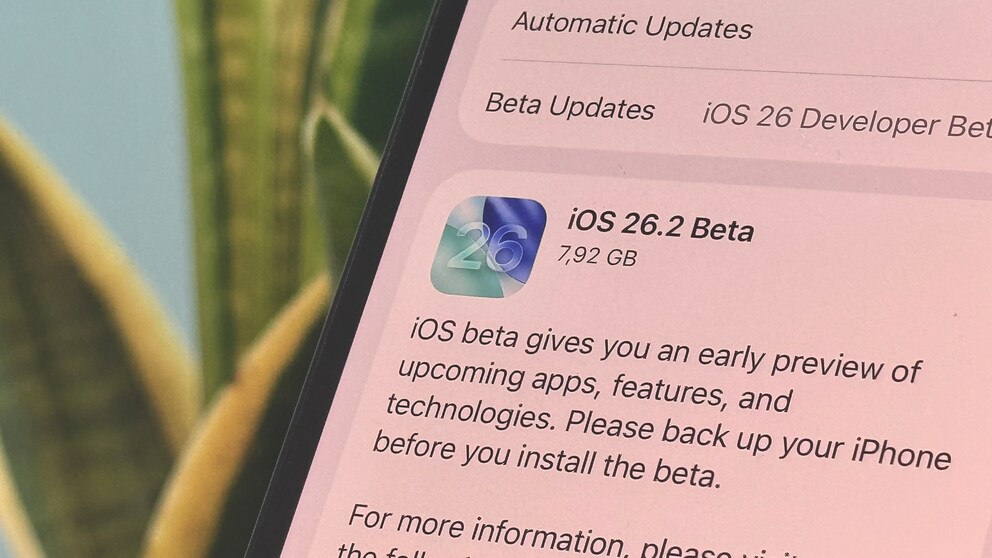
One day after the release of iOS 26.1, Apple has already started testing the next update. TECHBOOK has installed the developer beta and showcases all the new features.
Liquid Glass on the Lock Screen
With the update to iOS 26.1, users now have the option to disable the transparency of the new Liquid Glass design language. On the lock screen, there is also the option to display the time as transparent “glass” or with a solid color.
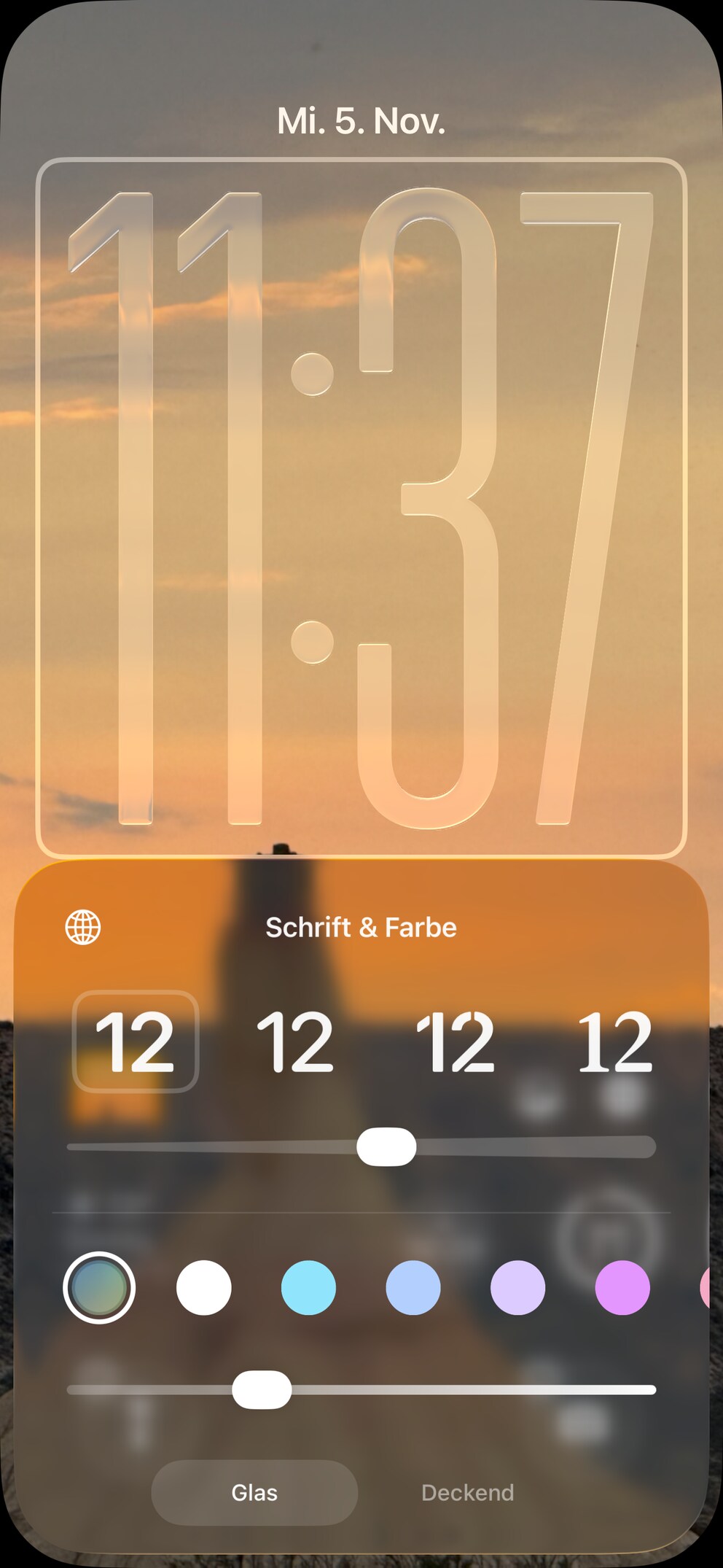
In iOS 26.2, Apple expands customization options with a slider that allows users to set the transparency of the time themselves. This ranges from almost complete transparency to full coverage with the desired color. In between, the “frosted glass” effect can be gradually increased or decreased.
Also interesting: The best hidden features in iOS 26
Reminders Get Alarm Function
For some time, Apple has been working on integrating reminders with other iOS functions. After 13 years of parallel existence, reminders finally appear in the Calendar app with iOS 18.
Now, another practical feature is added that users have long sought in the Reminders app: an alarm. In the current iOS beta, when creating a new reminder, an option for urgent alerts appears: “Alerts will be played even if a focus is activated or your device is muted.”
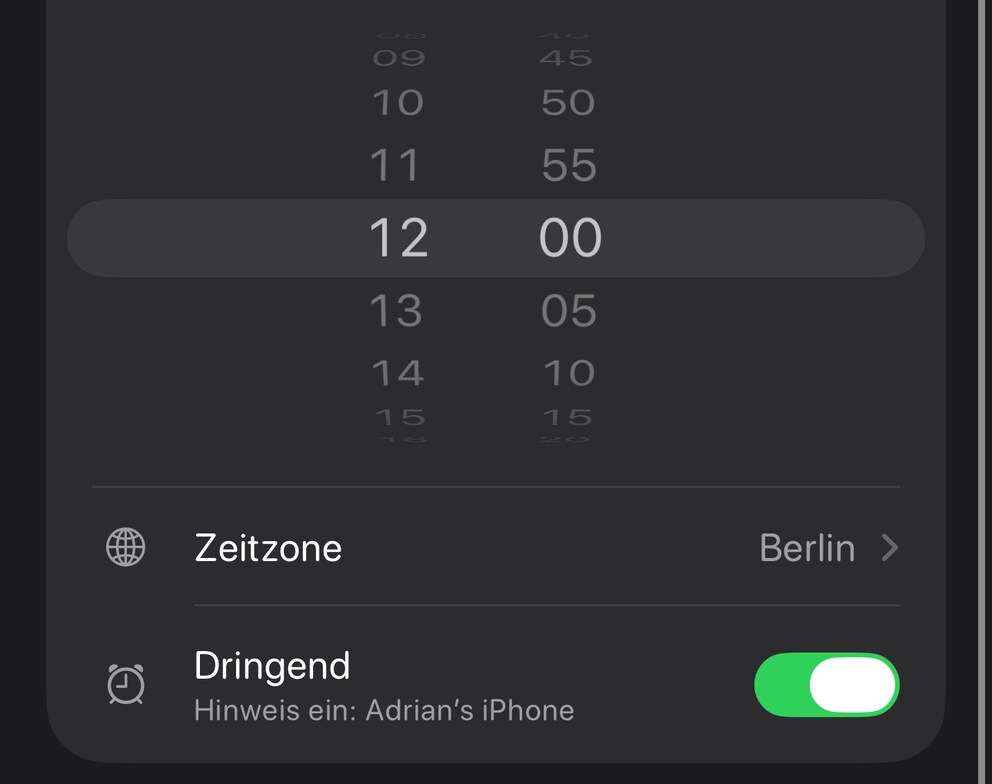
At the set time, an alarm starts as a banner or on the lock screen. To distinguish reminder alarms from timers and alarms, they are colored blue. Reminders can only be paused with “Snooze” or stopped with a swipe gesture since iOS 26.1.
New Features in the Podcast App
When opening the Podcast app after installing iOS 26.2, a notification window informs about three new features. The app now automatically creates chapters, allowing users to jump to specific sections more easily.
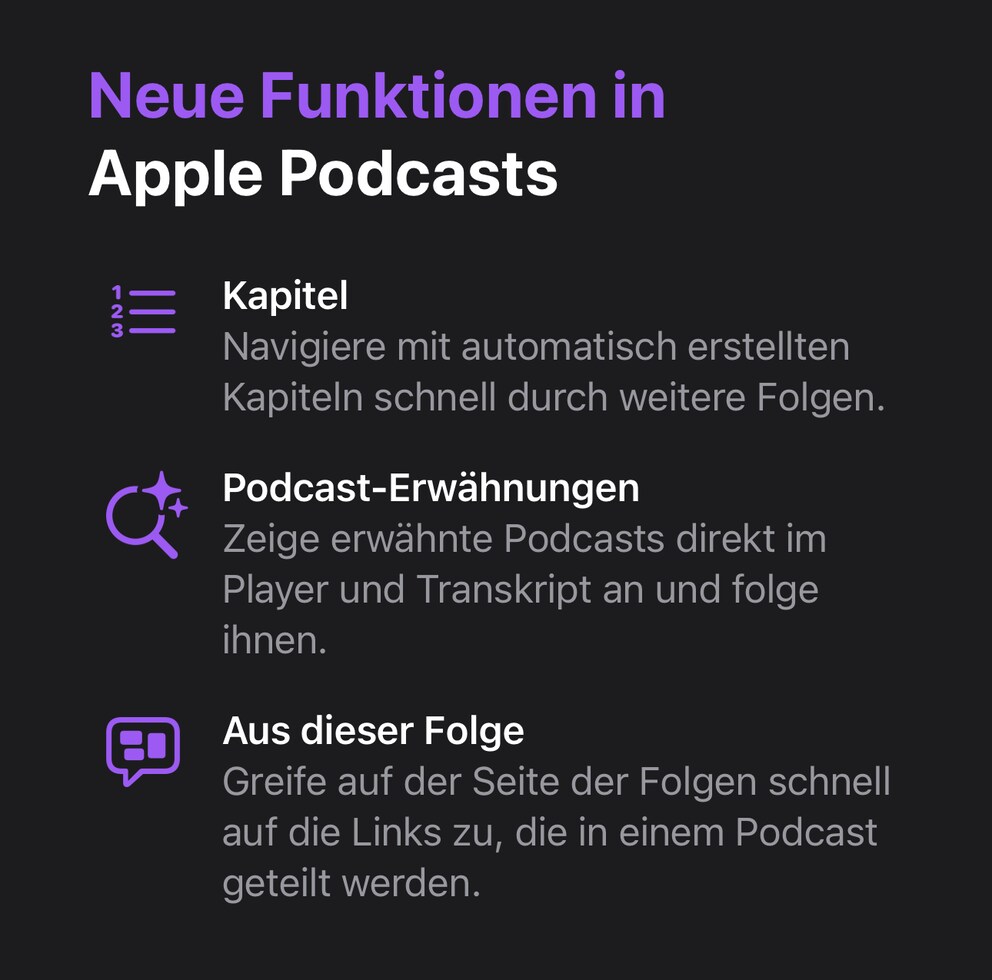
If a podcast episode references other podcasts, they appear directly in the player and transcript and can be accessed and followed directly. Additionally, the app automatically displays links that appear in a podcast episode, allowing users to access them directly.
Sleep Index Revised
Only with iOS 26 did Apple introduce the Sleep Index, which shows Apple Watch users how well they slept using a numerical score. iOS 26.2 adjusts the rating scale to better align the index with human perception:
- Very low: 0-40 (previously 0-29)
- Low: 41-60 (previously 30-49)
- OK: 61-80 (previously 50-69)
- High: 81-95 (previously 70-89)
- Very high: 96-100 (previously 90-100)
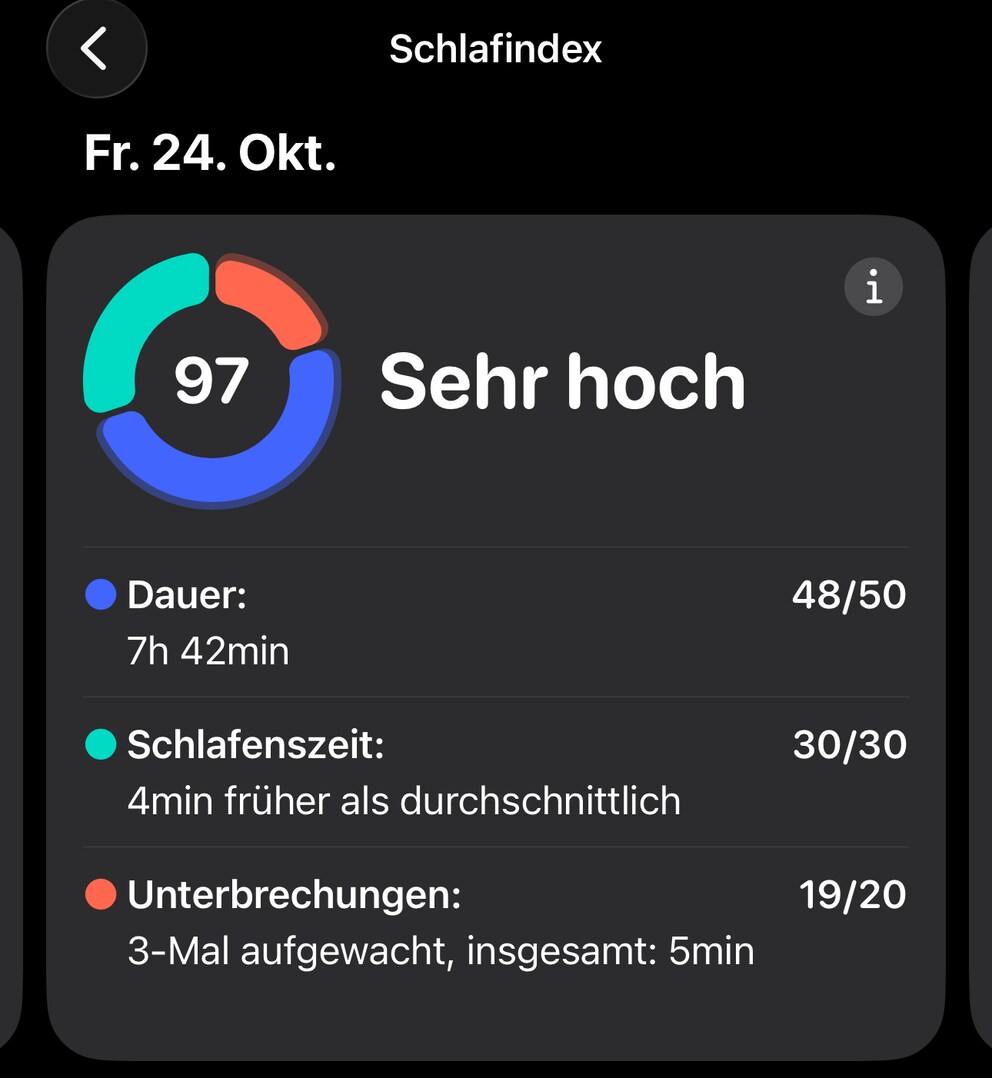
Additionally, Apple has renamed the highest value from “Excellent” to “Very high,” aligning it with the other labels. A minimum of an Apple Watch Series 6 is required to use the Sleep Index.
Critical Security Flaws Found on iPhone–Update Now!
New iOS Update Delivers Promised Improvements
Further Innovations in iOS 26.2
- The Passwords app receives an option to manage websites for which passwords should not be saved.
- The Freeform app now offers a new table function.
- For alarms, not only the LED flash on the back but also the entire screen can now flash.
- The News app gets quick access to categories such as “Sports,” “Politics,” and “Food.”
- MacRumors has found indications in iOS 26.2 that Apple will allow AirDrop pairing between two devices for 30 days if they share a code.
Availability and Release Date
iOS 26.2 is currently available in the first beta for developers, with the public test version expected to follow soon. The update is not expected to be released before December. All iPhones that support iOS 26 are compatible.