

November 20, 2026, 6:56 am | Read time: 2 minutes
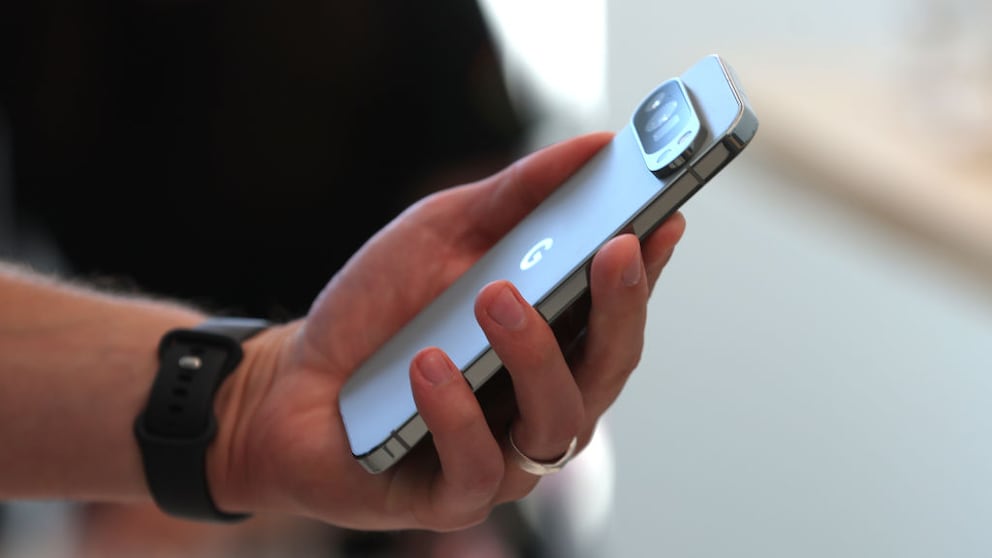
The November update was supposed to fix issues on Pixel smartphones. Instead, some users report additional errors after installation. These appear in various parts of the system, affecting the camera, lock screen, and notifications, for example. It’s currently unclear how many devices are affected by these problems.
Issues with External Monitors and Desktop Mode
Connecting a Pixel smartphone to an external monitor can lead to difficulties. Users report that sound is output through the phone in desktop mode, even though the monitor’s speakers should be used. Additionally, after locking the smartphone, the toolbar may disappear. In some apps, the full-screen display no longer works as intended.
Further reports focus on the lock screen. On the Pixel 9 Pro Fold, the notification bar can remain on the always-on display. Additionally, when opening the device, the inner display sometimes does not turn on automatically. A Pixel 10 Pro XL user, after the update, can no longer change the clock’s appearance on the lock screen.
Google Bug Causes Quirky Issue with Pixel Display

How Android 17 Resolves Touch Issues
Notification Bar Not Responding Properly
There are also apparent issues with displaying notifications. Sometimes multiple swipes are needed to close the bar again. Other users report a delayed response. In some cases, the notification bar cannot be accessed from the home screen as usual.
Also of interest: Pixel Screensaver Bug Annoys Users
Camera Sometimes Shows Only a Black Image
The camera is also causing problems for some users. On affected devices, the image display remains completely black. This issue is not limited to Google’s camera app. WhatsApp and banking applications that access the camera can also be affected. Even resetting the smartphone to factory settings does not seem to resolve the issue.
So far, the problem does not appear to affect all Pixel users–but not everyone installs updates immediately. Those who have not yet installed the November update might want to wait until Google provides a fix.