

November 18, 2026, 11:45 am | Read time: 2 minutes
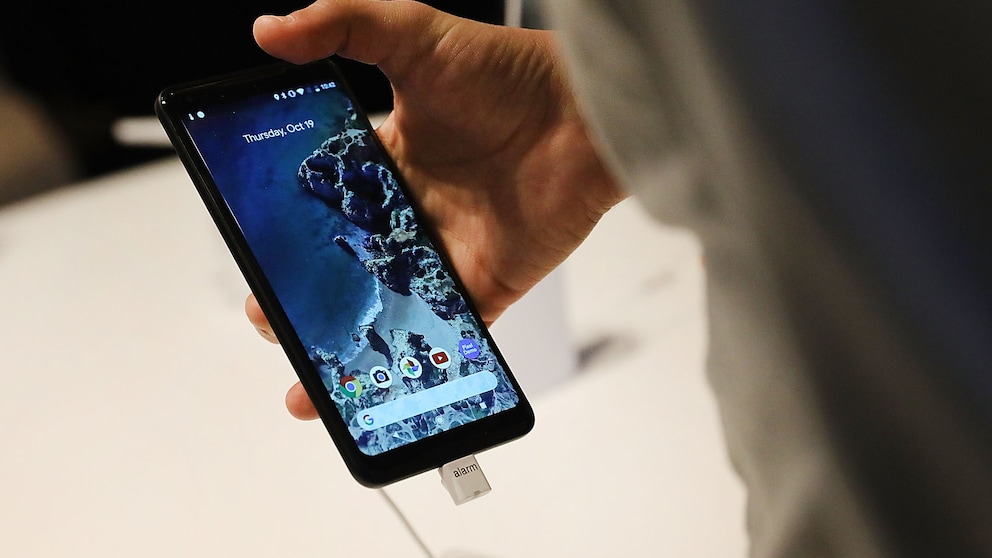
The November update was supposed to improve Google Pixel phones. However, for some users, the update is apparently causing a new and quite annoying problem, particularly noticeable when charging at night.
Pixel Display Stays Too Bright While Charging
With the November Pixel Drop, Google introduced new features as well as stability improvements and bug fixes to its smartphones. At the same time, the update is said to have triggered a new issue on some devices.
The problem affects the so-called low-light mode of the screensaver. This feature is supposed to automatically dim the display in low-light conditions. On some Pixel smartphones, this apparently no longer works properly after the update. The screen remains bright while charging, even though the feature is supposed to reduce brightness. This is particularly bothersome when the smartphone is charging at night in a dark room next to the bed.
Also of interest: AO3 is back online! But these features are still missing
Android Auto Has Annoying Display Error

Why Many Pixel Users Can Now Breathe a Sigh of Relief
Not All Pixel Smartphones Are Affected
According to the online magazine “Android Authority,” there are reports from users experiencing this issue. Additional affected users have reportedly posted in support forums.
However, the error does not appear to affect all devices equally. It is currently unknown which Pixel models are specifically affected. Google has not yet made an official statement. It also remains unclear whether certain models are more frequently affected than others.
This Solution Can Be Tried by Affected Users
Some users have suggested a simple workaround: Manually reducing the display brightness. While this can make the display dimmer, it renders the automatic function unnecessary.
After all, the low-light mode is designed to automatically decrease screen brightness. If it doesn’t work, affected users must adjust it manually.
There is currently no permanent solution for the issue. It is also unknown when Google might fix the problem. The company has not yet announced a corresponding fix.