

October 7, 2026, 3:52 pm | Read time: 2 minutes
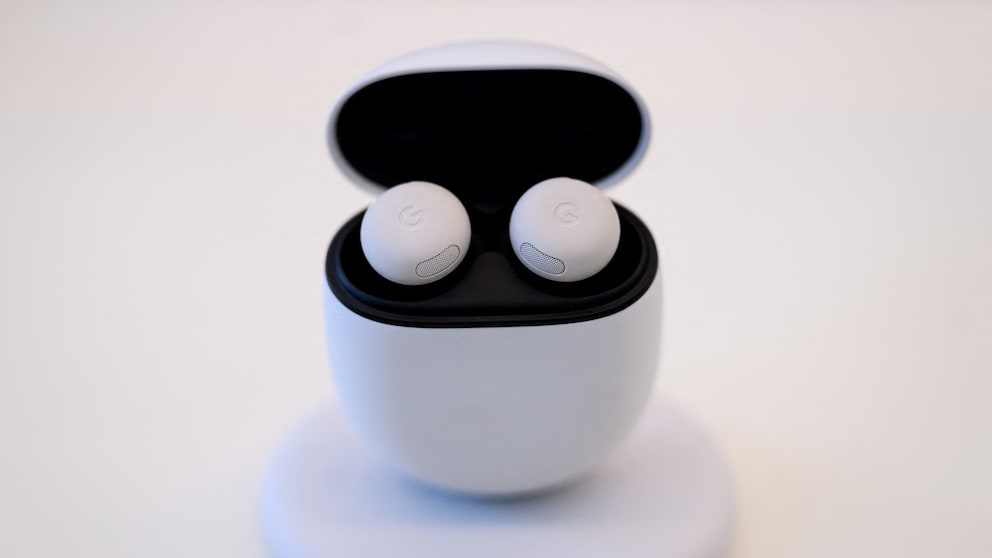
Google is equipping its Pixel Buds with several new features. The update improves real-time translations, noise cancellation, and voice control, among other things. The new features are available for the Pixel Buds Pro, Pixel Buds Pro 2, and Pixel Buds 2a.
Google Improves Noise Cancellation
Google announced the list of new features in its support forum. However, the biggest of these is reserved for the Pixel Buds Pro 2. “Dynamic Active Noise Cancellation” automatically adjusts the active noise cancellation (ANC) to the fit of the earbuds. For example, if the buds shift during sports, the system compensates for the change. This is intended to keep noise cancellation and sound as consistent as possible.
Translation Directly in the Ear
The probably most important new feature, available for all mentioned models, is called “Enhanced Live Translate.” The translation can be started by tapping the earbuds, while the smartphone can remain in the pocket. The Pixel Buds work with the Google Translate app. The feature is available for conversations and the listening mode, allowing users to understand foreign language content in their surroundings.
Various audio settings can also be controlled by voice command after the update. With the help of Gemini, users can, for example, turn on noise cancellation, adjust the equalizer, or activate touch control. During phone calls, the microphone can also be muted and unmuted with a tap. However, this “Tap to Mute” function requires a paired Pixel smartphone.

Google Makes Pixel Buds Smarter with Gemini

From Translator to Fitness Tracker–How Clever the New In-Ear Headphones Are
Further Innovations
Those who listen to music, audiobooks, or podcasts while falling asleep will receive another practical feature. In conjunction with the sleep monitoring of a paired Pixel Watch, the earbuds detect when the user has fallen asleep. The Pixel Buds then automatically pause playback, disable touch gestures, and suppress notifications.
Also interesting: Google makes its Pixel Buds significantly smarter with Gemini
How the Update Reaches the Earbuds
The update can be installed via the Pixel Buds app. Users can find the update under “More Settings” and “Firmware Update.” With automatic updates enabled, the new version can also be transferred independently when the earbuds are in the charging case. Since Google distributes the firmware gradually, version 6.144 may not appear immediately on every device.