


November 6, 2025, 4:02 pm | Read time: 2 minutes
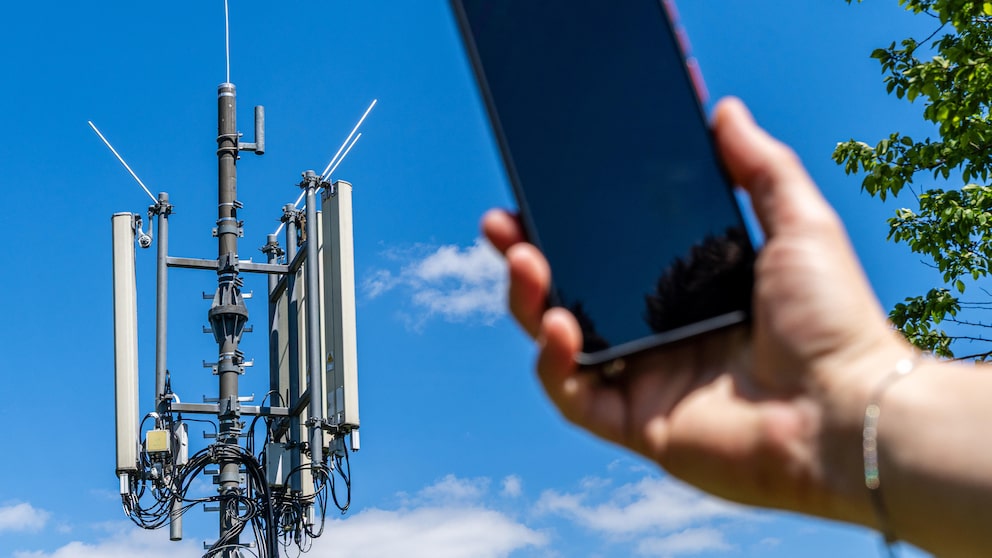
A network expert has made a surprising discovery in the system code of Android. A variable in the network configuration of mobile carriers in Android indicates that signal reception should be enhanced. As a result, the signal strength always appears one bar higher than it actually is.
Confusion Over the Signal Reception Variable in Android
Network expert Nick vs Networking published his discovery in the CarrierConfigManager of Android on his blog. There is a variable called “KEY_INFLATE_SIGNAL_STRENGTH_BOOL.” According to the description, it is intended to “indicate signal strengths one bar higher than they actually are.”
The online portal “Android Authority” initially speculated that Google might be helping mobile carriers make their network performance appear better than it actually is. However, the company’s explanation is much more straightforward.
The Meaning of Various Symbols on the Smartphone Display

How Apple Resolved One of the Biggest Controversies in Its History
Google Denies Manipulation Allegations
Google informed the portal that the majority of network operators use this variable and that it is not a new feature. It has been present in the Android system code for eight years.
The reason: The transition from a four-bar to a five-bar display of signal strength in the Android status bar. With the previous scale, smartphones could still have reception even with zero bars. The new five-bar scale is designed to ensure users can always tell if their device has enough network to make calls, send messages, or browse the internet. Without this adjustment, users might mistakenly think they have no reception—even in an emergency.
Accurate Reception Remains a Problem in Android
Aside from that, each smartphone manufacturer and mobile carrier defines its own thresholds for signal bars. The visual display is thus only a rough guideline and does not allow for an objective comparison between devices or networks. Those who want to know the actual network quality can find it on Android devices under “Settings” > “About Phone” > “SIM Status.”