


May 3, 2021, 2:00 pm | Read time: 4 minutes
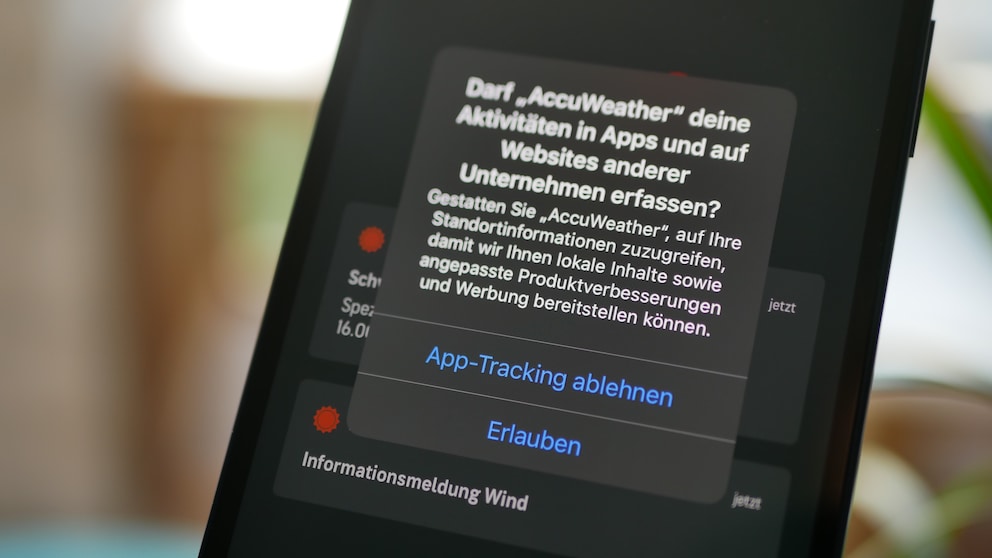
iOS 14.5 is now available for download. Those who install the update will likely see a few new pop-up windows. TECHBOOK has discovered what this is all about for you.
Many media outlets are currently reporting that Apple is putting an end to tracking. That’s not entirely true. With iOS 14.5, iPhone users initially have the option to limit app tracking. Previously, apps could exchange data with each other without users being aware. Now, Apple is revealing this process and giving users control over it. Apps must now ask for permission to use data from another app–and you can simply decline.
However, this does not mean that apps can no longer track at all. TECHBOOK explains why this is the case.
iOS 14.5 Limits App Tracking
The update introduces a new privacy protection feature: App Tracking Transparency, or ATT. Apple’s Senior Vice President Craig Federighi describes the feature to the Wall Street Journal as follows: “ATT gives users the choice of whether they want to be tracked across apps and websites.”
iOS has long assigned an Identifier For Advertisers (IDFA) to each iPhone. This ID is unique and allows user activity to be tracked across apps. For example, if you search for a specific item in one app, that exact item might appear as an ad in another app. One app passes the information to the other via the IDFA.
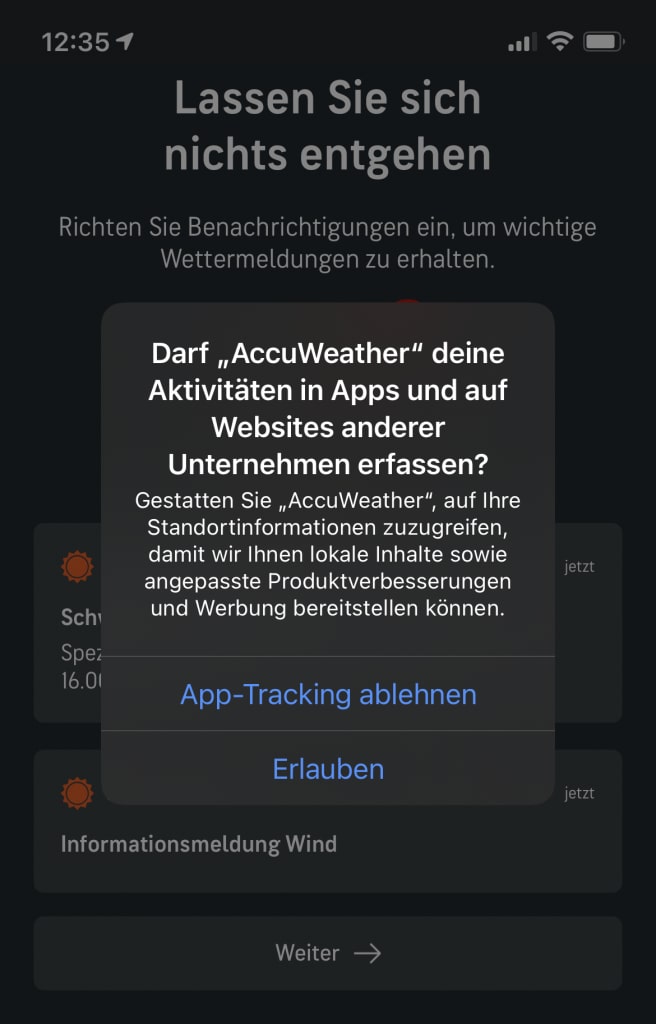
In iOS 14.5, the IDFA is no longer automatically shared. Instead, you can decide whether to allow an app to access it. For this purpose, a pop-up now appears when an app wants to access the IDFA. In it, app developers have the opportunity to explain why they need the IDFA. Some apps already display their own message beforehand, explaining what the data is used for.
However, you can also disable this query in the settings from the outset. This is possible under the path Settings>Privacy>Tracking with the option “Allow Apps to Request to Track.” On the same page, you can also find the apps for which you have already made a decision. This allows you to agree to or decline tracking afterward. Unlike websites that repeatedly show pop-ups to query cookies, iOS asks only once for each app.

Read more: iOS 14.5 is here–should I install the update right away?

4 Reasons Why Apple Has Failed With Siri

What Google and Facebook learn about porn viewers
Apple Cannot Prevent All Types of App Tracking with iOS 14.5
Even though you can prohibit apps from accessing the IDFA, they can still create tracking IDs through so-called “fingerprinting,” which is independent of iOS tracking. Fingerprinting works with individual user profiles that allow individuals to be identified across websites and apps.
The fact that Apple cannot prevent fingerprinting is somewhat lost in the German translation of the pop-up (“App-Tracking ablehnen”). In English, it says “Ask App Not to Track,” making it clear that tracking cannot be completely turned off. The wording is cleverly chosen because Apple cannot ensure one hundred percent that an app does not track.
Federighi says that currently no Apple-owned apps display the pop-up. This is because none of the apps share data with third parties.
Facebook Resists Apple’s Move
Facebook said in a statement to the New York Times: “Free, ad-supported services have been fundamental to the growth and vitality of the internet. But Apple is trying to rewrite the rules to give itself an advantage while holding others back.” The company also called Apple’s actions “hypocritical” and “anti-competitive.” Earlier this year, there were reports that Facebook was working on an antitrust lawsuit.

Currently, the company is taking advantage of the opportunity to inform users about the use of their data before the pop-up appears. In a window, Facebook explains why it needs the user data. In a post on its own blog, the company also writes: “Apple’s new prompt suggests that there is a trade-off between personalized advertising and privacy, when in fact we can and do provide both.”