

May 18, 2026, 3:35 pm | Read time: 2 minutes
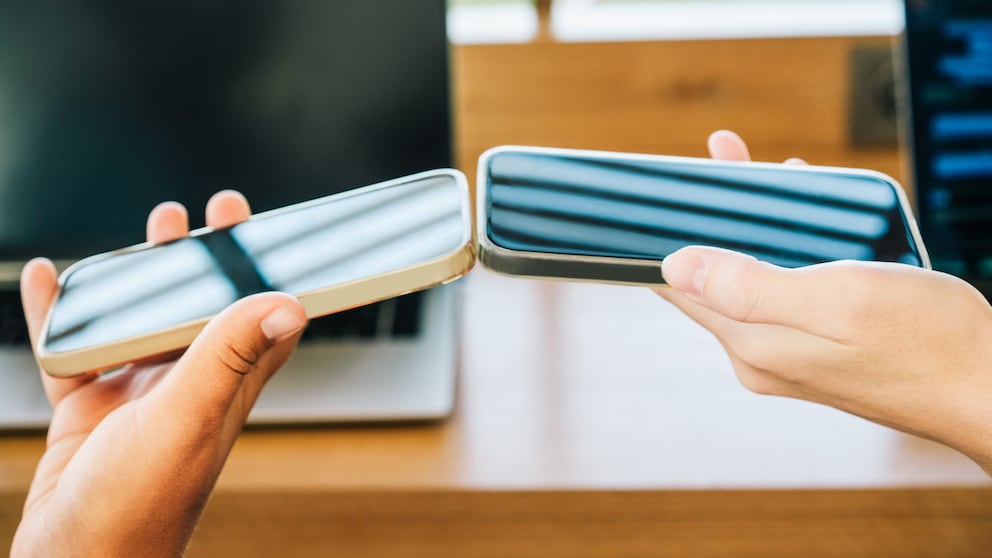
Google is expanding the functionality of Quick Share to facilitate data transfer between Android and iOS. A new QR code feature allows Android users to send files to iPhones by scanning the code. The updates also improve the transition from iOS to Android by enabling broader data transfer.
File Transfer via QR Code
According to “Android Authority,” Google has introduced a QR code feature that allows Android users to generate a code that iPhone owners can scan with the camera app. The selected files are encrypted and uploaded to the cloud, available for 24 hours. No additional app is required on the iPhone. This solution targets smartphones without direct AirDrop connectivity.

Samsung Expands AirDrop-Like Feature to More Galaxy Smartphones
Does the Google Pixel Fold Mark a Breakthrough for Foldable Smartphones?
AirDrop Comes to More Devices
As early as the end of 2025, Google expanded Quick Share in the Pixel 10 series to include AirDrop connectivity. Gradually, the feature is coming to more Android devices. During “The Android Show: Google I/O Edition,” Google announced the rollout for additional models. Here is the list of Android smartphones that will support AirDrop throughout the year:
- Samsung Galaxy S25 series
- Samsung Galaxy S24 series
- Samsung Galaxy Z Flip 7
- Samsung Galaxy Z Fold 7
- Samsung Galaxy Z Flip 6
- Samsung Galaxy Z Fold 6
- Samsung Galaxy Z TriFold
- Oppo Find X8 series
- OnePlus 15
- Honor Magic V6
- Honor Magic 8 Pro
Easier Transition
The switch from iOS to Android is also being improved. In addition to photos, contacts, and apps, passwords, messages, home screen layouts, and eSIMs can now be transferred wirelessly. This feature is initially available for Google Pixel and Samsung Galaxy devices.