


April 10, 2026, 2:27 pm | Read time: 2 minutes
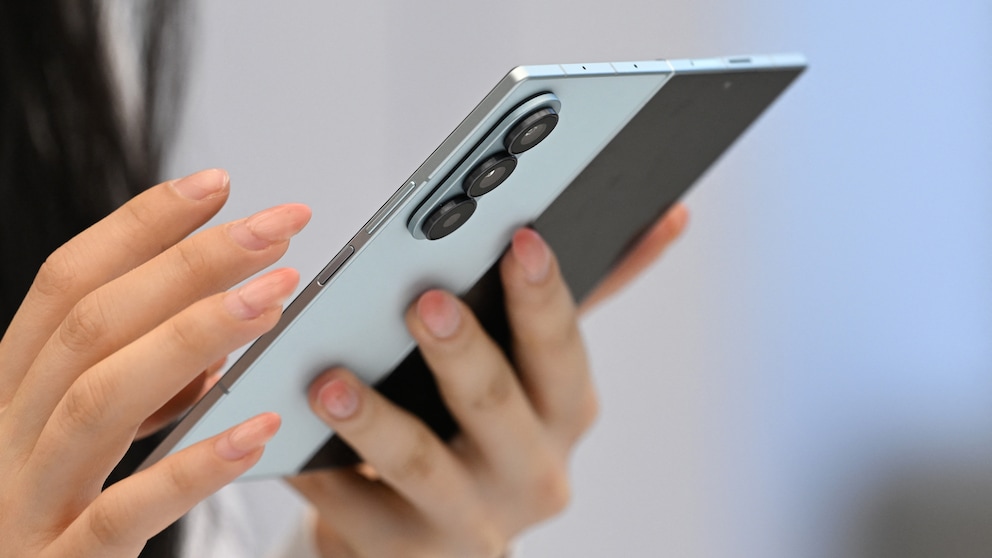
Data exchange between Android and Apple devices was long restricted–until Google found a way to integrate AirDrop into Android. Several manufacturers are working on implementing the feature. Samsung is providing it via an update for a range of smartphone models.
Multiple Devices Receive AirDrop Support
At the end of March, Samsung initially equipped the Galaxy S26 series with the new feature. As part of the One UI 8.5 beta test, the Quick Share extension is coming to additional devices, as Samsung states in a press release. These include the Galaxy S25 and S24 series, as well as Galaxy Z Fold7, Z Flip7, Z Fold6, and Z Flip6. Officially, however, the S26 remains the only smartphone that supports AirDrop in the public version of One UI 8.5.
Additionally, the company has announced the expansion of the beta to more devices. One UI 8.5 will also come to the S23 series, Galaxy Z Fold5, Z Flip5, and Galaxy S23 FE. For the first time, the Galaxy A36 5G, a mid-range device, is among the supported smartphones. However, there is no information on whether an extension of Quick Share is planned for these models.
The technical foundation for AirDrop integration is provided by Google. The company announced the extension for the Pixel 10 series in November 2025. Since February, it has also been available on parts of the Pixel 9 series. Other manufacturers like Nothing and Oppo are also planning an integration.
Activation and Limitations
According to Samsung, the feature allows you to “seamlessly send and receive photos, videos, and files between your Galaxy and iPhone, iPad, or macOS device.” However, it is not activated by default on Galaxy devices. It must be turned on in the settings. The path leads through “Connected Devices” to “Quick Share” and then to the option “Share with Apple Devices.”
Also interesting: Google makes Android 17 significantly faster
There is a limitation when exchanging data with iPhones. It is not enough to limit visibility to contacts. Instead, the “Visible to Everyone” setting must be activated for files to be accepted from Samsung devices.