


December 11, 2025, 7:33 am | Read time: 4 minutes
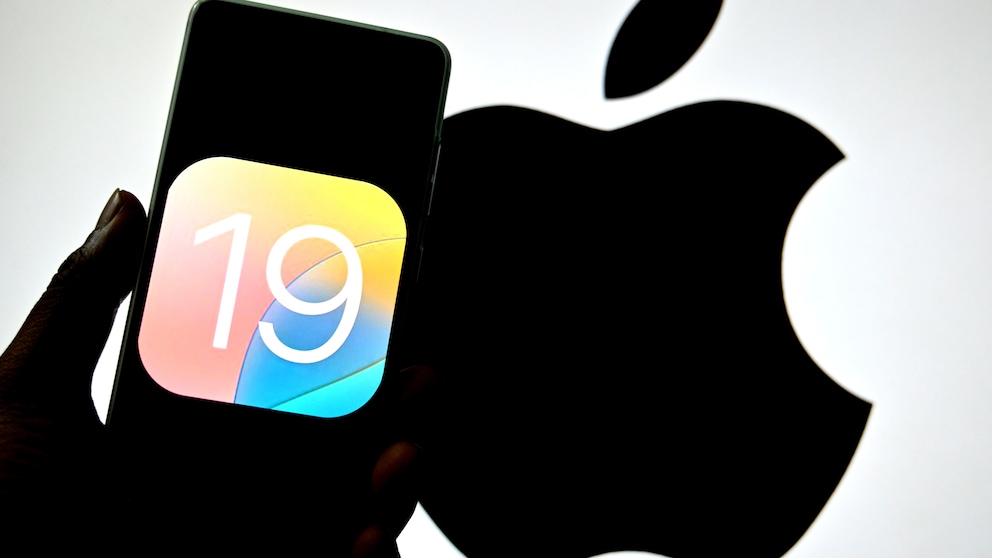
Apple is currently developing two versions of iOS in parallel: 18 and 26. Seven entire generations are missing in between. The reason: iOS 19 was skipped to align all Apple operating systems with the new numbering, starting with 26. However, an internal iPhone prototype has now surfaced, running an early version of iOS 19. Notably, the controversial Liquid Glass interface is not yet installed on it.
On social media, users are still complaining about the new iOS look. The design is said to be too transparent, worsening readability. Many find the language not consistent enough and criticize that it offers no usability benefits. With each subsequent iOS 26 update, most recently 26.2, Apple is adjusting the settings to give users more options to tone down the look.
But what if Apple had never implemented the new, extremely delicate design? iOS 19 without Liquid Glass never appeared, so we never got to see the alternative—until now.
iPhone Prototype with iOS 19 Shows What Could Have Been
Collector Kyolet has provided “AppleInsider” with a series of images of an iPhone 16 Pro prototype running an early version of iOS 19. According to their own statements, it is an EVT unit (Engineering Validation Test). The technical validation phase is the first step toward mass production, so it is likely a device where Apple was still testing the hardware’s functionality. The software is not the focus, which is why the new features we ultimately got with iOS 26 are only rudimentarily present in iOS 19.

The prototype uses an internal version of iOS for testing purposes, known as InternalUI. Part of this special version is the Livability app, which provides developers with information about the device itself and so-called Feature Flags–a kind of manager for managing available features. In the InternalUI version of iOS 19, the experimental Feature Flag Solarium is already present, which activates Sensitive UI. This is the developer preview that later became Liquid Glass. However, the interface in this version of iOS 19 is not functional.
The user interface thus closely resembles iOS 18—but with options and menus that have already been revised and improved in many places. For example, the Control Center appears with the new, rounder edges we know from iOS 26—but without the Liquid Glass layer over it. Also, a detailed overview of battery usage can be found in the settings.

Hands-On With iOS 26: How the New iPhone Operating System Looks So Different
Apple Responds to User Criticism with macOS Update
Rare Glimpse of Apple’s Pre-Production Hardware
Apple’s own prototypes rarely end up in the hands of outsiders. However, the iPhone 16 Pro with iOS 19 can clearly be identified as pre-production hardware. The model number begins—as is common with early test devices—with “994.” The device also carries the device identifier D93 and has the internal code name “Diablo.” According to “AppleInsider,” placeholder logos are found on the casing instead of the bitten apple.
Preview of Previously Unreleased Features
It is also exciting to see what internal tools the iPhone 16 Pro prototype reveals. This includes a previously undocumented mobile version of PurpleRestore 4, which allows restoring an iPhone using another iPhone.
In addition to PurpleRestore, there are test applications around Apple Intelligence, Private Cloud Compute, and Siri. These tools include settings for HomePods, speakers, voice profiles, and the evaluation of AI test results.

Fascinating Insights
While I personally believe that iOS needed a fresh coat of paint, as with many aspects of Liquid Glass, I can understand the criticism of the interface. Many would probably have preferred a new look without the complication of transparency and a new operation.
That would have been iOS 19, a simple derivative of iOS 18, the stubborn continuation of years of OS evolution. It would certainly have caused less uproar and would not still be consuming Apple’s developers’ resources today—just to bring it to a state that everyone can live with.
It is fascinating to see how different the operating system could have been. Simple, without flashy glass animations—but with the practical new features that iOS 26 also brings.