


July 27, 2026, 7:33 am | Read time: 2 minutes
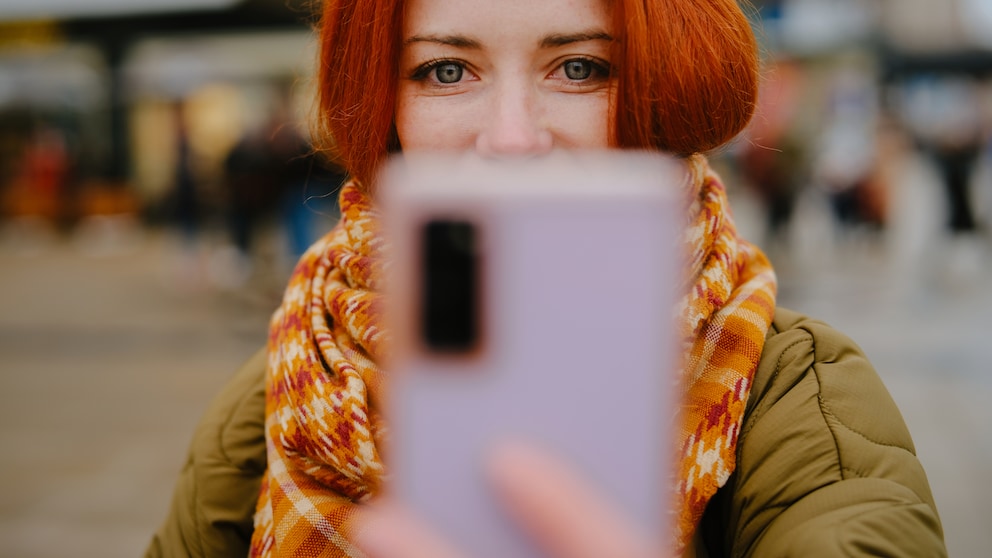
Logging in with a passkey, fingerprint, or facial scan is now standard. Google is introducing an additional method for signing in with a Google account: selfie video. This new feature allows access to the account even when personal devices like smartphones and computers are not at hand.
How to Set It Up
Setting up a video selfie is quite simple. According to the Google Account Help page, the only technical requirements are a smartphone with a camera app and a Wi-Fi connection. Users need to look into the camera and follow the brief instructions, which include simple head movements to capture multiple angles.
Google recommends that “your eyes, nose, and mouth” should be clearly visible: “Sunglasses, masks, or head coverings should be removed.” You should also be alone in the frame, with no people or images of faces in the background. You can check if your account is already enabled for video selfies at g.co/signin-selfie.

Setting Up a New Android Smartphone – Step by Step

What to Do if You Forget Your Apple Keychain Password
New Method for Account Recovery
Selfie video offers an additional way to sign in and complements existing methods like passkeys and recovery contacts. The advantage is that it also allows account recovery in case of a lockout.
For this, Google compares the video saved during setup with a new recording. To ensure it’s a live recording, users must again follow brief instructions for head movements.
Also of interest: Google counts Android backups against cloud storage
Control Over Stored Data
According to Google, the selfie video is recorded only with consent and then stored encrypted. Users can delete the recording at any time in their Google account. The video material is intended to be used only for signing in, according to Google.
However, the company asks for optional data usage consent during setup. If users agree, Google can use the material “to develop and improve technologies for facial recognition and age estimation, as well as other verification methods that may use your physical features or movements.”
This consent can be withdrawn at any time in the account settings for selfie video by deselecting “Improve Google services (optional).”