

August 20, 2026, 2:40 pm | Read time: 2 minutes
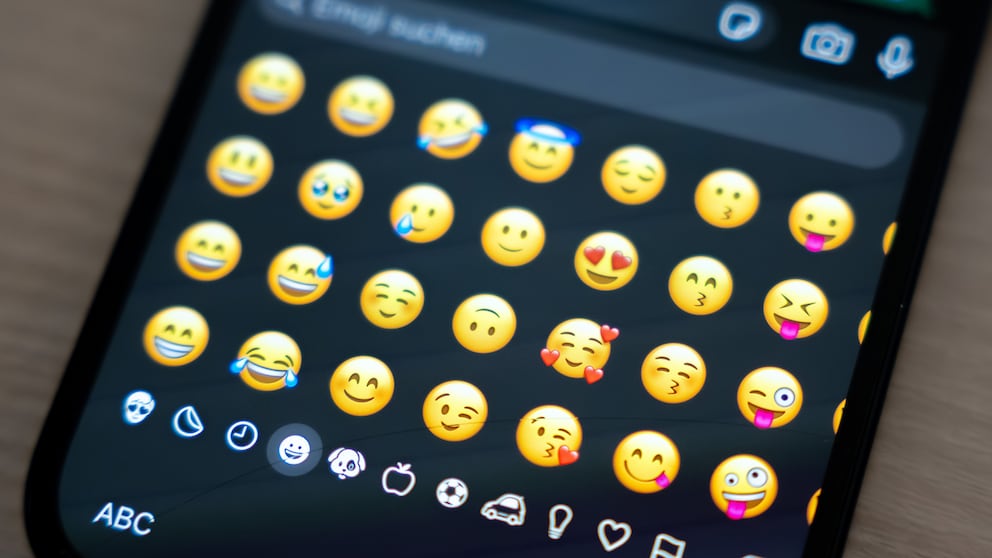
Google is giving its Android keyboard, Gboard, a small but practical update. In a current beta version, users can adjust the size of emojis for the first time using a dedicated slider. This makes it significantly easier to find the right symbol.
Big, Bigger, Gboard
According to the online magazine 9to5Google, the new option is called “Emoji size” and is located in the settings directly below the already familiar font size slider. The emoji size can also be adjusted with a slider in the future. At the same time, the setting also determines how many emojis are displayed per line in the selection.
Depending on the selected level, between five and nine emojis are displayed per row. Those who choose the largest display will see only five symbols per line. In contrast, the smallest setting fits nine emojis in a row.
As 9to5Google reports, there are a total of seven levels available: 9, 8, 8+, 7, 7+, 6, and 5. The default setting is nine emojis per line. The intermediate levels “8+” and “7+” slightly enlarge the emojis without changing the number of displayed symbols. Google also shows a preview above the slider, so changes are immediately visible.
Practical for Readability and Accessibility
The update is likely to benefit users who have difficulty distinguishing smaller emojis. Facial expressions, in particular, look very similar on small displays.
Also interesting: These emojis are often used incorrectly!
Back in February, the online magazine AndroidAuthority reported that Google was working on a feature to automatically adjust emojis to the font size set on the smartphone. However, the new solution goes a step further and instead offers its own slider directly in Gboard.
Currently, the feature is apparently only being distributed to users of the beta version 18.0.3.x of Gboard. It is not yet known if and when the new emoji size adjustment will be released for all Android users.