


December 16, 2025, 7:12 am | Read time: 2 minutes
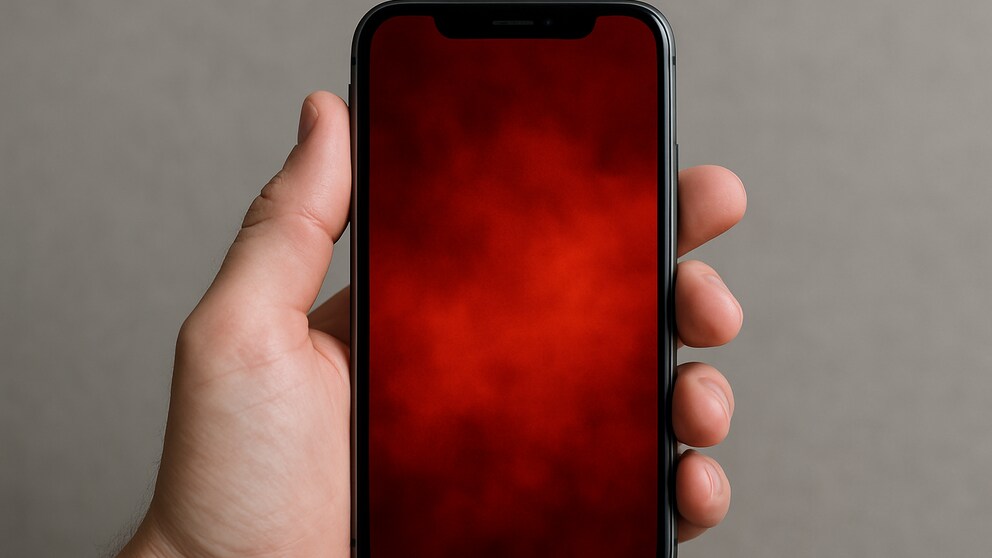
On social media, iPhone users are reporting an unusual error in the Photos app under iOS 26. Individual images show a red tint when opened, which can only be removed through photo editing. Curiously, all affected images originate from Android smartphones.
Red Tint in the Photos App
In several posts on Reddit, some users are puzzled that photos on their iPhones suddenly have a red tint. While the affected images appear normal in the preview view of the Photos app, they turn red when tapped or zoomed in.
TECHBOOK was unable to reproduce the error, but several users report similar effects. A common factor is that the affected photos come from Android devices.
Users Report: Orange iPhone 17 Pro Suddenly Turns Pink
Apple Fixes Annoying Photo Issue on iPhone
iPhone Error Can Be Easily Fixed
Users can completely remove the red tint through photo editing. By selecting “Edit” and then “Revert” at the top right, the images return to their original color. The app then resets the photo to its original state.
Also of interest: Users Report: Orange iPhone 17 Pro Suddenly Turns Pink
The process can be performed individually for each affected image. The original shots remain unchanged, so no data is lost. While the solution is not very obvious, it works reliably.
Cause Still Unclear
There is no official explanation yet, but the fact that the Photos app recognizes the red tint as a color filter suggests issues with processing embedded color profiles.
The technical causes behind the display problem are currently unknown. There are no indications of a system-wide issue. It is only clear that the Photos app mistakenly detects a filter in certain cases and alters the display accordingly. Since the original file remains unchanged, no permanent limitations are expected.
Apple has not yet responded to a TECHBOOK inquiry.