


March 14, 2023, 11:32 am | Read time: 3 minutes
As a WhatsApp beta tester, you get access to new WhatsApp features before anyone else. TECHBOOK explains how to use the beta program for Android and iOS.
WhatsApp regularly adds new features to the popular messenger. These new features often appear a few weeks in advance in the beta version of the app–the public test version of the messenger. But how do you become a beta tester for WhatsApp? TECHBOOK explains what steps you need to take.
In the beta program, WhatsApp tests new features with a small number of users to ensure that when released to all WhatsApp users, the update has as few errors as possible. Beta users volunteer as guinea pigs for new WhatsApp features and get them before everyone else. Anyone can become a tester of the new features–as long as they use the messenger on an Android smartphone or iPhone. A separate application is not necessary for Android, but test capacities must be available.
Find out how to sign up for the WhatsApp beta here in the video:
WhatsApp Beta for Android
If you have an Android smartphone, simply visit the registration page of the Google Play Store. Click on the “Become a Tester” button to find out if test capacities are currently available. If so, interested parties can register for the WhatsApp beta program with a click. Otherwise, you should check back at a later time.
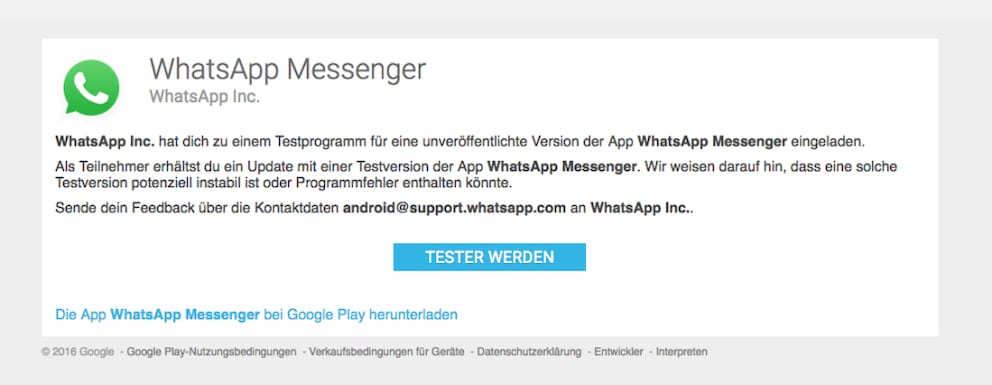
If you manage to secure a spot as a WhatsApp beta tester, sign in with your Google account. The download of the beta app starts automatically. Shortly thereafter, you will receive beta updates normally through the Google Play Store on your phone.
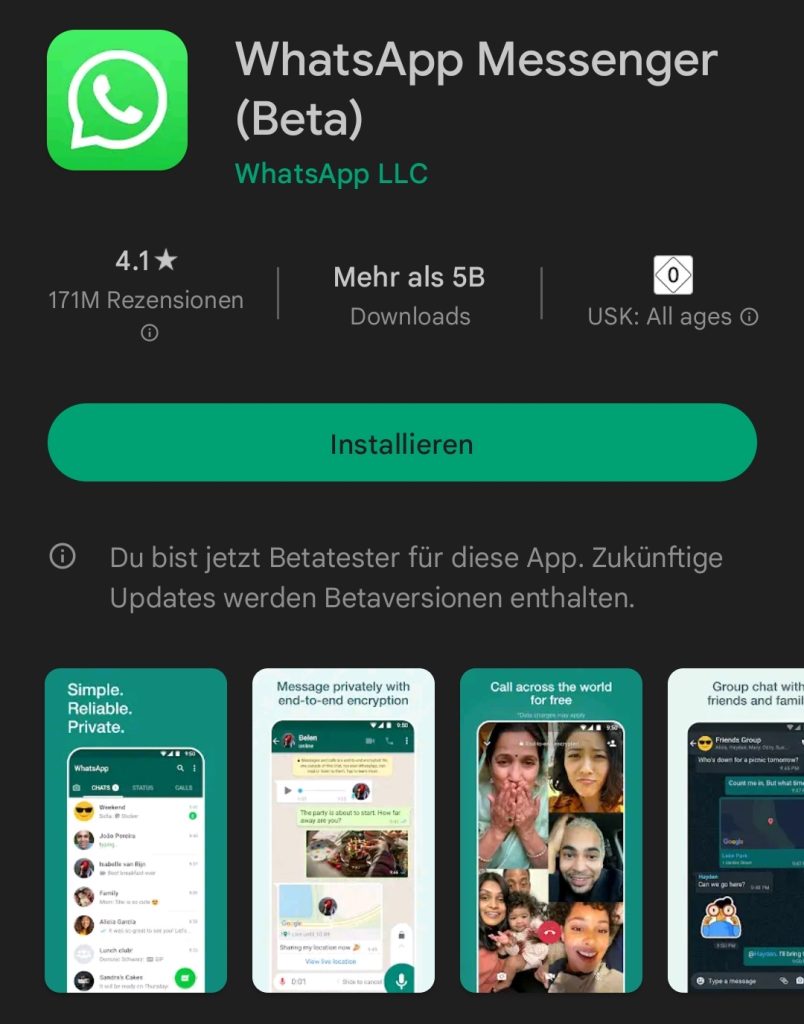
Important: When visiting the page in the Play Store, users should be signed in with the same Google account in the browser that they use on their smartphone.

WhatsApp Allows Multiple Accounts on an iPhone

WhatsApp Is Working on a New Feature–Let’s Hope It Doesn’t Arrive!
Beta Test on the iPhone
If iPhone owners want to sign up for the WhatsApp beta program, they need to go through the app “TestFlight.” On a special website, interested parties can find out if there are still available capacities and apply for the test program. If accepted, users receive an email invitation with a special code from the developers, allowing them to install the WhatsApp beta app.
Beta Users Also Have Disadvantages
However, there is a catch to participating in the beta program: Since you are downloading a test version onto your smartphone, you must accept that the app can be less stable than the regular version. This means there may be occasional crashes and errors that you wouldn’t experience with the normal app. Therefore, you should weigh whether early access to new features is worth this disadvantage.