

November 13, 2026, 10:23 am | Read time: 2 minutes
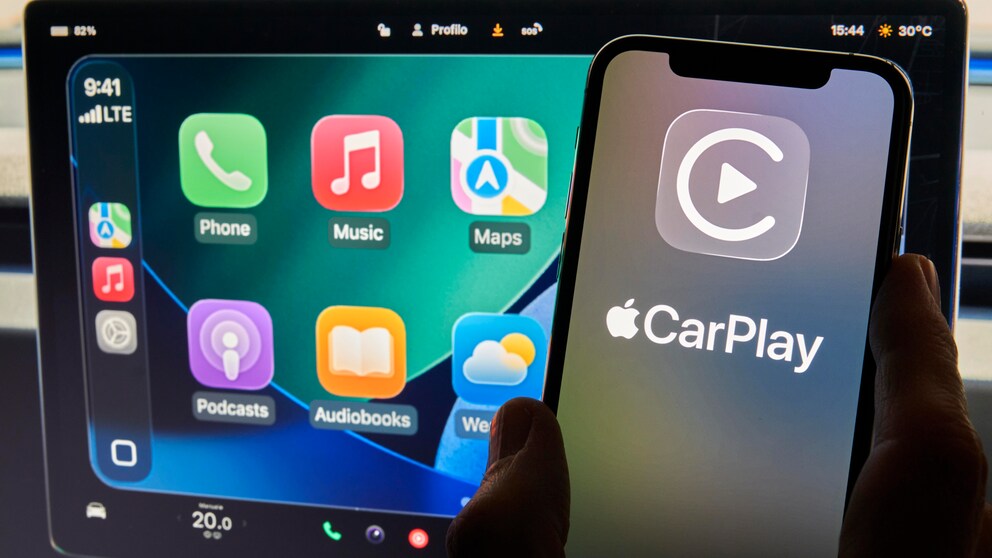
On November 11, Google released the Gemini app for Apple CarPlay. This allows the AI assistant to be used as a standalone application via the vehicle display for the first time. iPhone users can have hands-free conversations with Gemini while driving. The global rollout is already underway–in all languages where Gemini Live is available.
Gemini Supports Conversations While Driving
As the company writes on its own news blog, Google sees Gemini as a “conversation assistant in the car that minimizes distractions.” Gemini Live enables longer voice conversations and processes more than just individual commands. Users can interrupt the assistant, change the topic, or pause a conversation.
The interface shows a waveform to indicate whether Gemini is currently listening, processing a request, or responding. The controls are designed to minimize distractions while driving. Conversations are automatically synced with the Gemini app on the iPhone. This allows a conversation started on the smartphone to be continued in the car and revisited later.

Apple CarPlay and Android Auto: A Comprehensive Comparison

CarPlay Gets AI Chatbots–What This Means for Users
Access to Emails, Appointments, and Recommendations
Gemini can access connected Google services such as Gmail and Google Calendar. This allows for daily summaries and queries about upcoming appointments while driving. The assistant can also read aloud unread emails and summarize their contents.
Recommendations for places along the route are also planned. Gemini can, for example, search for restaurants or attractions in the area and provide suitable suggestions. The functions can be fully utilized by voice, without needing to handle the iPhone.
Requirements and Setup in CarPlay
To use it, the current version of the Gemini app must be installed on the iPhone. Additionally, the application requires access to the smartphone’s microphone. Gemini Live must be launched at least once on the iPhone before first use with CarPlay. Afterward, the Gemini icon appears as soon as the device is connected to CarPlay.
Also interesting: Gemini remembers where your passport and keys are located
Tapping the icon opens a new conversation or continues an existing one. Until now, Gemini was only accessible in CarPlay via the Google Maps app. Other AI assistants like ChatGPT, Claude, Grok, Copilot, Meta AI, and Perplexity have supported CarPlay since the release of voice AI apps with iOS 26.4. Gemini now complements this offering.