


August 31, 2023, 4:03 pm | Read time: 7 minutes
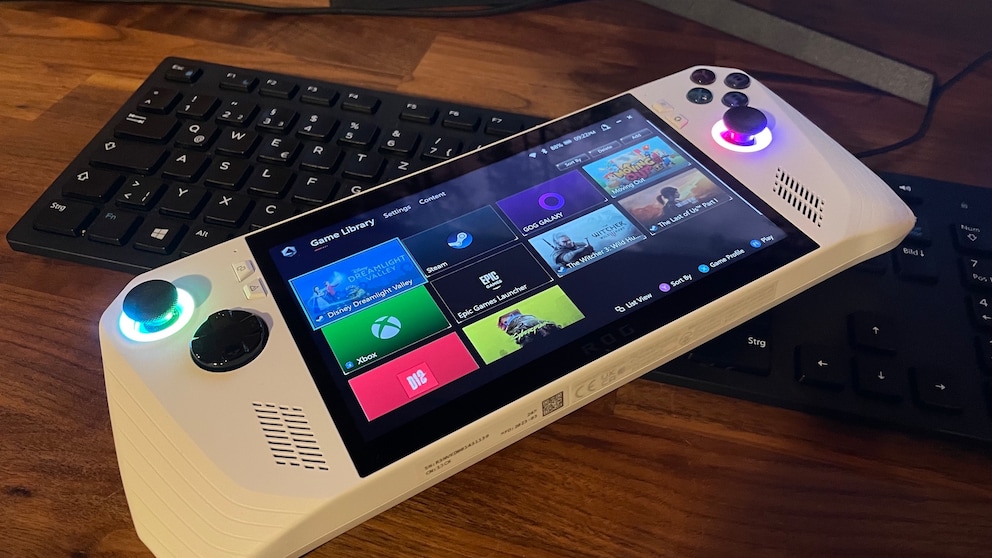
With the Steam Deck, developer Valve has shaken up the handheld console market. Where the Nintendo Switch once reigned alone, more competitors are now trying to gain a foothold. One of them is Asus, known for its gaming-focused “Republic of Gamers” series–short “ROG.” The first handheld console, ROG Ally, aims to impress with versatility and high performance–but does it succeed?
First off, the handheld gaming market was never truly dead. Chinese manufacturers like GPD and Ayaneo have carved out a significant niche. But for the mass market–aside from the unique position of the Nintendo Switch–it never quite made it. That changed with the Steam Deck, which offers high performance at an affordable price, making gaming accessible to everyone. Asus is following suit with the ROG Ally, trying to exploit the Deck’s weaknesses. TECHBOOK has thoroughly tested the console.
Overview
You can also watch our test conclusion in the video here:
Asus ROG Ally Compared to Steam Deck
In direct comparison with the Steam Deck, it quickly becomes clear that the ROG Ally has significantly more performance reserves available. Not only does Asus rely on the newer AMD microarchitectures for processor and graphics, but the configuration with eight processor cores with a 5.1 gigahertz boost frequency, complemented by 12 compute units with a 2.7 gigahertz boost for graphics acceleration, is far superior to the Steam Deck:
In reality, this is noticeable–though less than expected. Asus has installed a higher-resolution Full HD screen that can also variably increase its refresh rate up to 120 Hertz. This theoretically provides a better, smoother image. Like the Steam Deck, the ROG Ally has multiple performance profiles that determine how much power the hardware can draw. Users can thus increase performance with the turbo mode–but at the cost of battery life.

Asus ROG Ally X Review – Handheld Console Improved at a Crucial Point

Acer shows its first handheld console at IFA
Large Battery, Little Endurance
Although the Ally has a 40 watt-hour battery, in our test, we were far from multi-hour gaming sessions–even in moderate performance mode. With demanding titles like “Dead Island 2” and “The Last of Us Part I,” the console gave out after just over an hour. According to The Verge, Asus has made some adjustments to extend battery life–but apparently also reduced performance.
On the test device provided by Asus to TECHBOOK, we cannot replicate this claim–especially since it is a pre-production unit (more on that later). We tested extremely demanding titles like “Cyberpunk 2077,” “Dead Island 2,” and “The Last of Us Part I” on the ROG Ally, with excellent results. Even the “heavy hitters” run at 1080p resolution with frame rates between 30 and 60 FPS–and at high settings. Only with “Dead Island 2” did we have to lower the resolution to 720p and settings to “medium.”
For those who need even more power: the Ally can be used with the external graphics dock ROG XG Mobile. A dedicated PCI-e port on the top allows the dock to be connected, housing the high-performance GPU GeForce RTX 4090. Thus, the small console becomes a full-fledged gaming PC. However, this comes at a price–namely 2500 euros!
Also interesting: How good is the Steam Deck handheld console?
Handling and Feedback of the Asus Handheld Console
For gamers, handling and haptics are, of course, important points. After all, with a handheld console, you’re not just holding a controller but laptop hardware and a large screen in your hand. At 608 grams, the ROG Ally is lighter than the Steam Deck, which weighs about 669 grams. And although the Ally is ergonomically shaped to fit better in the hands, it is far from the lightweight 319 grams of the Nintendo Switch OLED.
The button and joystick layout of the ROG Ally is reminiscent of the Xbox controller–including the eight-directional D-pad. We had issues with the ABXY buttons on our test device, as did many other reviewers, which got stuck in the housing. According to “The Verge,” Asus has since fixed the problem for the retail version with buttons that protrude further from the housing.
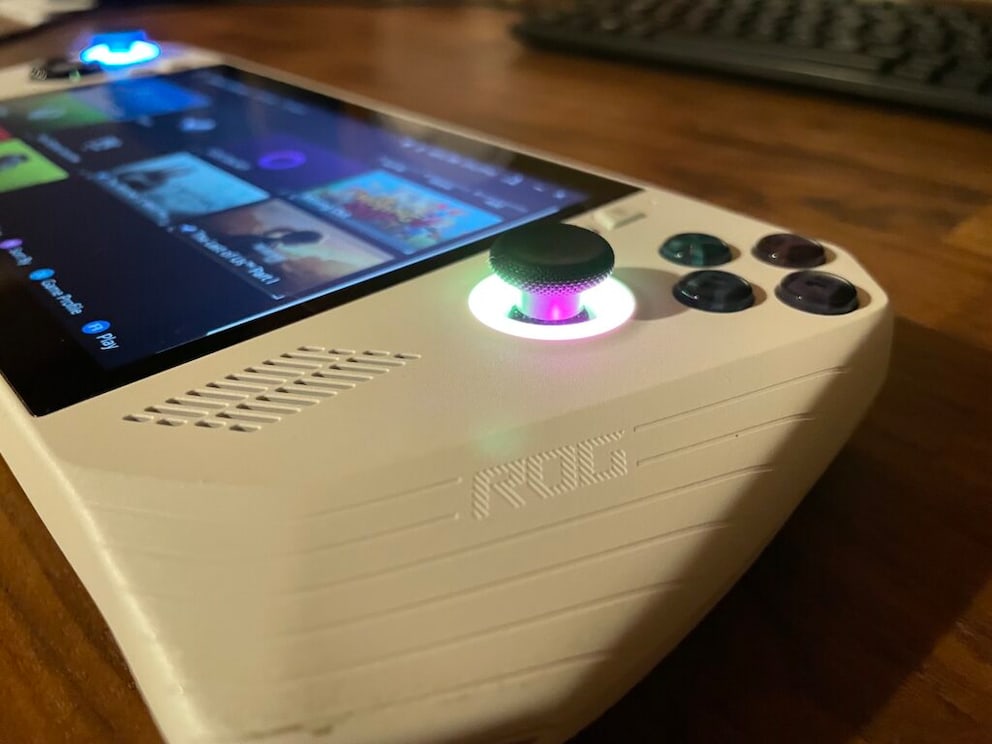
Unlike the Steam Deck, the joysticks are mounted externally, making them easier to use for people with slightly smaller hands. Speaking of joysticks: these come with RGB lighting that is activated right when the console boots up. Visually a cool feature, but it doesn’t change functionality much (except for the already expandable battery performance). If you find it distracting, you can also disable the lighting in the settings. Vibration motors similar to those in controllers are also on board. The haptic feedback is crisp–though not quite at the level of the PS5’s DualSense controller.
In addition to the aforementioned PCIe port for an external graphics card, the ROG Ally has a USB-C port for charging and accessories like USB hubs and a 3.5mm jack for headphones. A microSD card reader is also included–a simple way to expand storage. A nice extra compared to other handheld consoles is a fingerprint sensor integrated directly into the power button, which works with Windows Hello for login.
Software and Armoury Crate
Speaking of Windows–yes, Windows 11 is installed on the ROG Ally. This gives Asus gamers the ability to install games from stores of their choice, such as GOG, Epic Games, and the Steam Store. Microsoft’s cloud gaming service, Game Pass, is also natively available on the console. So if performance ever falls short, a fast internet connection and a subscription are enough to play demanding titles.
In reality, the Windows base is both a curse and a blessing for the Ally. Windows is simply not designed for operation via a 7-inch touchscreen. Buttons are too small, and the operating system’s logic is rarely optimized for pure finger control.
Asus tries to cover this disadvantage with its own software called Armoury Crate. The program manages all installed stores and games, and here you can also set performance profiles and individual control patterns. A dedicated button on the front of the console leads directly to the interface optimized for control via buttons and joysticks–which could be in place here. Instead, Armoury Crate is hardly better to operate than Windows itself. Sometimes input only works via the touchscreen, sometimes only via the controller–and sometimes not at all until a restart. We hope Asus will improve this with updates.
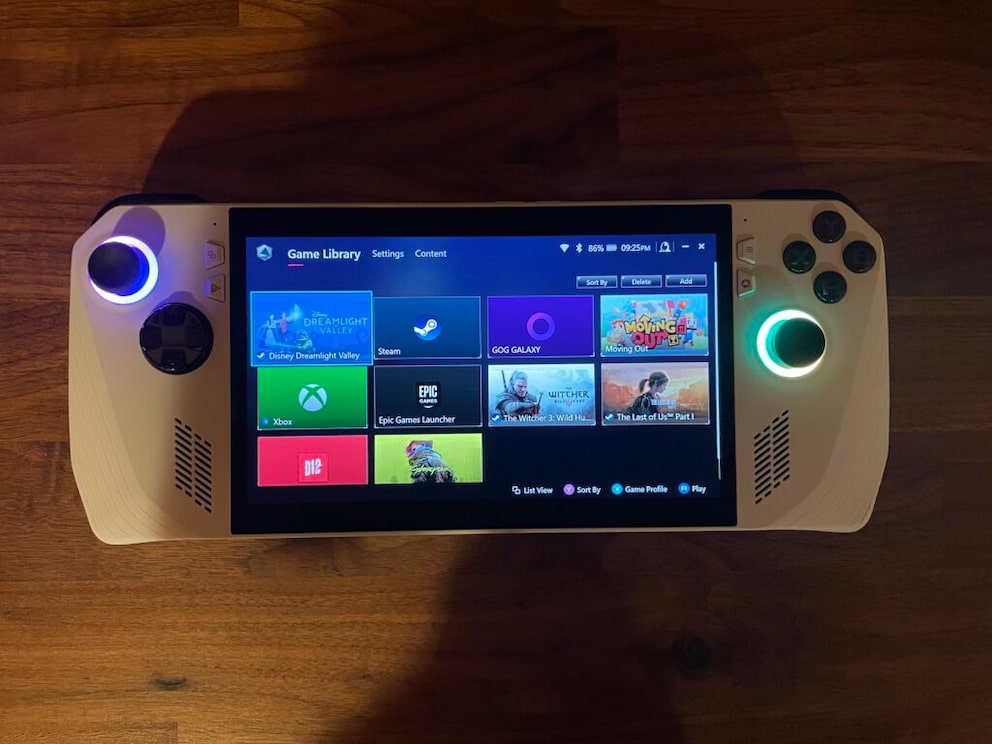
Furthermore, we miss some features that Steam Deck and Nintendo Switch otherwise spoil us with. This includes the ability to freeze games at the touch of a button to continue playing them later. The ROG Ally is a Windows device and therefore cannot emulate this function. Also, we always know which games run on the Steam Deck because Valve tests and verifies the titles in the store for compatibility. With the Ally, installation is a gamble–either it works or it doesn’t. At least the verified Steam Deck games can provide a clue as to what will also run on the Asus console.
Our Conclusion on the ROG Ally
Availability and Price of the Asus ROG Ally
Currently, the handheld console from Asus is only available in the variant with the stronger AMD Z1 Extreme and costs 799 euros. It includes 16 GB RAM and 512 GB SSD storage. The cheaper version with AMD Z1 is currently only available in selected markets.