


June 17, 2025, 10:30 am | Read time: 3 minutes
The launch of a new console is usually a joyous event. But when the Nintendo Switch 2 reportedly destroys a save file, the launch quickly turns into frustration.
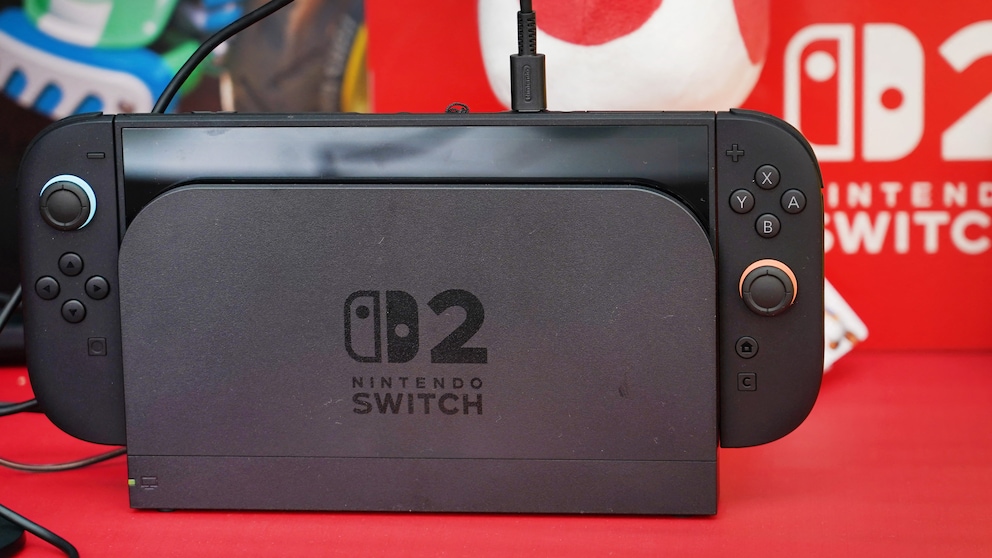
After eight years since the previous console, Nintendo has finally released the Switch 2. The new hardware impresses with significantly more power and new features while maintaining a familiar design. However, while the manufacturer announced a new sales record, the joyful new purchase ended frustratingly for many fans. Increasing reports of delivery and technical issues are circulating. Particularly frustrating is the news that the Nintendo Switch 2 destroyed a save file that was more than 20 years old.
Nintendo Switch 2 destroyed an old save file
As reported by IGN, there are currently increasing reports from fans warning against turning on their Switch 2 and initiating a system transfer without preparation. The feature may be convenient in itself–simply transfer old save files and settings, and you’re done. But in the process, the Nintendo Switch 2 has repeatedly destroyed save files. Especially “Pokémon” fans are sharing their experiences on Reddit.
In a now-deleted post, a user shared that they were “about to cry.” More than 1,000 hours of gameplay over more than 20 years had disappeared because the Nintendo Switch 2 destroyed the save file. This happened with “Pokémon Scarlet,” where the affected user had been transferring their save file since 2004 and “Pokémon LeafGreen” on the Game Boy Advance to newer versions.

Nintendo Confirms Live-Action Adaptation of Video Game Classic ‘Zelda’
From Game Boy Game to Mass Phenomenon – the History of Pokémon
Switch 2 showed no error
As it continues, it was initially unclear that the Nintendo Switch 2 had destroyed the save file. The data transfer reportedly proceeded as expected, without an error message. Other “Pokémon” data were still present. But when starting “Scarlet,” the game would now go directly to the language selection and “create character” screen, which typically only happens when playing for the first time. At that moment, it was clear that no save data were present.
“I can’t do anything, and I don’t know if I want to play anymore,” the post reportedly said. Other users report similar incidents, which have also occurred with other games such as “Zelda: Breath of the Wild” and “Zelda: Tears of the Kingdom,” along with other “Pokémon” titles.
What “Pokémon” fans should definitely do
While there is a dedicated cloud storage for the original Nintendo Switch within the Nintendo Switch Online subscription, some “Pokémon” games are among the few not supported by it. However, fans should already know that there is also a dedicated “Pokémon” cloud storage–in the form of the “Pokémon Home App.”
Also of interest: Users report defective Switch 2 docks
Although you must register separately for this if you want to store more than 30 of the pocket monsters, fans are now advising others that this is the best and safest way to keep their collected creatures. So, you should definitely do this before activating the new console to prevent the Nintendo Switch 2 from destroying the beloved save file.