


June 18, 2026, 4:34 pm | Read time: 4 minutes
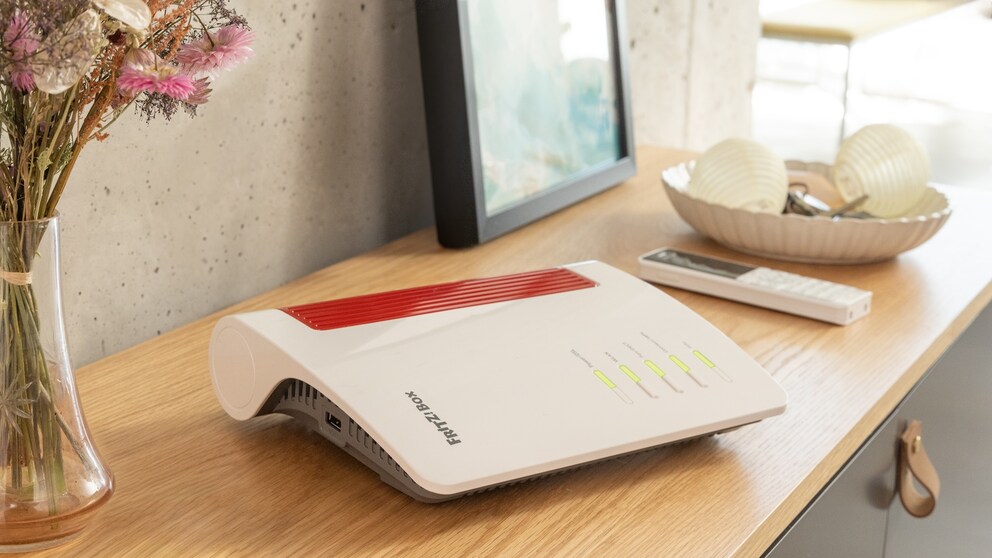
The Fritzbox is one of the most popular router models in Germany. It is available for (V)DSL, cable, fiber optics, and even mobile network connections. However, it’s not widely known that there’s a well-hidden power mode in the settings that provides a noticeable speed boost.
When purchasing a Fritzbox, most users set up the router quickly without paying much attention to the many settings in the menu. However, it can be worthwhile to take a look at the menu. Manufacturer Fritz (formerly AVM) ships most Fritzboxes from the factory in the energy-saving Green Mode, which throttles the speed of the gigabit LAN and USB ports. This is particularly common with models provided by internet service providers.
Overview
The LAN and USB ports of the Fritzbox can be operated in the so-called Power Mode. For the gigabit LAN connection, for example, this means that the data rate increases from 100 megabits per second (Mbps) to up to 1000 (or 1 gigabit per second)–a noticeable speed boost. You can also unlock more speed for the built-in USB ports.
How to Activate Power Mode
To activate Power Mode, users need to access the Fritzbox menu. Simply enter fritz.box in the browser’s address bar. A window will open where you can retrieve the login data for the router. Once this is done, you will reach its main menu.
Click on Network under the Home Network menu item and then select the Network Settings tab at the top. Under the LAN settings, an overview of the various LAN ports appears–here you can switch between Green Mode and Power Mode. The mode does not affect Wi-Fi, only devices connected to the router with a LAN cable. If you want to know how to make your wireless internet faster–this article offers useful tips.

Under “Home Network” and “USB Devices,” users can also adjust their USB ports. By default, the USB ports operate only at USB 2.0 speed to save power. Power Mode switches to USB 3.0, significantly increasing the transfer rate. This setting is a must, especially for external hard drives with the blue USB 3.0 cable.

Fritzbox 6690 Cable – Features, Pros and Cons, Review
AVM Unveils New Outdoor Repeater and Wi-Fi 7 Fritzboxes
Which Fritzboxes Support Gigabit LAN?
Almost all Fritzboxes support Gigabit LAN. This is especially true for the current router models of recent years. A few exceptions include the Fritzbox 7430 or the Fritzbox 4020. On the official Fritz homepage, you can find all current devices in the overview–including whether there are ports for Gigabit LAN or not.
When Does Gigabit LAN Make Sense?
The option is primarily useful for people who transfer large amounts of data–such as for complex Full HD or 4K video streams. Those who use many devices in their network simultaneously also benefit from the speed boost. However, the prerequisite is that the end device also has a Gigabit LAN port. This is the case with many newer desktop PCs and laptops.
If you don’t have a Gigabit LAN-capable device and only occasionally surf the web with your laptop, check a few emails, or watch a YouTube video, you should stick with the more economical Green Mode–you would hardly notice an effect here.