


October 13, 2025, 1:09 pm | Read time: 2 minutes
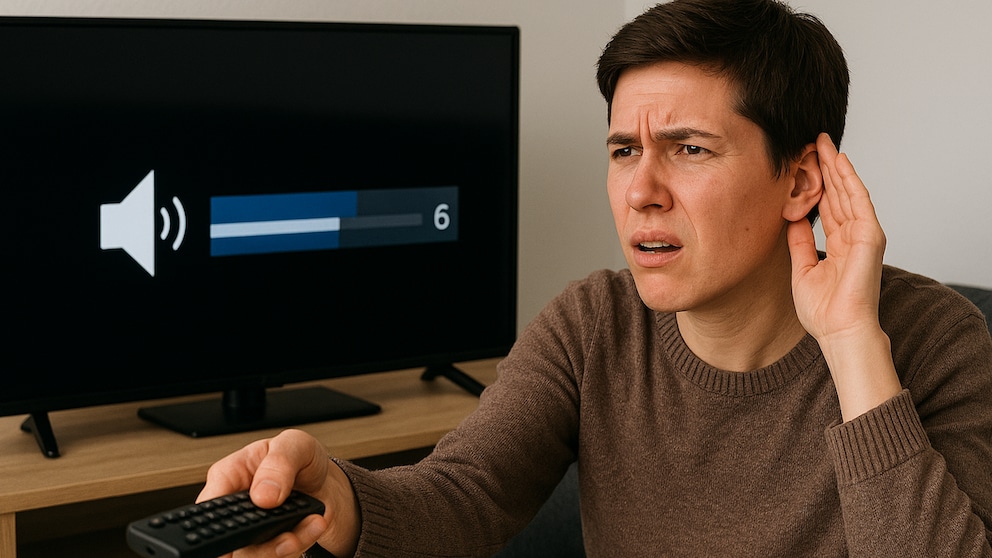
For a successful streaming night, everything has to be just right: Delicious snacks and drinks are ready, the right movie or series is chosen, the picture is crystal clear, and… what did he just say? Indeed, with Netflix audio, voices can sometimes be too quiet. There’s a simple reason for this–and a simple solution.
Why Netflix Audio Often Has Quiet Voices
Don’t worry, it’s probably not your hearing. Many users actually complain that Netflix audio often has quiet voices. When dialogues are barely understandable and valuable plot-relevant information is lost, it can be very frustrating. In such cases, reaching for the remote seems to be the only solution.
It becomes particularly annoying when music and action (gunshots, explosions) suddenly blare excessively loud from the speakers. But why is that? It’s simple: Especially for German language versions, 5.1 surround sound is activated by default for superior spatial sound. Many film studios always produce their titles with multichannel sound to ensure the most immersive sound in theaters.
Under optimal conditions, the sound setting automatically adjusts to the capabilities of the playback device. If it supports 5.1 sound through a home theater system, soundbar, or headphones, there’s no problem. However, according to Netflix, there are smart TVs that demand 5.1 from Netflix but then downmix the audio to stereo. This can lead to poorer stereo output.
Quick and Easy Ways to Improve Netflix Audio
If Netflix audio has quiet voices, first check if 5.1 sound is activated. Go to the language settings of the title and verify. If “German (5.1)” is selected, switch to the option without surround sound–just “German.” This usually results in a noticeable improvement. Other options may also be available; choose the one that matches your equipment. The same applies to other languages if different options are available.
Also interesting: New Netflix feature reduces distractions while watching
As Gamestar explains, there may be content that doesn’t have 5.1 sound. If Netflix audio still has quiet voices, it might just be the series or movie itself. The sound might simply not be well mixed. You might need to upgrade your equipment.
Also good to know: Normally, the 5.1 option should only be available on TVs. On computers, this issue shouldn’t arise.