

May 10, 2025, 2:19 pm | Read time: 3 minutes
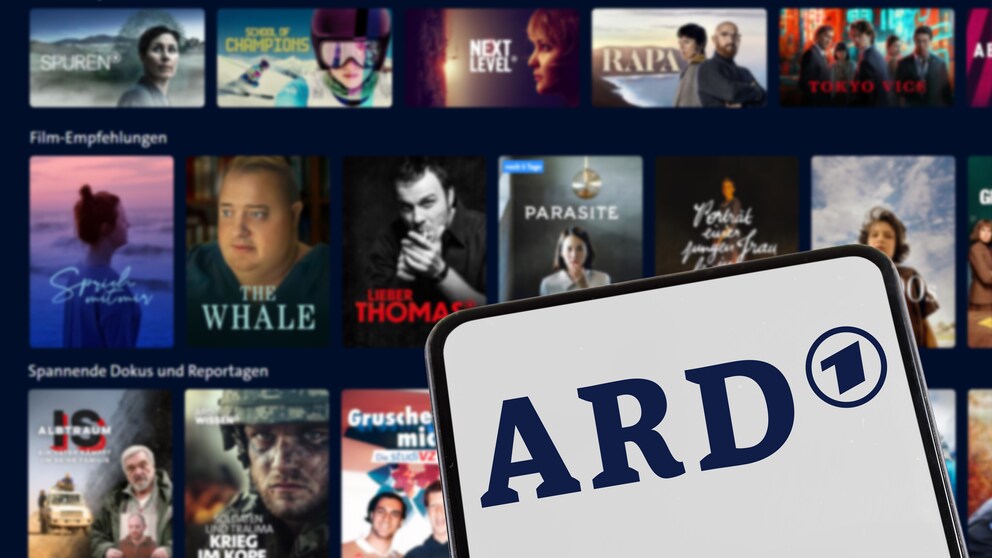
It’s a frustration in the age of streaming platforms: All content from public TV broadcasters must be taken offline after a certain period by law. Especially for current sports events or popular film and series highlights, the availability is particularly short–between 7 and 30 days. However, there is a tool that allows you to save media library content offline.
It somewhat resembles the analog TV era: If you weren’t in front of the TV at a specific time, you simply missed important developments in your favorite series. Many contents from ARD and ZDF now end up in the media libraries. According to the Interstate Media Treaty, ARD and ZDF are only allowed to make these available online for a certain time. But there is a solution: MediathekView.
The respective availability periods for films, series, and documentaries in the official media libraries have been increasingly generous in recent years. Nevertheless, certain programs can no longer be found after one or two years. Well-researched contributions often disappear into the offline archives of the broadcasters. In an era of constant availability of content online, the purpose of such availability periods should be discussed at the next opportunity.
MediathekView Allows Longer Access to Media Library Content
The project with the catchy name MediathekViewWeb lists all content from public broadcasters. Unfortunately, the interface isn’t as sleek as the media libraries themselves. However, it is a passion project of a single developer who appreciates recognition in the form of donations.
The most important tool in the web version of MediathekView is the search mask. It allows you to quickly find desired content. If you’re looking for inspiration, you can use search engines–such as www.sendungverpasst.de or www.fernsehserien.de.

Why do we have to pay for ARD’s streaming service?

New Soccer Channel Launches: DFB Takes on DAZN and Sky
How MediathekView Works
MediathekView includes all content from ARD and ZDF and shows exactly when contributions will be taken offline. Public broadcasters also include 3sat, arte, and Phoenix. Even content from Austria, from ORF, or Switzerland, from SRF, is available. However, special regulations apply to some content from our southern neighbors, especially for sports broadcasts. Due to country-specific sports rights, these are partially blocked for viewing in Germany. However, there is a semi-legal solution via VPN–a topic in itself.
Read also: What You Should Know About VPN Apps
Once you’ve found suitable content on the MediathekView website, hover your mouse over the film clapper icon under the “Video” tab. Several options are available to you. Press the play button, and the desired content will play immediately. Select the disk icon, and the contribution will be saved on your computer. The text icon serves as a marker to remember shows for later viewing.
Build Your Own Digital Video Library
If the web interface is too confusing, you should download the tool as a program for Windows, Mac, or Linux here. The desktop application offers significantly more features and filters. Desired content also lands more user-friendly on your own computer. Contributions can also be played directly in the local video app via the program.
If you have questions, the MediathekView community in the forum can help. There are already plenty of answers. If your problem hasn’t been addressed yet, simply post a question and wait for a response.
MediathekView is also suitable for building your own digital film and series archive over time. Download the latest episodes of “Tatort” or “Der Bergdoktor.” Through numerous repeats, you can continuously gather all episodes. Unlike an analog video collection, your digital video library doesn’t require wall units.