

July 17, 2022, 1:46 pm | Read time: 3 minutes
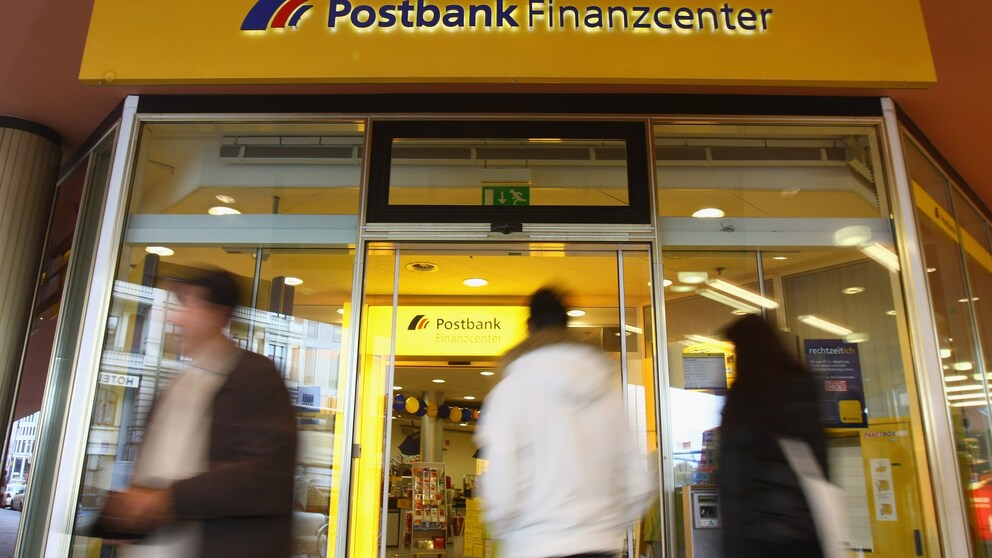
In recent years, Postbank has closed numerous of its own financial centers. As a result, Postbank services and self-service devices are no longer available in all locations. Many customers now conduct their banking on PCs and smartphones. But can the Postbank app really replace a visit to the branch?
Dülmen is a typical case: In the quaint rural town of 50,000 residents south of Münster in North Rhine-Westphalia, there was a post office with a Postbank ATM and account statement printer until a few years ago. However, the Bonn-based company has since withdrawn from the town and closed its branch. Postbank services are now only offered at a local stationery store. This is a partner agency with a limited service offering, not operated by Postbank itself. Consequently, smartphones are becoming increasingly important for banking. But how practical and, above all, user-friendly is the Postbank app, and what functions does it offer?
Postbank Financial Assistant
The Postbank Financial Assistant is available for free on Android and Apple’s iOS. For security, Postbank offers BestSign for authorizing transactions, which can be approved via fingerprint. All basic payment functions are available in the app. Particularly interesting is the multibanking feature, which allows accounts from other banks to be added.
This makes the app a viable alternative to Outbank and others. In terms of functionality, the Postbank app appears straightforward, although BestSign requires an additional app installation. Many neobanks, such as Nuri or N26, have already advanced in this regard, allowing transaction approvals directly within the banking app.
Read also: What you should know about smartphone banks like N26
Voice Transfers
In the Postbank app, transfers do not necessarily have to be entered manually; they can be executed via voice transfer if desired. To do this, switch to transfer in the Financial Assistant, and the smartphone keyboard will open. After pressing the microphone button, simply speak the recipient and amount, for example, “100 euros to Petra Pfiffig for concert tickets,” and the details should be assigned to the correct recipient. While voice transfers are generally very convenient, they are also prone to errors. Especially when no transfer template is available, the IBAN must be entered manually anyway, which is also safer to avoid transposition errors.
Card Management
Although contactless payments via smartphone are becoming increasingly important, many bank customers still carry debit and credit cards in their wallets. Therefore, Postbank also offers the ability to manage cards on the go via smartphone. This includes reloading prepaid credit cards and blocking them if, for example, the card is lost or stolen while traveling. Additionally, it is possible to purchase gift codes in the app using Touch ID and redeem them immediately after purchase. This saves a trip to the supermarket or gas station, where gift cards for Spotify, Netflix, and others can also be purchased physically.
Read also: Postbank customers must agree to new terms and conditions, or the account will be closed

Ongoing Major Issues With Debit Cards

How much money can I withdraw from an ATM at most?
Conclusion: App or Bank Branch?
In principle, the Postbank Financial Assistant handles all essential account functions familiar from the branch or telephone banking. The app also appears well-developed in terms of user-friendliness, although the additional installation of the BestSign app may be seen as a disadvantage by some bank customers. However, even if you use your smartphone or debit card to pay at the store checkout, you still can’t avoid cash in every situation. Therefore, the Postbank app cannot replace the ATM or the counter in the Postbank financial center.