

May 23, 2017, 10:19 am | Read time: 2 minutes
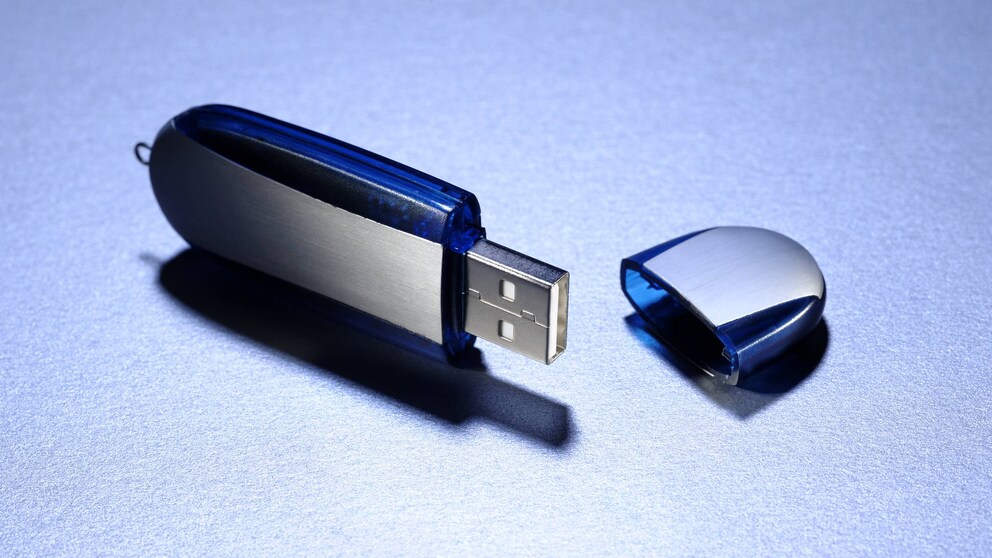
Sometimes brand-new USB sticks contain old data junk–but why is that? An expert explains: During production, old smartphone memory chips are recycled.
When you buy a new USB stick, you often get a large pile of data junk for free. Manufacturers install–at least in their opinion–useful software on the storage for free. As reported by the “FAZ,” there are also truly bizarre cases.
Top Articles on the Topic

In the fall of 2016, a laptop owner from Stockholm made an astonishing discovery. On a USB stick, he found a Chilean driver’s license as a PDF scan. However, the license holder could not have used this USB stick himself–because the stick was brand new. Various data forensics experts heard about the case and now provide the explanation.
Manufacturers Recycle Old Memory Chips
USB stick manufacturers save costs and, according to experts, use old smartphone memory chips for production. This is how foreign files from old smartphones end up on new USB sticks on the other side of the world. A cell phone is typically used for two to three years–then a new one comes along. But the old memory chips and processors find new uses in other devices. Scrapping them would be a waste. If formatting is done sloppily, sensitive data can suddenly be spread.
Unnecessary Software on the Stick?
Most USB stick buyers end up not finding confidential data on the new device, but rather unnecessary software. You can safely delete this from the USB stick. Even better: Before first use, you should format your USB stick. The FAT32 format is most suitable, as it is compatible with both Windows and Mac computers.
What else you need to consider when buying a USB stick, is explained in this article.