

April 14, 2026, 2:00 pm | Read time: 3 minutes
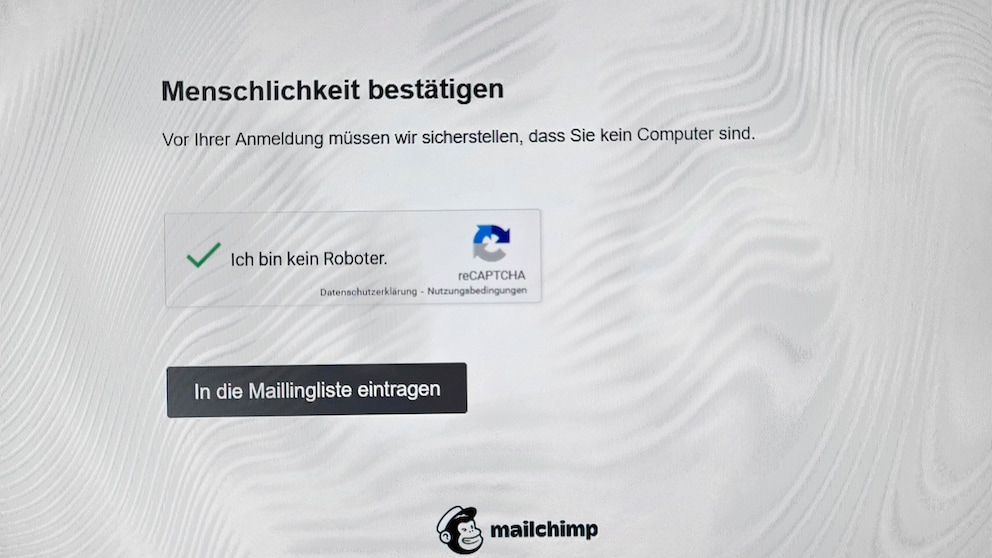
A seemingly harmless checkmark with devastating effects: Encountering a supposed “I’m not a robot” captcha can quickly lead to a trap. A new scam exploits trust in captchas–with dangerous consequences for computers. TECHBOOK explains how the scam works and how users can protect themselves.
The BSI (Federal Office for Information Security) is currently warning about a new scam. It involves fake captchas that demand a key combination–a clear sign of a manipulated website with malware.
Fake Captchas as a Gateway for Malware
Currently, there are increasing cases where cybercriminals use convincingly real-looking captchas on manipulated websites to install malware on computers. Captcha, by the way, stands for “Completely Automated Public Turing Test to Tell Computers and Humans Apart.” It means: “Fully automated public Turing test to distinguish between computers and humans.” The protective measure is intended to ensure that the request is made by a real person and not an automated program.
In principle, this is welcome, but current cases show that cybercriminals can also exploit this protective measure. Anyone clicking on a typical “I’m not a robot” captcha on a website should be particularly vigilant. If regular access to the site is granted after confirming the checkmark, there is no cause for concern.
It’s a different story if another banner with instructions for entering key combinations appears afterward. In this case, it is a highly dangerous scam site.
Key Combinations as a Warning Signal
According to the Swiss Federal Office for Cybersecurity (BACS), the currently circulating attack method was first documented at the end of 2024. The first captcha is already fake, as revealed by the second banner: It calls for the execution of specific key combinations for supposedly additional verification.
The tactic follows a precisely coordinated plan: Just by clicking the captcha checkmark, a malicious command is automatically copied to the system’s clipboard. In the subsequent banner, the attackers then prompt users to open an input field using a key combination.
Further instructions lead to the already stored command being pasted into the input field and executed unnoticed. As a result, malware is downloaded and installed from an attacker server.

Federal Office for Information Security Warns of Keyboard Shortcut Trick

These Erotic Anime Wallpapers Are Now Spreading Malware
Data Theft as a Result of Captcha Malware
The malware installed in this way can cause extensive damage. Among other things, it can collect information about the operating system, from web browsers, or messengers. It can also steal sensitive access data such as passwords or credit card numbers and compromise crypto wallets or authentication systems for online banking.
Additionally, it can open the door to further malware or execute arbitrary commands. Since many malicious programs deeply penetrate the system, complete removal is often not easily possible, which further complicates the situation.
What Affected Individuals Can Do
Anyone who suspects they have fallen victim to such an attack should not hesitate. According to BACS, it is advisable in these cases to completely reset the computer. This includes reinstalling the operating system and restoring all personal data exclusively from external backups.
If there are no or no current backups on external storage devices–which should generally be available–the data must first be secured before resetting. It is also recommended to change all passwords, especially those for email accounts, as these are considered access points to many other services and accounts.
With material from dpa.