


August 27, 2018, 2:57 pm | Read time: 2 minutes
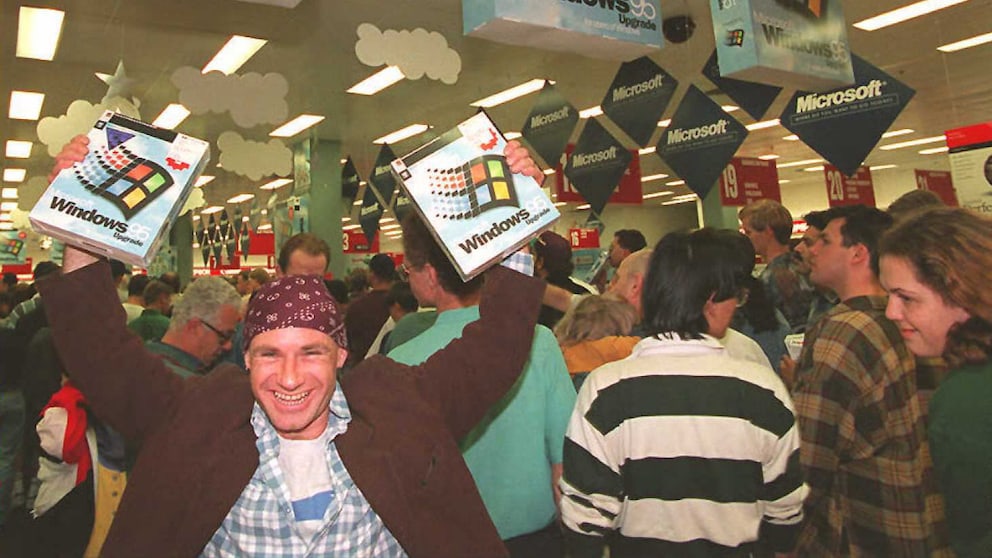
Windows 95 was a milestone for the computer industry. The desktop interface and focus on the Start button remain pioneering design elements and have significantly influenced how we use PCs. Now, the iconic program is making a comeback as an app.
A new app for Windows, Mac, and Linux has been circulating online for a few days: The classic Windows 95 is making its way back to computers as an app. Slack developer Felix Rieseberg created the app as a small joke and uploaded it to the developer site GitHub:
I put Windows 95 into an Electron app that now runs on macOS, Windows, and Linux. It’s a terrible idea that works shockingly well. I’m so sorry. Go grab it here: https://t.co/MIoFpezuFipic.twitter.com/YquOnOGrSz — Felix Rieseberg (@felixrieseberg) August 23, 2018
The app is available for Windows, Mac, and Linux and can either be installed or simply unpacked and launched directly. With a mix of program and emulator, you can dive into the past and revive memories with “Solitaire” and WordPad. The operating system works surprisingly well despite its age and can be restarted at any time if it crashes. Everything runs except for applications like music playback and Internet Explorer, which cannot open a single webpage. We show you what the interface looks like in the video here:
(Almost) Full Functionality
The classic games “Solitaire,” “Minesweeper,” “FreeCell,” and “Hearts” can be used just like Paint. Additionally, the developer has pre-installed a few extra games that can be found on the simulated Drive C: in the Fun folder. In keeping with the general retro feel, you can also play “Space Invaders” here.
The Windows 95 app can be downloaded from the GitHub page and is only about 100-150 megabytes (MB) in size. You can find the download link here. Just choose the right version (Linux, macOS, or Win32) and download it. After unpacking, the app takes up little more than 400 MB on the drive and requires just 200 MB of RAM. If you’re wary of installation, you can also try Windows 95 and other operating systems directly here in the browser.

Windows 95 as an app is a nice pastime that brings a bit of nostalgia. However, the operating system is no longer really usable, as it is hardly compatible with today’s hardware and, of course, looks completely outdated. For tech nerds, the app is still a must!