

June 1, 2017, 12:57 pm | Read time: 1 minute
Don’t want to write long texts by hand? Just use your handwriting in Word. TECHBOOK explains how it works.
Your next party invitation feels a bit impersonal? Then write all your letters by hand–or have them written for you!
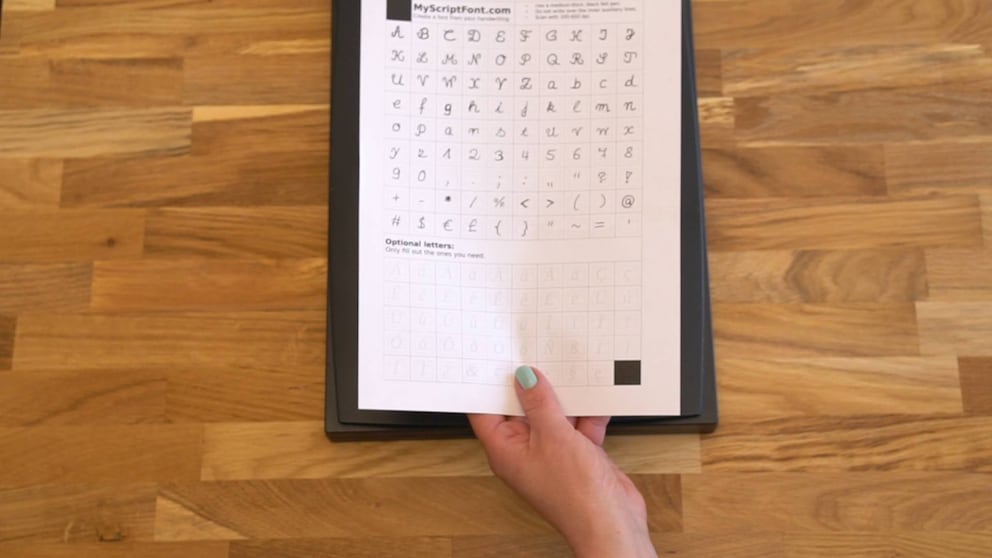
With this TECH HACK, we’ll show you how to create your own font for the computer. For this, use the online tool myscriptfont.com.
Print out the PDF template from the website. Then fill out the document with “your” handwriting and scan the paper back in. The website will convert your handwriting into a TTF file. Place this under C:WindowsFonts. Now you can use your own font in Word and other programs. The video above shows exactly how it’s done.