

April 13, 2017, 9:28 am | Read time: 1 minute
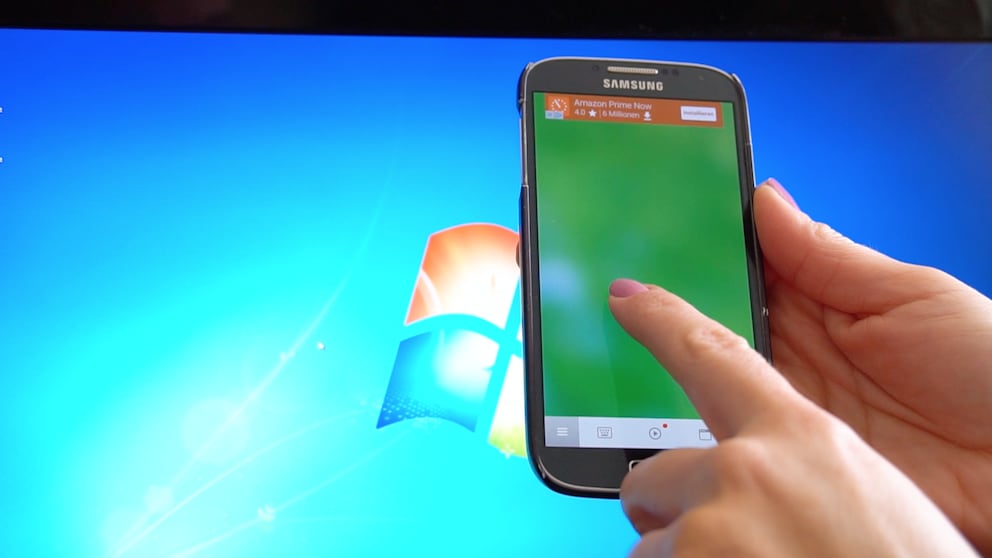
The laptop is connected to the TV, and you’re comfortably enjoying a movie on the sofa. You can also use your smartphone to pause or skip. TECHBOOK shows you how it’s done.
Controlling the computer via smartphone or tablet can be very convenient. We show you how it works in the video. All you need is a small program in conjunction with an app.
Install the “Remote Mouse” program for your computer and smartphone. The software is available for:
Connect the computer and the app via IP input. After successful pairing, you can now control both the mouse and the keyboard. If desired, you can even shut down the PC remotely.