


January 7, 2021, 8:05 pm | Read time: 2 minutes
In this series, TECHBOOK presents the best Android hacks and tricks–with video and detailed instructions.
The Android operating system, developed by Google, is the most widely used in the world. Seventy percent of all smartphones today run on Android. The OS is now in its eleventh generation, and with each new generation, it has gained new features–some of which are quite well hidden. In the “Android Hacks” series, TECHBOOK showcases the best and most practical of these features.
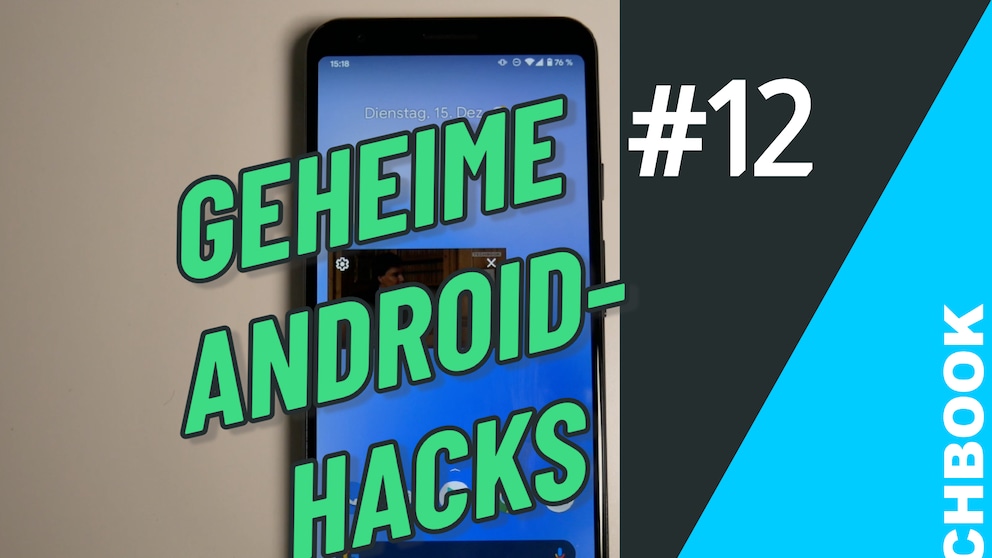
In part 12, we show you how to play videos in a small window over other apps.
How It Works
1. Open the Android Settings.
2. Click on Apps & Notifications.
3. Click on Advanced and then on Special App Access.
4. Select Picture-in-Picture from the menu. Make sure the app you want to display as picture-in-picture is set to Allowed.
5. Open an app that supports picture-in-picture–we use the browser version of YouTube in Google Chrome for this.
6. Maximize the video to full screen. In YouTube, you can do this with the square icon.
7. Now return to the home screen, and the video should continue playing in a small window. You can open other apps and use them normally while the video remains on top. You can move the window to any position. By clicking on the video, you can pause playback, close it, or return to full screen.