


February 25, 2023, 6:48 am | Read time: 3 minutes
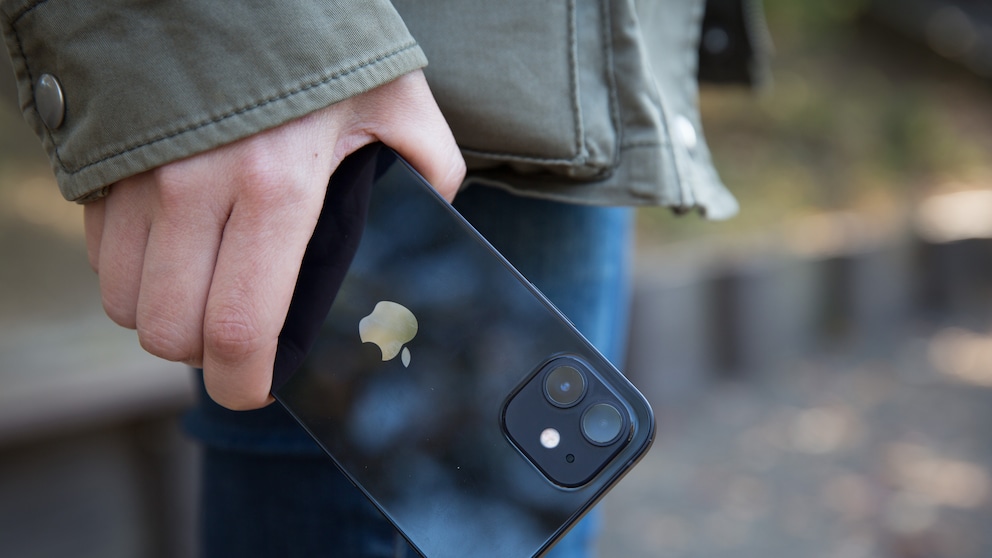
Many smartphones can now make an emergency call if the user has fallen. The iPhone goes a step further and warns in advance if there is a risk of falling.
With its integrated sensors, the iPhone can perform a range of mobility measurements. These include walking speed, stride length, gait asymmetry, and how long both feet are on the ground simultaneously while walking. From these measurements, the smartphone can derive walking stability–and warn of a fall risk.
Walking Stability Indicates Health Condition
If the walking stability measurement is activated, the iPhone takes about a week to collect data on your gait. Based on this data, the Health app in iOS creates a graph that tracks walking stability. This is divided into three levels: “OK,” “Low,” and “Very Low.”
As long as the iPhone assesses walking stability as “OK,” everything is fine. However, through continuous measurement, it can detect if the level deteriorates to “Low” or even “Very Low.” In this case, it warns the user that there is an increased risk of falling in the next 12 months. If you receive a notification that walking stability is “Low” or “Very Low,” Apple also advises seeing a doctor.
Also interesting: Apple reveals the best iPhone tricks
This does not mean, of course, that the smartphone can predict if you’ll trip over a stone while walking. But the walking stability measurement provides insight into how your gait is developing. According to Apple, health issues or medications can affect walking stability. Continuous measurement can help detect changes early and counteract them. For this purpose, Apple even provides users with example exercises to improve stability, including strength, balance, and walking exercises.
How Accurately the Apple Watch Ultra 4 Is Expected to Measure Blood Pressure

watchOS 11 offers one of the biggest updates in recent years
Activate Walking Stability on the iPhone
To activate walking stability notifications on the iPhone, simply follow these steps:
1. Open the Health app on the iPhone.
2. Click on the Summary tab and scroll to the Walking Steadiness Notifications entry. Tap Set Up.
3. In the next window, confirm with Next.
4. Enter Birthday, Weight, and Height and continue with Next.
5. In the next window, confirm with Next.
6. Select Turn On to enable notifications that warn of a fall risk.
7. Complete the setup by clicking Done.
8. You can now track the walking stability measurement on the iPhone in the Health app. You can find the history in the Health app under the Browse tab in the Walking Stability menu.
Sources
- Apple Support: “Measure your walking steadiness with your iPhone” (accessed February 24, 2023)
- The Wall Street Journal: “Apple’s iOS 15 Has a Fall-Prevention Feature Everyone Should Use” (accessed February 24, 2023)