


December 28, 2020, 9:42 am | Read time: 1 minute
In this series, TECHBOOK presents the best Android hacks and tricks–with video and detailed instructions.
The Android operating system, developed by Google, is the most widely used in the world. Seventy percent of all smartphones today run on Android. The OS has now reached its eleventh generation, and with each new generation, it has gained new features–some of which are quite well hidden. In the “Android Hacks” series, TECHBOOK showcases the best and most practical of these features.
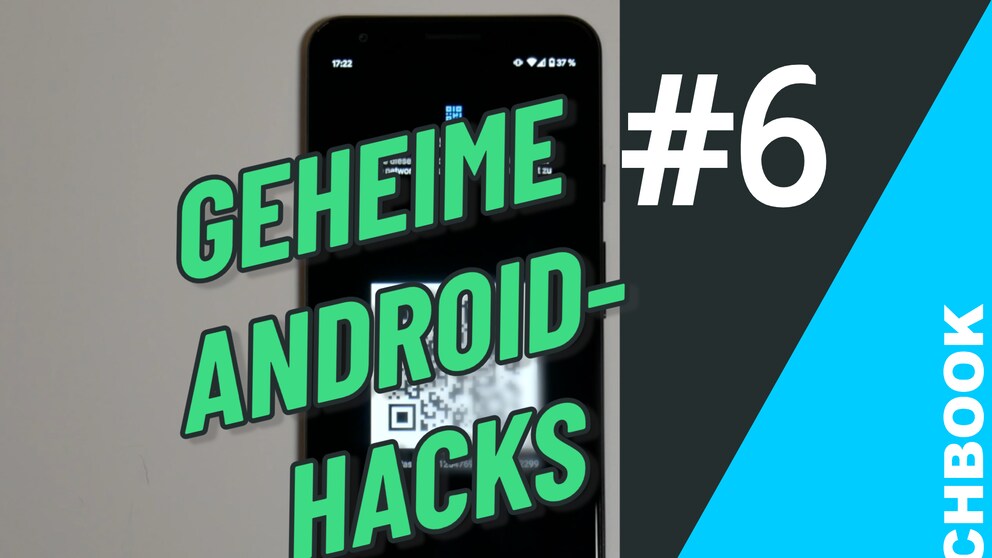
In Part 6 we show you how to quickly and easily share your Wi-Fi password.
How It Works
1. Pull down the notification bar and hold the Wi-Fi symbol.
2. Select the Wi-Fi network you are connected to and want to share.
3. Tap the Share option on the right edge.
4. Enter your PIN or password if prompted.
5. A QR code will appear, which others can scan with their smartphone camera to connect to the Wi-Fi.