


December 30, 2020, 9:37 pm | Read time: 2 minutes
In this series, TECHBOOK shows you the best Android hacks and tricks–with video and detailed instructions.
The Android operating system developed by Google is the most widespread in the world. Seventy percent of all smartphones today run on Android. The OS has now reached its eleventh generation, and with each new generation, it has gained new features–some of which are quite well hidden. In the “Android Hacks” series, TECHBOOK presents the best and most practical of these features.
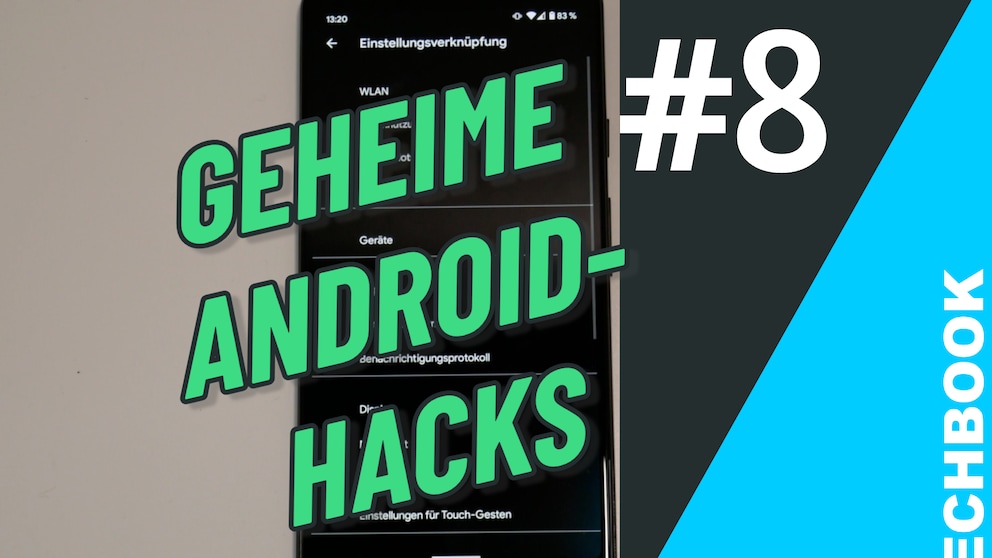
In Part 8, you’ll learn how to make accidentally swiped away or deleted messages visible again.
How It Works
1. Open the Android Settings.
2. Select the Apps & Notifications option from the menu.
3. Click on Notifications.
4. Enable the slider next to Use Notification History.
5. Go back to the home screen and press and hold on an empty spot until a menu appears.
6. Select Widgets from the menu.
7. Scroll to the Settings option and drag the icon to the home screen by holding it down.
8. The settings shortcut menu will automatically appear. Select the Notification Log entry there.
9. If you accidentally swipe away messages without seeing where they came from or what they said, you can read in the log exactly what arrived on your smartphone. This is also a handy trick for reading messages without marking them as read.