


May 25, 2023, 3:51 pm | Read time: 2 minutes
Many are tired of constant updates. However, software updates not only bring new features but also important security patches—especially for smartphones, laptops, and tablets. But whether all household devices need to be constantly updated is quite questionable.
In Apple’s latest update round, not only are AirPods and Beats headphones covered, but curiously, an iPhone charger is as well. TECHBOOK explains what’s behind this.
MagSafe Charger Gets New Firmware
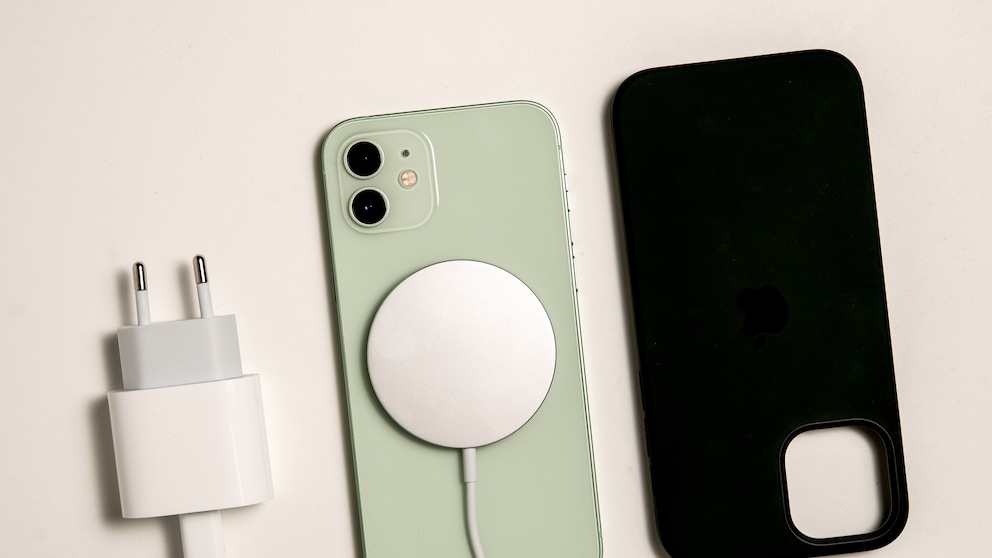
Apple frequently rolls out updates for the firmware of its accessory products. For instance, AirPods receive slight improvements in sound or Bluetooth stability. However, it’s rather rare for an iPhone charger to get an update. Currently, the company is indeed rolling out a new firmware version for the MagSafe charger—the silver hockey puck. This device wirelessly charges the iPhone and ensures optimal positioning thanks to the built-in magnetic ring. The MagSafe charger is compatible with the iPhone 12 and newer, as well as with newer AirPods and Apple Watch models.

The new firmware version is 10M3761 and replaces the previous version 10M1821, as reported by the U.S. news site “MacRumors.” However, this seems to be just the internal designation, as users see something entirely different. The firmware version of the iPhone charger can be checked in the settings—after the update, the number 258.0.0 appears.
Read also: How much it costs to charge a smartphone once
How to Install an Update for the iPhone Charger
It is unclear what changes the updates bring. Apple does not release notes nor provide a clear guide on how users can install the update for their iPhone charger. However, improvements in charging performance or efficiency are conceivable.
To install the firmware update, it is necessary to connect the charger to an internet-enabled device like the iPhone. The iPhone should also have access to a Wi-Fi network. After some time, the firmware should automatically be transferred to the MagSafe charger. Users can check the firmware version in the settings under General>About>Apple MagSafe Charger. If the number 258.0.0 appears, the current version is installed.