


December 22, 2020, 11:24 am | Read time: 2 minutes
In this series, TECHBOOK shows you the best Android hacks and tricks–with video and detailed instructions.
The Android operating system developed by Google is the most widely used in the world. Seventy percent of all smartphones today run on Android. The OS has now reached its eleventh generation, and with each new generation, it has gained new features–some of which are quite well hidden. In the “Android Hacks” series, TECHBOOK presents the best and most practical of these features.
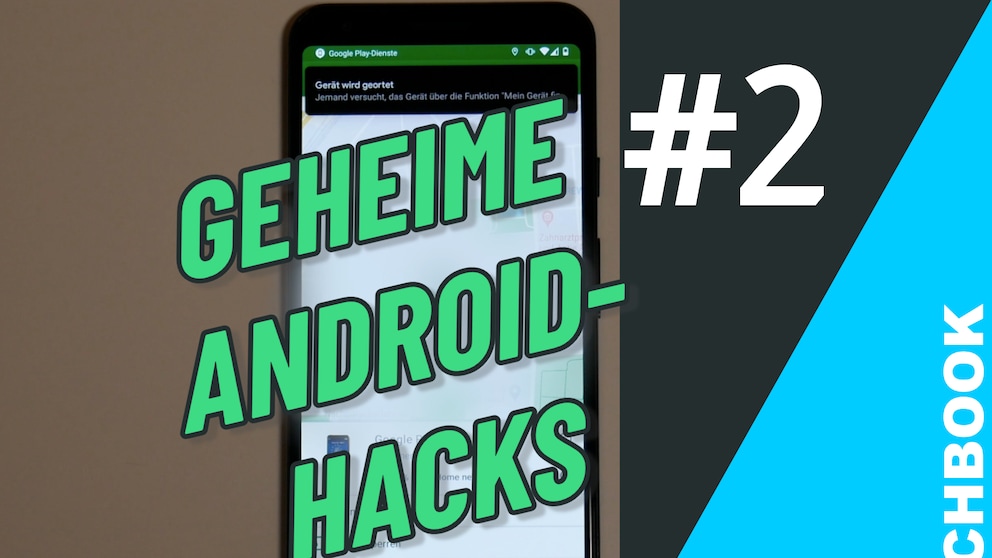
In Part 2, you’ll learn how to find and lock a lost Android smartphone.
How It Works
1. Open the Android settings.
2. Select Security from the menu.
3. Click on the Find My Device option.
4. Select Find My Device from the list.
Note: If not already done, this option will direct you to the Google Play Store to download the “Find My Device” app.
5. Log in with your Google account and password.
6. Go back to the Android Settings to Security and click on Device Management Apps. Make sure the slider is turned on there.
7. You can now find all devices linked to your Google account on the map in the “Find My Device” app. It is also possible to lock them remotely, make them ring, or completely erase them.