

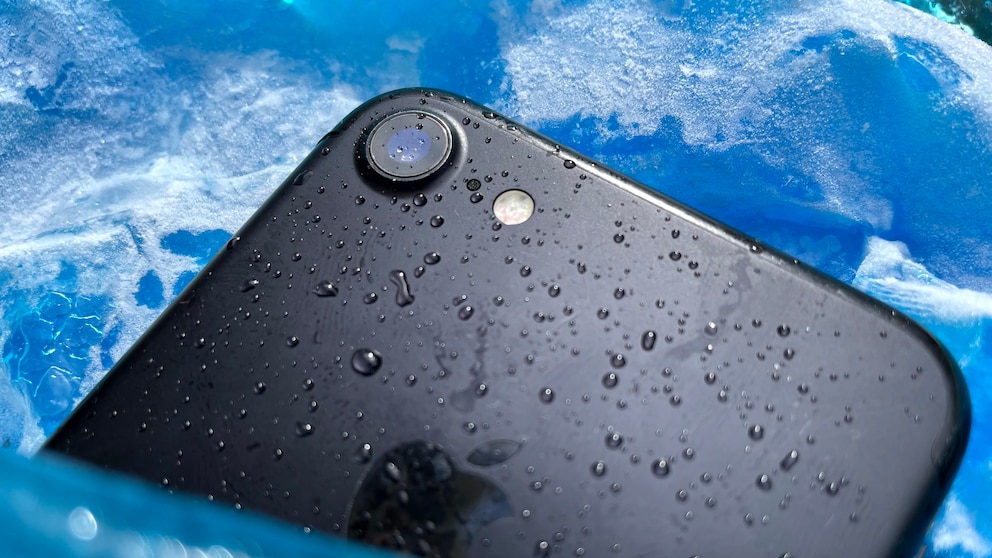

June 26, 2026, 8:05 am | Read time: 4 minutes
When the thermometer climbs above 86 degrees Fahrenheit in the summer, smartphones quickly reach their temperature limits. It’s no wonder some people think of cooling their phones in the fridge or even the freezer. But can an iPhone handle that? Apple states a storage temperature of up to -4 degrees Fahrenheit but doesn’t specify how long the device can be stored at these temperatures. We wanted to find out more.
That low temperatures can affect smartphones is evident in winter. It’s not uncommon for an iPhone to simply shut down outdoors. According to Apple, iOS devices are only designed to operate at temperatures above 32 degrees Fahrenheit. The support notes: “Using […] under very cold conditions outside the operating range can temporarily shorten battery life and cause the device to shut down.”
Can the iPhone Withstand Storage in the Freezer?
According to Apple, the smartphone can be stored at temperatures as low as -4 degrees Fahrenheit. However, the manufacturer does not reveal how long it can withstand these conditions without damage.
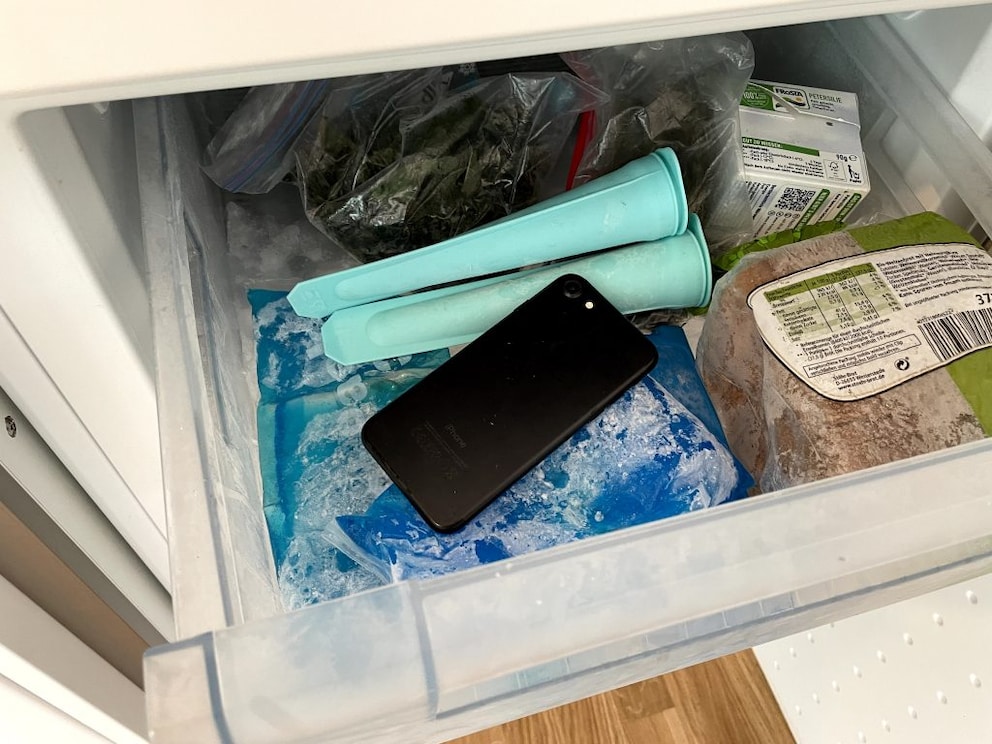
TECHBOOK decided to test this by placing an iPhone 7 in the freezer for two weeks. The optimal temperature for a freezer is about -0.4 degrees Fahrenheit, which is still within Apple’s specified storage range.
The iPhone 7 we used for the test is unfortunately locked with a passcode we can no longer retrieve. In principle, the device is still fully functional, but in its current state, it’s useless to us. Therefore, it’s an excellent candidate for the freezer test.
Before storing, we tested the iPhone 7 as thoroughly as possible. It powers on properly, and the screen and touch function flawlessly. The speakers, Taptic Engine, and Home Button also work perfectly. So, into the freezer it goes for two weeks.
Turning It Back on After Two Weeks on Ice
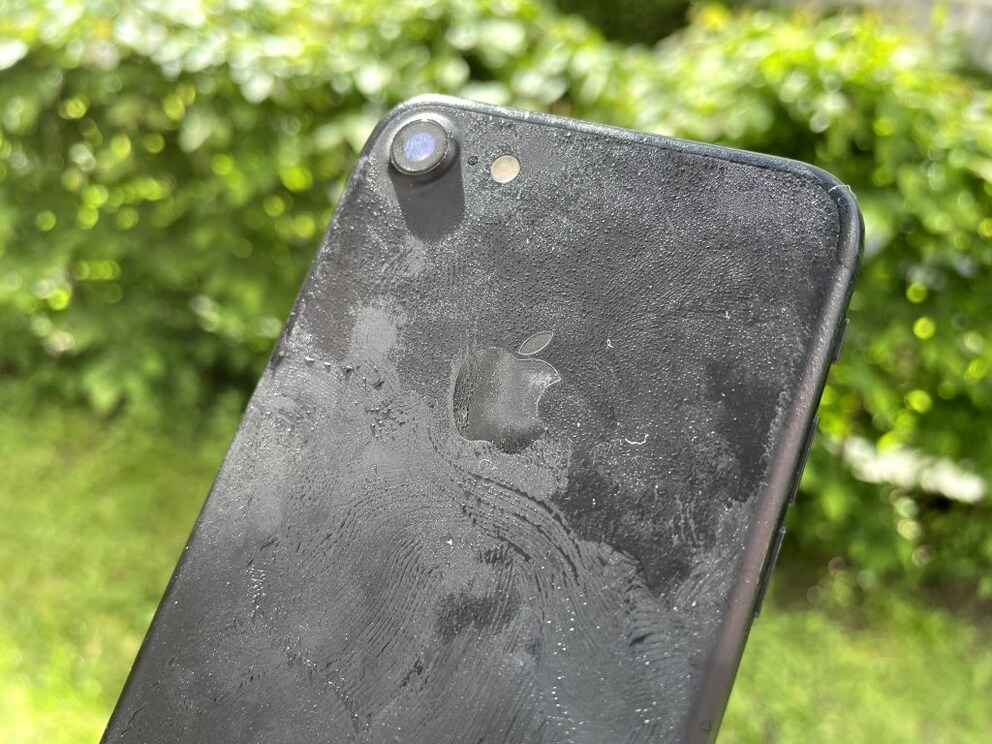
After spending two full weeks under toast, frozen herbs, and ice packs, we bring the iPhone back to light. Ice crystals have formed on its surface. We don’t turn the device on immediately, as its temperature is still well below Apple’s recommended operating temperature after being in the freezer.
Only after it has completely thawed do we attempt to turn it on—and lo and behold: The iPhone powers on without any issues. Everything works as before: touch, display, speakers, Taptic Engine, and Home Button. The only issue is that the battery is almost completely drained, even though we placed the device in the freezer fully charged. However, after a short time on the charger, the battery charges normally.

Problem With AirPods Max? Why Many Rely on the Freezer Trick

Do Not Try This at Home: This Phone Trick Could Be Costly
iPhone in the Freezer? No Problem
Although Apple specifies a storage temperature of up to -4 degrees Fahrenheit, it’s remarkable that an iPhone can spend two weeks in the freezer and still function without issues afterward.
So if you accidentally leave your iPhone out in the freezing cold overnight or forget it in the freezer for some reason, you usually don’t need to worry too much. The device is likely to continue functioning.
There is one caveat: Our test device is an iPhone 7 with IP67 certification. The sealed openings protect the interior from water ingress. However, condensation can form in the freezer—as was the case in our test. If moisture gets inside a smartphone, it can damage the electronics.
Final Warning
Even though our test ended without incident, you shouldn’t try this experiment with your own smartphone. Extreme cold can temporarily limit the performance of lithium-ion batteries and, in the worst case, cause permanent damage—especially if the device is used or charged during or immediately after being in the freezer. There’s also the risk of condensation: When removed from the cold, moisture can settle on and potentially inside the smartphone. If it reaches sensitive components, it can cause corrosion or short circuits.
If you want to cool your phone on hot days, it’s better to turn it off, remove the case (as it can hinder heat dissipation), take it out of direct sunlight, and let it cool down slowly at room temperature—this is much gentler on the technology.