


August 11, 2026, 2:39 pm | Read time: 3 minutes
iOS 27 is slowly entering the final development phase before its launch in September. Beta 5 brings a series of visible changes to the interface as well as several smaller updates.
New App Icons and More Liquid Glass
As reported by “MacRumors,” Apple has revamped the app icons for Safari, Siri, Settings, TV Remote, App Store, and Preview. The Preview app has a completely new icon design featuring a magnifying glass over a colorful background. For TV Remote, the contrast color has been changed from black to gray. The app icons for Settings and App Store are now somewhat more “translucent” and thus more in line with the Liquid Glass style.
Speaking of Liquid Glass, Apple gives users the option in Beta 5 to further increase transparency. iOS 27 comes with a slider that allows users to freely choose how much (or how little) transparency effects they want.
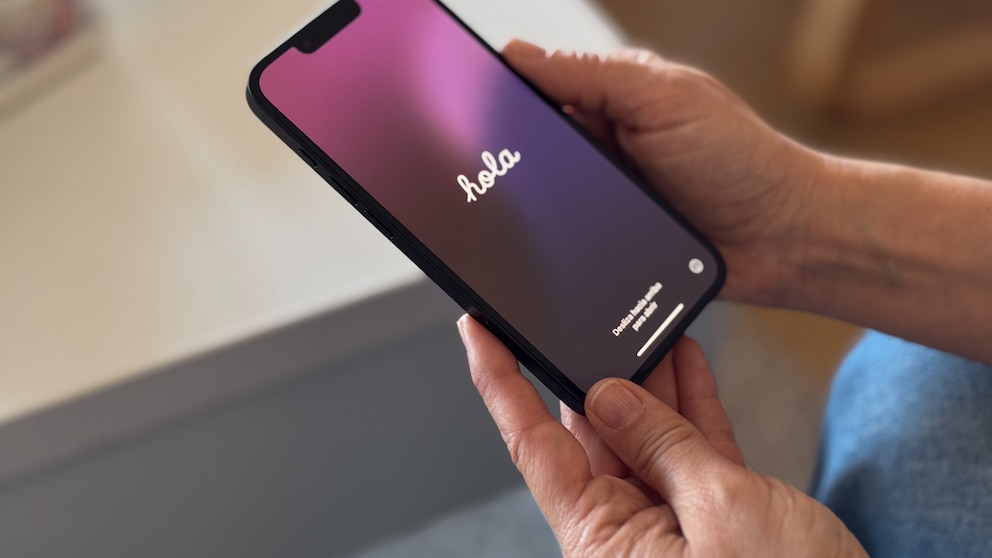
New welcome screens appear when opening Photos, Wallet, and Apple Music. They explain the changes included in each app, such as intelligent editing in the Photos app, full-format artist pages in Music, and the addition of tickets and passes in Wallet. The latter is now available outside the U.S. with Beta 5.

iOS 27 Beta 3 Introduces Star Rating for Photos and Videos

Second Test Version of iOS 26 Reverses Design Changes
Search and Siri
With iOS 27, Apple is fundamentally rebuilding the Spotlight search on iPhones. To get ahead of the lengthy process, iOS 26.6 is already preparing the iPhone for this transition. Additionally, the operating system is getting a new voice assistant with Siri AI.
To mark these changes, the search function has also received a new animation, featuring a large “Search or ask” bar with a few suggestions directly below it. In Beta 5, Apple has smoothed out this animation so that all elements now appear simultaneously instead of staggered.
In the settings, users can now specify whether and how many app suggestions they want to see below the search bar. App shortcuts can also be turned on or off here. Regardless, a new “Search the Web” option appears at the end of the search results, which directly starts an internet search.
The individual Siri voices introduced with Beta 3 have been further expanded in Beta 5. Speed and expression can be adjusted for all seven U.S. and four British voices. The feature is limited to iPhone 17 Pro, iPhone 17 Pro Max, and iPhone Air and, like Siri AI itself, is not yet available in the EU.
Further Changes in System Apps
- In the Mail app, there is a switch for personalized “Smart Replies.” The feature is disabled by default.
- Beta 5 reverses a change from Beta 4, where information about the mobile connection appeared even when a Wi-Fi connection was active.
- In the settings under “General” > “About,” there is now a timestamp for when the last update was installed.
- In the settings under “Battery,” iOS 27 indicates battery consumption due to poor cellular reception.
- The Clock app has received a bolder font for alarms and timers.