

April 30, 2021, 1:50 pm | Read time: 2 minutes
The iPhone has a handy feature that few people know about: If you have a full home screen with many apps, you can move and sort them in just a few steps. TECHBOOK shows you how.
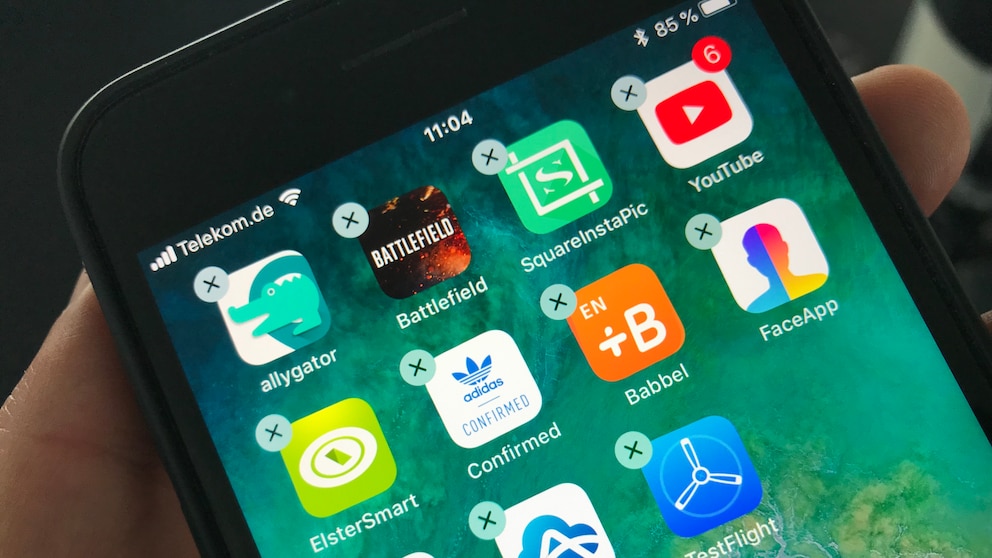
All apps installed on the iPhone have always been placed on the home screen. If the number of apps is particularly large, it can quickly become confusing. But a simple trick can help. TECHBOOK shows you in a video and a step-by-step guide how to move and rearrange multiple apps on your iPhone home screen at once. This works without having to group the apps in a folder.
Move Multiple Apps on the iPhone in 5 Steps
To move multiple apps simultaneously on the iPhone, only five steps are necessary. We show you exactly how to proceed in the video. Or simply follow the instructions below:
Mysteriously good: The TECHBOOK Newsletter. Sign up now!
- Press and hold an app you want to move until the iPhone vibrates briefly and all icons start to jiggle.
- Move the app slightly on the iPhone and keep holding it.
- While still holding the app, select other apps to create a bundle.
- Drag the bundle to the location on the home screen where you want the apps to be moved. You can now release the apps.
- The apps will be placed in the order they were selected at their new location.
More Secret iOS Features
The trick to move multiple apps at once on the iPhone is not the only feature in iOS that many users might not know. Did you know, for example, that you can unlock your iPhone with a voice command? And do you know how to copy text with a finger swipe? In an emergency, the iPhone even offers a secret emergency mode that automatically calls the emergency number when activated.