

June 11, 2019, 6:26 am | Read time: 3 minutes
Circus Roncalli will replace live animal performances with dazzling 3D holograms in the future. Google Search is taking a similar path by offering 3D models of animals for closer inspection.
The German Circus Roncalli is making circus history with its new show: For the first time, it will feature a hologram in the ring instead of a real elephant. According to Science and Space, Roncalli uses an advanced set of projectors and lasers to project life-sized holographic animals. This new technology can also elevate creative storytelling to the next level.
Bringing the Animal World Home
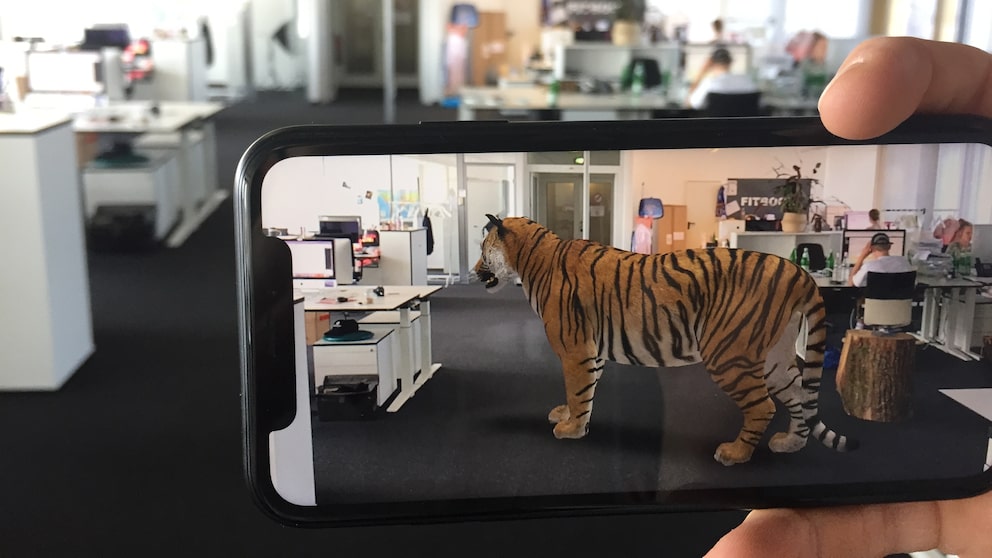
Google is also taking a similarly visionary step. In the future, Google Search will display 3D models of animals (such as elephants, wolves, tigers, or sharks). With Google ARCore technology, the selected model can be brought directly into your living room.
To do this, simply enter the corresponding animal in Google Search, and a button to display the 3D model will appear in the results.

According to the manufacturer, Google’s AR-enabled search requires an ARCore or ARKit-capable iPhone or Android phone.
So far, only a range of AR animals is available, but this is expected to be continuously expanded. Currently, you can find animals such as macaws, alligators, brown bears, cats, tigers, giant pandas, penguins, raccoons, or Shetland ponies. Many more are likely to be discovered that have not yet been found.
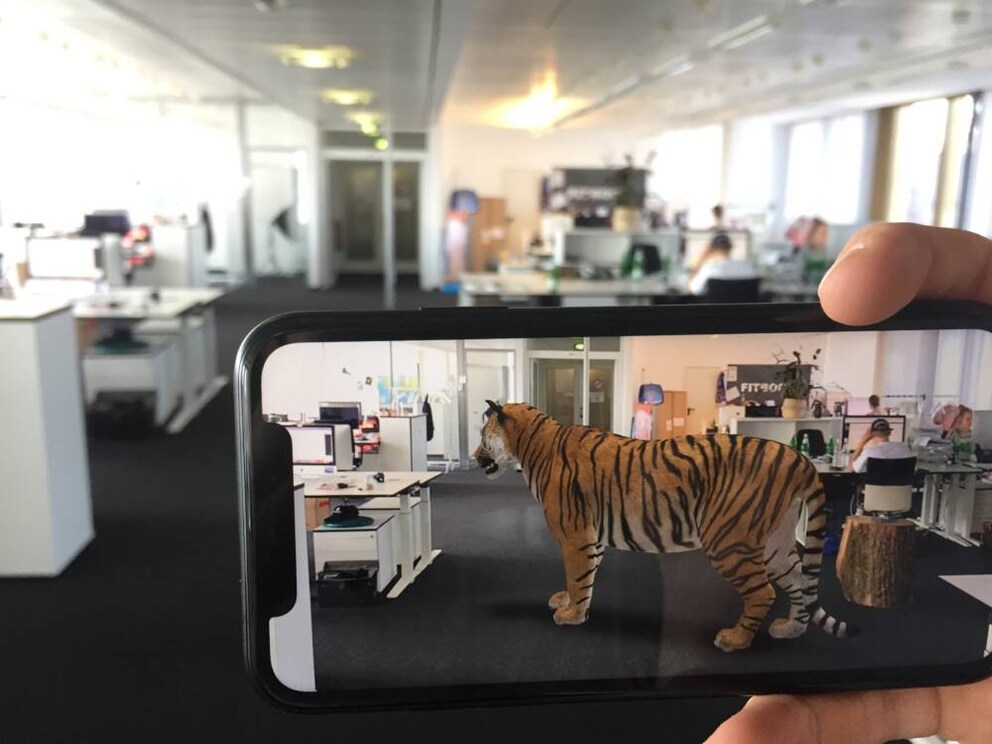
Photo: TECHBOOK
Read more from our colleagues at PETBOOK: 8 little-known big cats
How to View 3D Models of Animals in Google Search
So far, the new service has only been released for the U.S., so the feature is not yet available everywhere and to all users. According to our tests, it already works here on iOS, provided the mobile device’s augmented reality function is activated and the Google Search language setting is set to “English.” Android users, however, will have to wait for now.
The video above gives you a small preview of the feature. TECHBOOK shows which settings can be used to access the new feature in Germany before its official launch:
- Open a browser of your choice.
- Search for any term on Google.
- Scroll to the bottom of the page and click on “Settings.”
- Tap on “Search settings.”
- Then tap on “Add another language.”
- Enable the “English” option.
- Tap on “Save.”
- Confirm the notification that appears with “Ok.”
- Now search for an animal in Google Search (for example, tiger, wolf, shark, cat, dog, panda) and scroll to the bottom of the results page again.
- Switch to the “English” option in the search results. You will find this option at the very bottom of the page.
- Then tap on the “View in 3D” entry on the English search page.
Additionally, we recommend installing the “Google ARCore” app so that the animals can also be displayed directly in AR mode.
Also interesting: Now there’s a smart cat flap