


August 10, 2020, 9:33 am | Read time: 2 minutes
In this series, TECHBOOK shows you the best iPhone hacks and tricks–with video and detailed instructions.
The iPhone has undergone a long development history since its launch in 2007. Over the years, Apple has continually expanded the iOS operating system, often adding small and large, sometimes well-hidden features. In the “iPhone Hacks” series, TECHBOOK presents the best and most practical of these features.
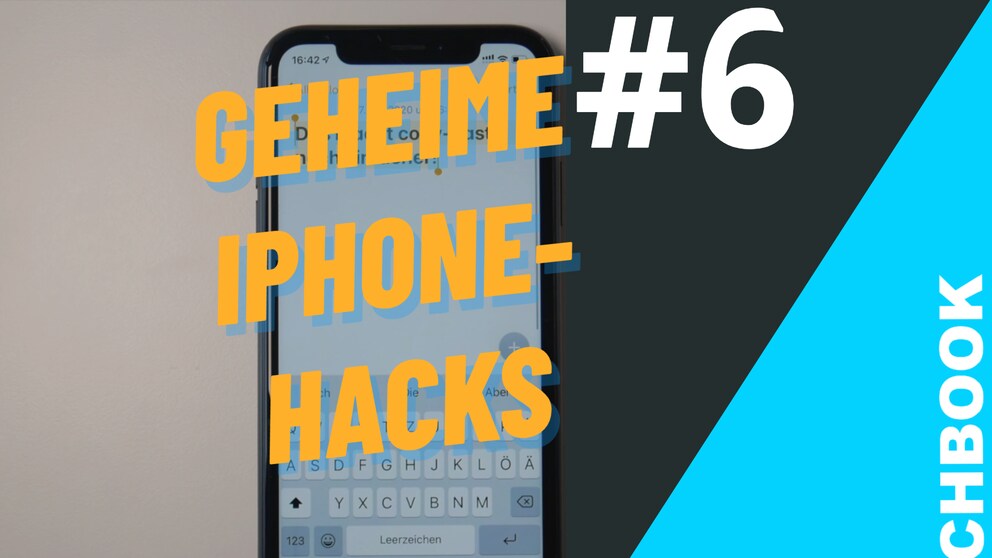
In Part 6, we show you how to copy text even more easily in iOS with a simple finger gesture.
How It Works
1. Select a text by pressing on it for a long time and then clicking Select or Select All from the context menu (alternatively, you can move the cursors with the dots at the top or bottom to highlight the text)
2. Press on the screen with three fingers and swipe inward–a small window with the message Copied should appear
3. Now go to the text field where the text should be pasted and make the same gesture in reverse–that is, swipe outward with three fingers