



May 6, 2026, 11:32 am | Read time: 2 minutes
Do you enjoy getting the latest tech news from TECHBOOK? You can now prioritize our content in Google Search. With the “Preferred Sources” feature, users can ensure that TECHBOOK content appears more frequently in headlines. This way, the latest tech news becomes visible faster without excluding other media. Setting it up is straightforward and can be done directly through Google Search in just a few steps.
Google offers the “Preferred Sources” feature, allowing users to give more weight to specific media. By selecting TECHBOOK, relevant content will appear more prominently in the “Headlines” section and additionally under “From Your Sources.”
The usual variety remains, and other media will still be displayed. The feature only affects the news section and not the standard search results. There are no costs associated with using it.
See TECHBOOK Specifically in Headlines
To set TECHBOOK as a preferred source in Google Search, several options are available. You can do this directly via this link, where you can select TECHBOOK. A corresponding button may also be temporarily embedded in TECHBOOK articles, leading directly to the selection of the website as a preferred source.
You can also select TECHBOOK as a preferred source directly in Google Search:
- Open Google in the browser, on your smartphone, or in the app.
- Enter a current topic in the search bar.
- Click the star icon next to the headline in the “Headlines” section.
- Search for “TECHBOOK” in the appearing menu.
- Check the box next to TECHBOOK. Then reload the results.
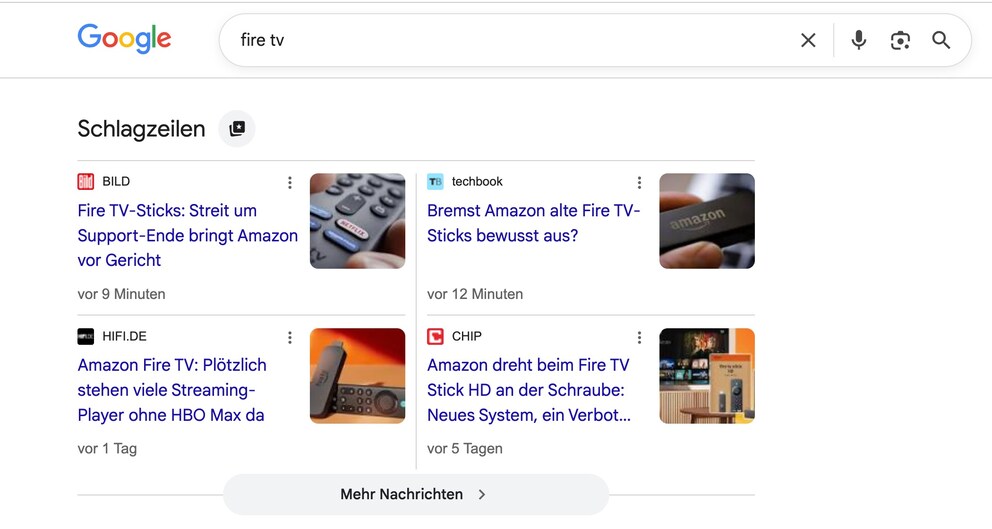
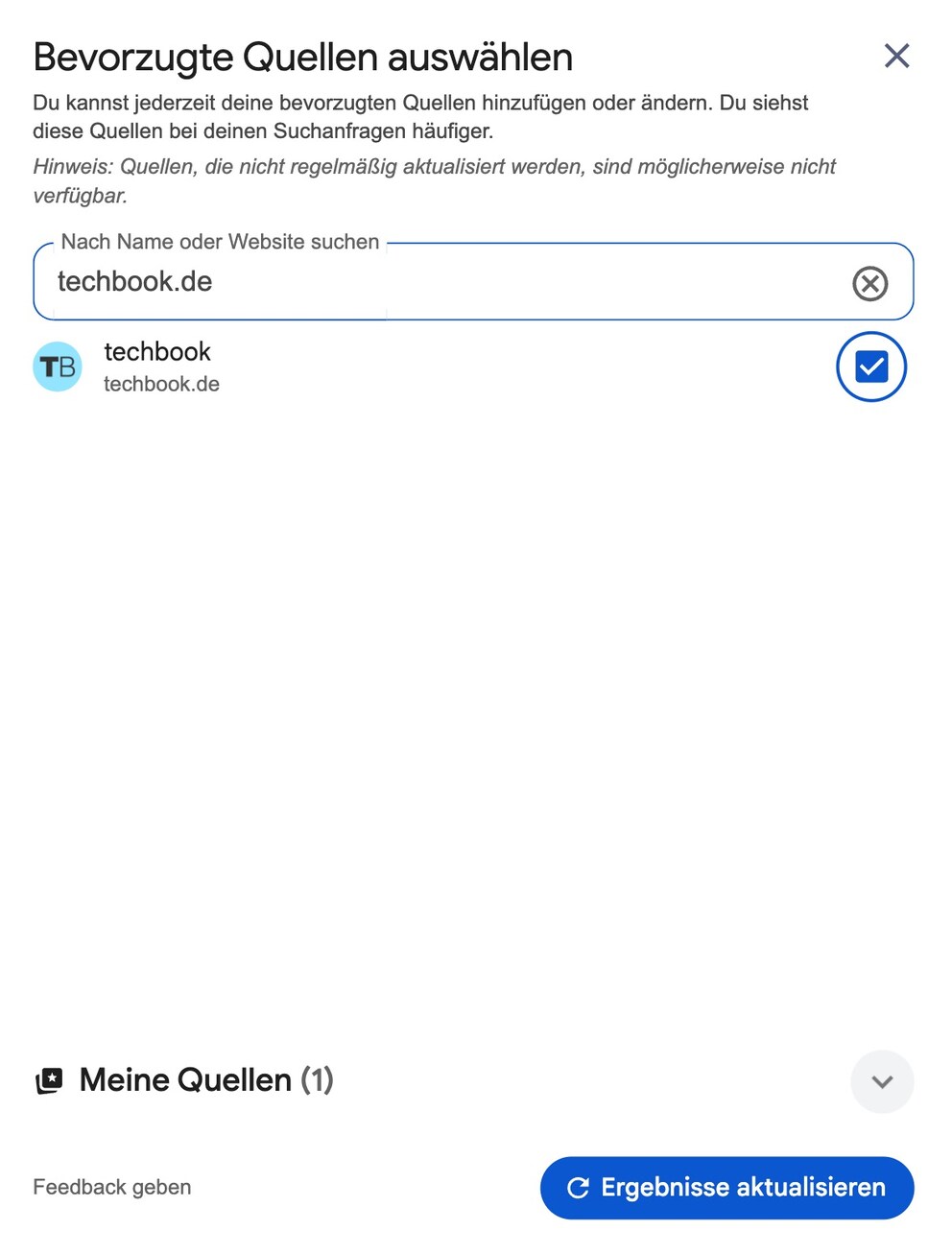
After these steps, Google will display TECHBOOK content more frequently for relevant topics.
What Changes with the Selection
By setting preferred sources, content from selected media is given more consideration in the search and becomes more easily accessible. At the same time, Google ensures a mix of different providers, maintaining diverse perspectives.
If you use multiple devices, it may be necessary to set the preference on each one. However, if you use the same Google account with synchronization enabled, the selection applies automatically across all devices.
The feature is optional and can be adjusted or removed at any time.